




Similar software
Release Notes
Software address
- Green versionView
- Green versionView
- Green versionView
- Green versionView
- Green versionView
Features:
1. Repair old photos
2. Delete watermark
3. Delete unnecessary objects
4. Digital facial modification
5. Delete date stamps
6. Remove wrinkles and skin blemishes
7. Delete tourists’ travel photos
8. Easy to use
How to use AsmPINT image watermark removal software:
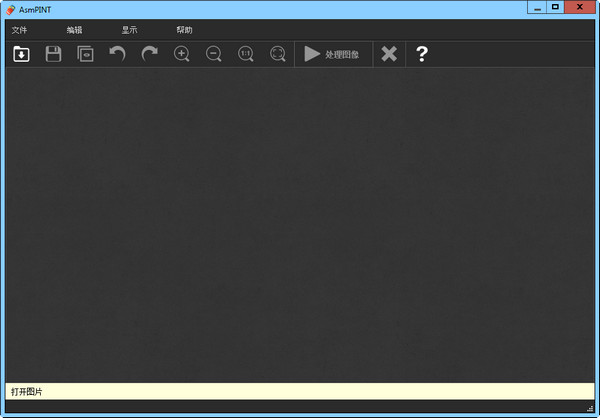
Use the selection tool to select the object you want to remove, and then select Camouflage. AsmPINT Image Watermark Remover will automatically calculate the color and distribution of the background around the removed object, and use the surrounding background to automatically fill in the object you removed, making your picture look perfect and allowing defects to be easily removed without leaving traces.












Useful
Useful
Useful