





- Green versionView
- Green versionView
- Green versionView
- Green versionView
Highlights of Xiaobai System
Foolish operation:
Designed specifically for computer novices, no technical background is required and system reinstallation can be completed in just a few simple steps.
The streamlined operation process makes reinstalling the system easy and understandable.
Unattended installation:
Using the highly intelligent GHOST technology, after one-click startup, you don't need to wait by the computer to achieve fully automatic installation.
The extremely fast engine can download and install the system at high speed when the network is open.
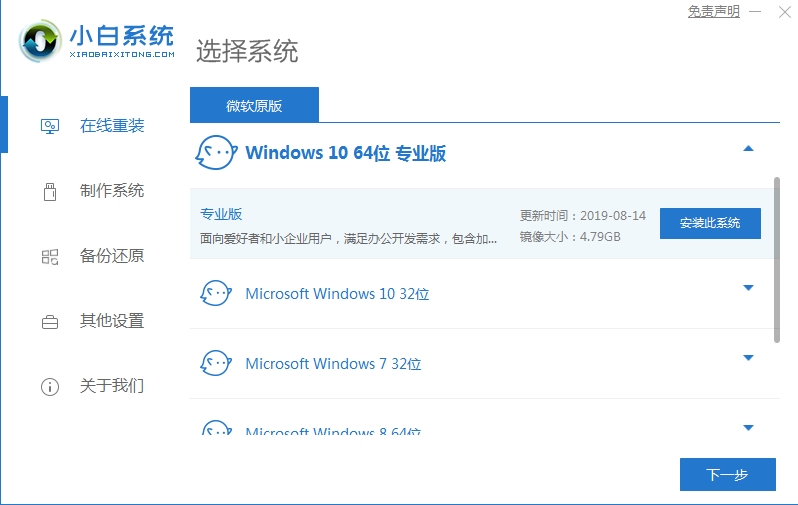
Features of Xiaobai system
Comprehensive and stable technology:
As long as the computer can be turned on, the novice system can play its role and solve various system problems.
It has strong stability. As long as the hardware is fault-free, the system running speed will be improved.
Easy to operate:
The operation can be completed with a click of the mouse, without the need for other tools.
A variety of systems are available, and as long as the computer has access to the Internet, it can be easily reinstalled.
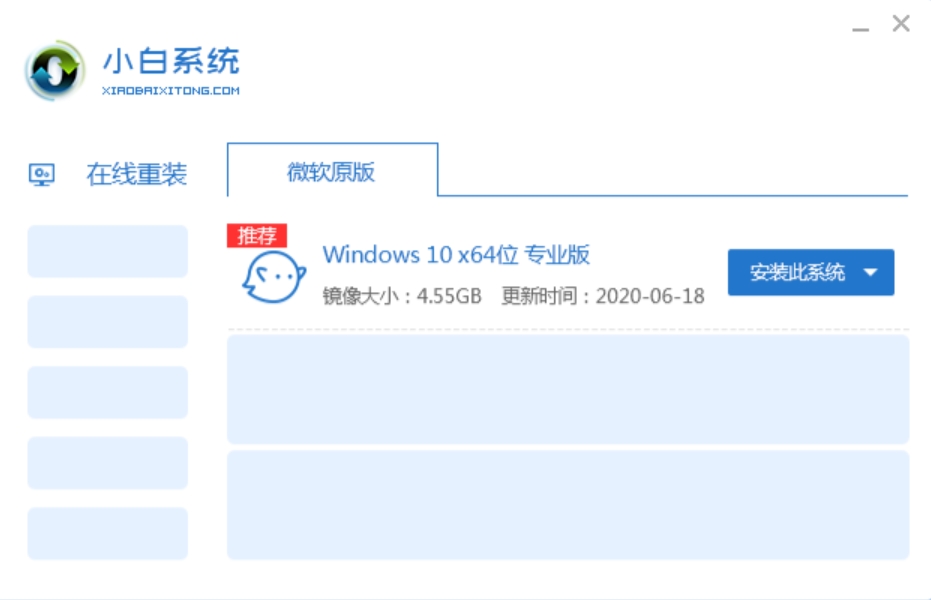
Novice system functions
Simple and easy to use:
No technical foundation is required, one-click reinstallation is completed automatically.
No optical drive or CD is required, it is a must-have tool for computer novices.
Safe and efficient:
The system is stable, with no black screen, blue screen, virus, or crash.
Provide a safe, reliable, stable and fast system reinstallation experience.
Smart driver installation:
Integrate the most complete driver library in China to accurately identify hardware devices.
With intelligent detection and automatic installation, the equipment takes effect immediately without manual operation.
Quick download and installation:
Adopt intelligent cloud mode+Thunder7 cores to achieve fast downloading of the system.
Perfect Ghost technology ensures fast and stable system installation.
Multi-system support:
Perfectly supports mutual conversion between XP, Win7 (32-bit/64-bit), Win8 (32-bit/64-bit) and other systems.
One machine with multiple systems is simpler and more convenient to meet the different needs of users.
Online upgrades and bug fixes:
The system supports online patch upgrades and will fix vulnerabilities immediately after they are discovered.
Ensure your system is secure and avoid potential harm caused by vulnerabilities.
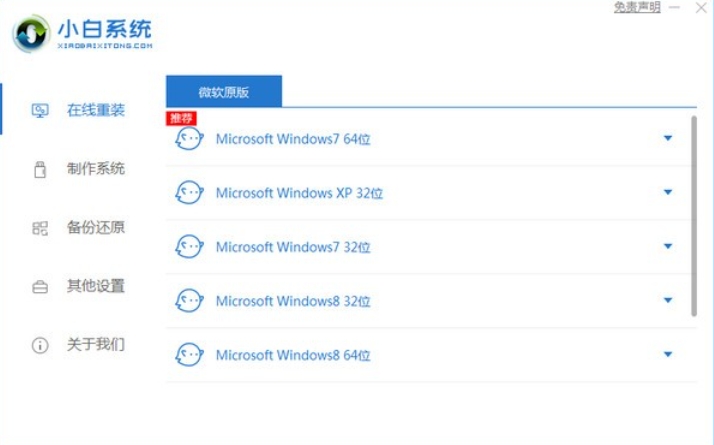
Frequently Asked Questions about Novice Systems
Setup cannot start
Problem description: When trying to reinstall the system, the installation program cannot be started, or the computer cannot recognize the startup disk.
Solution:
Enter the BIOS settings and adjust the boot order to give priority to booting from the USB flash drive. Different mainstream brands of computers have slightly different ways to enter the BIOS settings. For example, the new Dell XPS 13 can enter the BIOS settings by continuously pressing the F2 key when booting.
Check whether the startup files on the USB flash drive are complete and recreate the startup disk if necessary.
Xiaobai system update log:
1: Brand new interface, refreshing, simple and efficient
2: Performance is getting better and better
Huajun editor recommends:
The editor of Xiaobai System personally authenticated it, and it is clear that it is fair and clear! There are similar software on this site.NET,Batch Butler,Cloud Machine Manager,Hard drive serial number reader,Quickly hide taskbar icon tool, welcome to click to download and experience!




Your comment needs to be reviewed before it can be displayed