





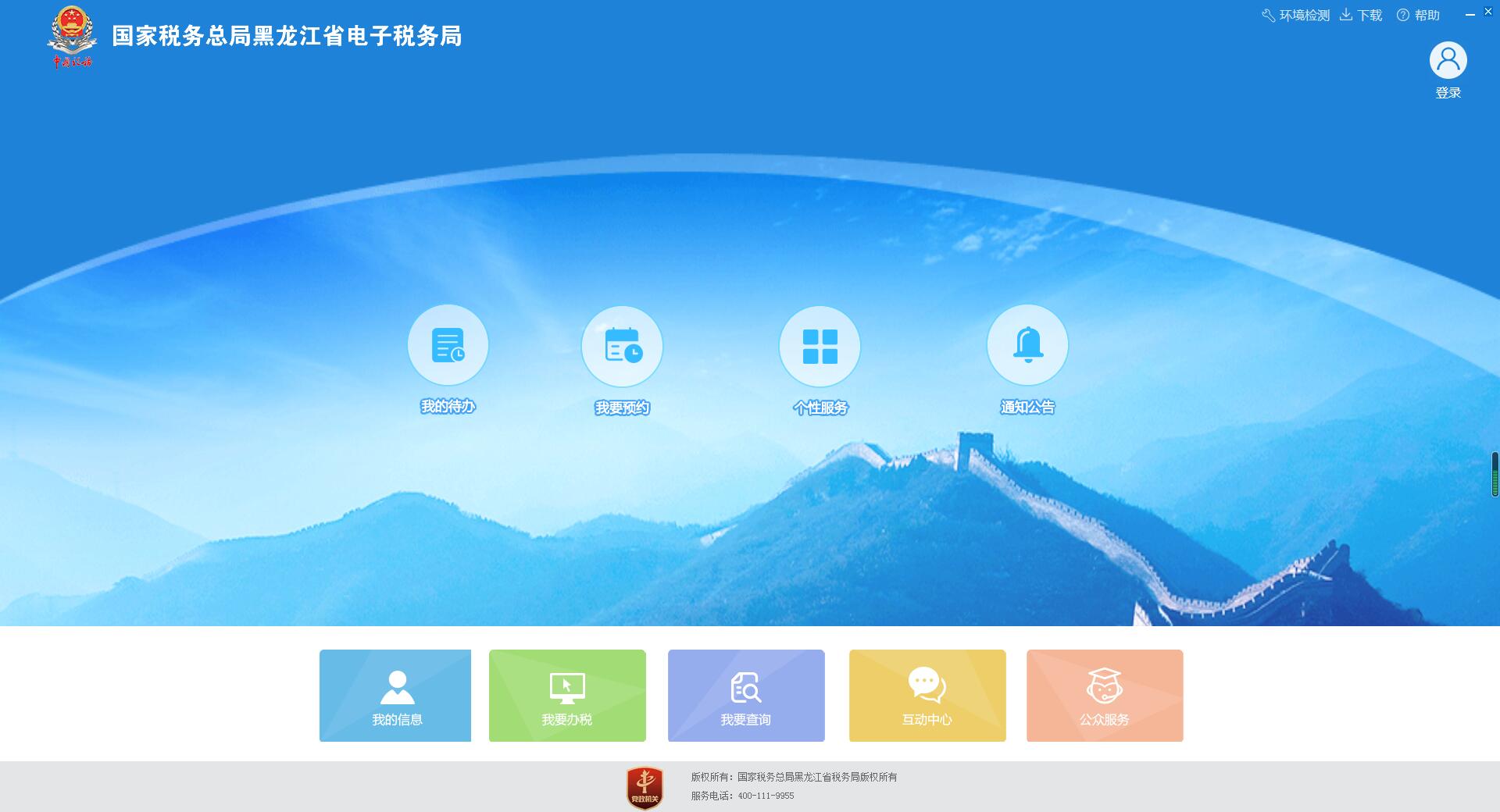
Heilongjiang Electronic Taxation Bureau Software Introduction
The Tax Service Department of the Heilongjiang Provincial Electronic Taxation Bureau provides strict tax supervision services to ordinary groups in Heilongjiang Province that meet the tax benchmark conditions and integrates them into the tax calendar.National taxBusiness, local tax business, fastcalculatorand annual tax filing and other functions, which greatly relieves users of the hard work of running back and forth for tax purposes, and at the same timeInternet+After high degree of implementation, fully demonstrate the service to the people and do a good job in daily tax audit work.
Heilongjiang Electronic Taxation Bureau software functions
After opening the software, you first need to log in to use the client functions
Divided into enterprise and personal login
After logging in, the page is divided into two parts: the header and the content area. At the top of the page are functions such as search and exit.
The content area is divided into the functional area in the left column, the tax area at the top and the message area at the bottom.
The tax area above handles tax-related business, and the inquiry area handles tax-related business inquiries, etc. Click the corresponding button to enter the module, as shown in the figure:
The message area below is divided into five modules, "My To-Do", "Service Reminder", "Taxpayer Demand Feedback", "Notification of Completion and Certificate Replenishment", and "Customized Package Service". Click "More" to view more messages.
The functions on the left are divided into "common functions", "package services" and "special services". In the commonly used function module, taxpayers can edit and add their own commonly used functions through the "Settings" button for later use. "Package business". "Special business" provides taxpayers with some special functions such as "tax-bank interaction", "online tax processing for first-hand properties", and "export tax refund comprehensive service platform".
Heilongjiang Electronic Taxation Bureau installation steps
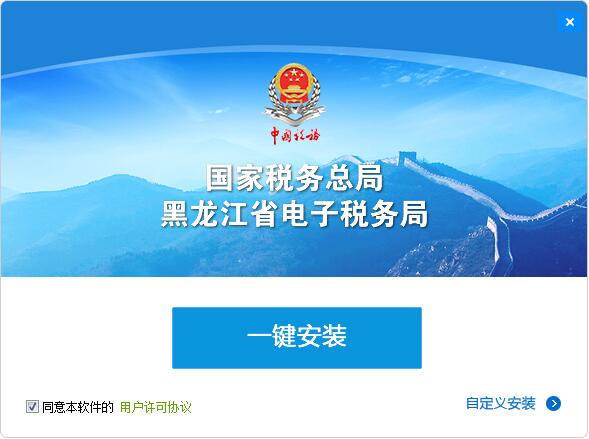
1. Download the official version of the installation package of Heilongjiang Electronic Taxation Bureau in Huajun Software Park, double-click the exe program to enter the installation interface, and click Custom Installation
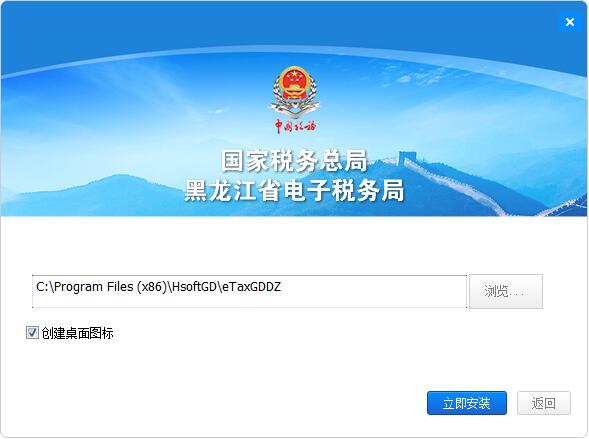
2. Click "Browse" to select the installation path, and click Install Now
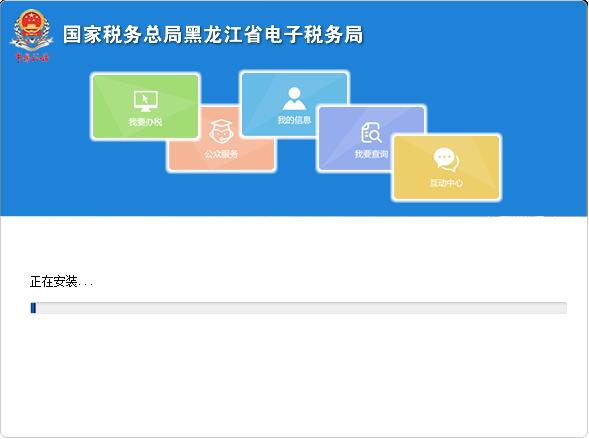
3. The software is being installed, please wait patiently.
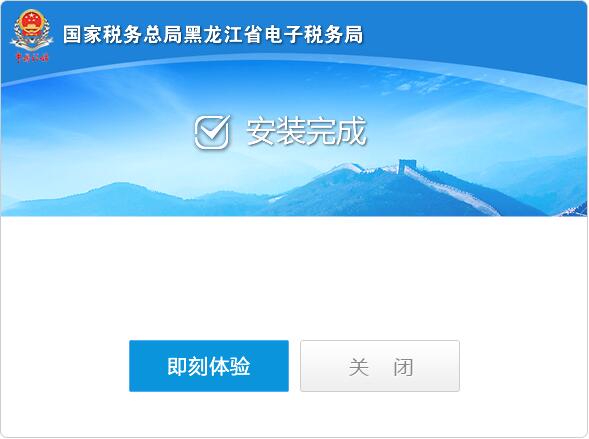
4. The installation of Heilongjiang Electronic Taxation Bureau is completed, click to experience it now
Frequently Asked Questions about Heilongjiang Electronic Taxation Bureau
Forgot login password:
Solution: Click the "Forgot Password" button on the login interface and follow the prompts to verify your identity (such as entering account information, selecting SMS verification or QR code verification). After successful verification, enter the new password and confirm it.
Login method selection:
Heilongjiang Electronic Taxation Bureau provides a variety of login methods, including mobile phone verification, SMS verification, CA verification, etc. Users can choose a suitable login method according to their own circumstances. If you use CA authentication, make sure you have inserted the correct CA device and enter the UsbKey password.
Heilongjiang Electronic Taxation Bureau Update Log
Optimize user feedback issues and improve detailed experience
Huajun editor recommends:
Heilongjiang Electronic Taxation Bureau, the software is a very practical software. After continuous optimization, the functions are very good. It is highly recommended for users who need the download experience. In addition, it is also recommended for everyone to useYujia Accounting,Bank of Communications Online Banking Guide,Smart Accounting and Taxation Assistant,A good boss sells and sells goods,Shangyi Financial SoftwareWait, come and download it











Your comment needs to be reviewed before it can be displayed