




- Green versionView
- Green versionView
- Green versionView
- Green versionView
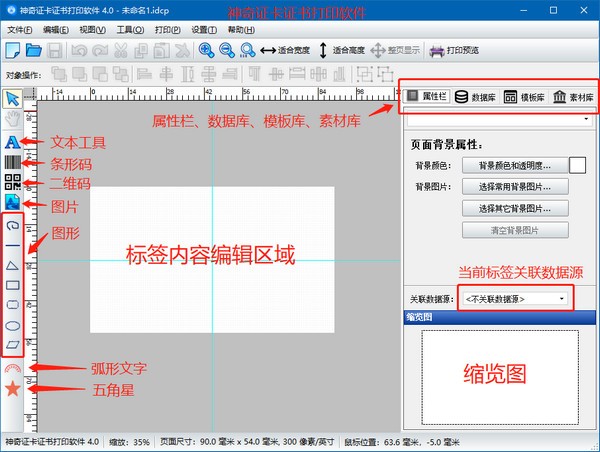
Introduction to the functions of Magic Card Certificate Printing Software
The latest version of Magic Card Certificate Printing Software supports text editing function. Simple and easy-to-use text editing function that supports color modification and font size modification;
Database import function. Supports Excel files, access databases, and SQLite databases. After the data is imported, select the data source in the text editing interface, and different labels can be generated in batches based on the database information;
Barcode function. Supports various types of barcodes. Code 123, Ean 13, Ean 8, etc.;
QR code function. Supports customizing the QR code content and automatically obtaining the official account QR code based on the official account name;
图片图形功能。 See the added pictures for details of any choice, built-in custom curves, straight lines, triangles, rectangles, rounded rectangles, ellipses, circles and other functions;
There are 652 vector icons for you to choose from. Vector icons can be directly selected and added to label content, which is simple and easy to use.
Super variety of industry logos. Washing marks, school logos, certification marks, sports symbols, environment-related, etc.;
Thumbnail, zoom in, fit to width, fit to height, full page display functions;
Local printing function.
Magic Card Certificate Printing Software Installation Steps
1. Download the latest version of the magic card certificate printing software compressed package from Huajun Software Park, and then unzip it. After unzipping, double-click the exe program to enter the installation interface, and then click Next
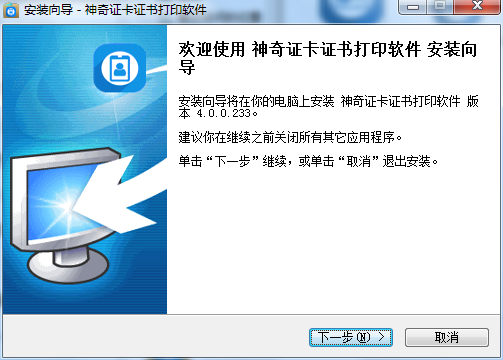
2. Review the agreement, select I accept, and then click Next
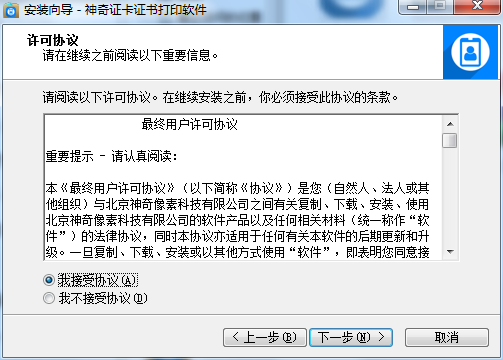
3. Set the installation location of the software. After setting, click Next
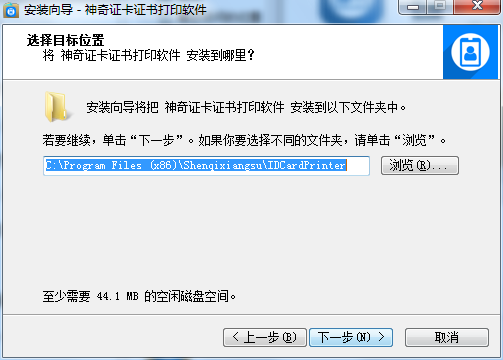
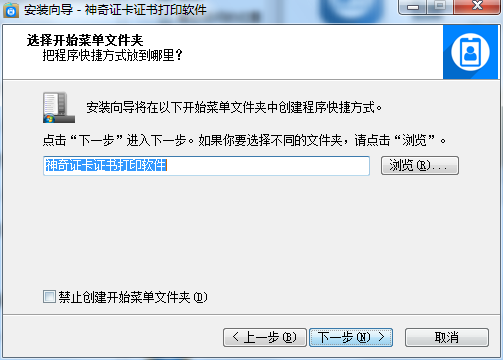
4. Set the installation location of the shortcut. It is recommended to install it on the D drive. After setting, click Next
5. Installation is in progress, please wait patiently...
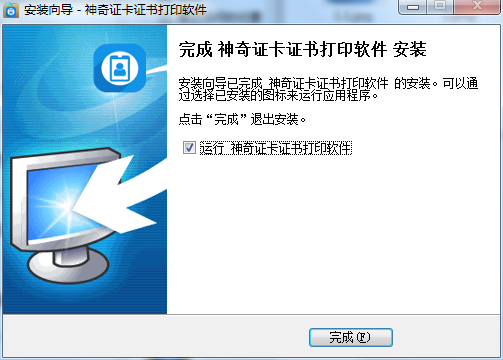
6. Software installation successful
How to use Magic Card Certificate Printing Software
1. Text editing function
As shown in the following animation:
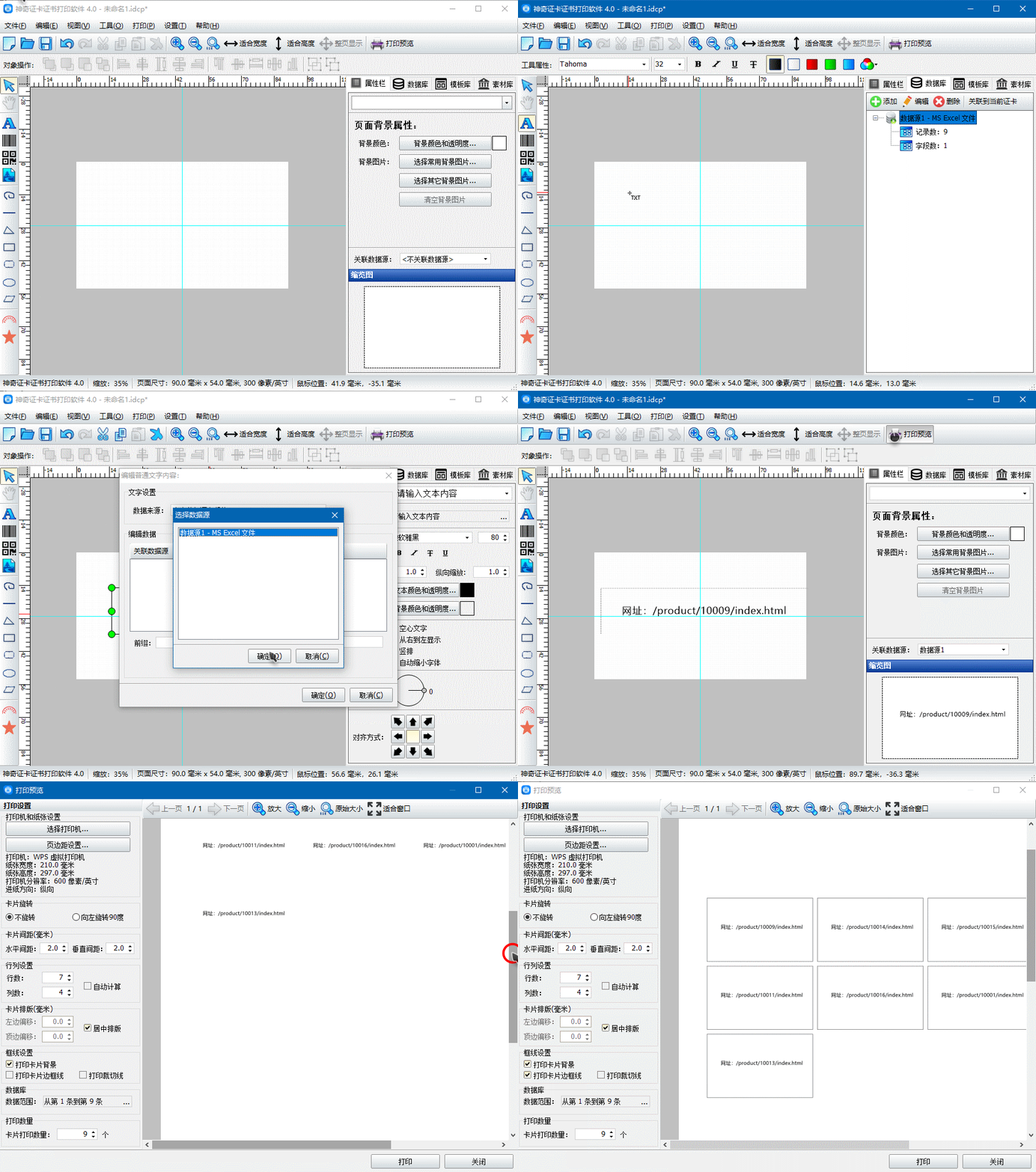
Supports manual input of text information, counter function, reading information from the database, and reading information from Tmall or Taobao snapshots. The picture above demonstrates the functions of manually entering information and modifying text attributes.
2.Import database function
As shown in the following animation:
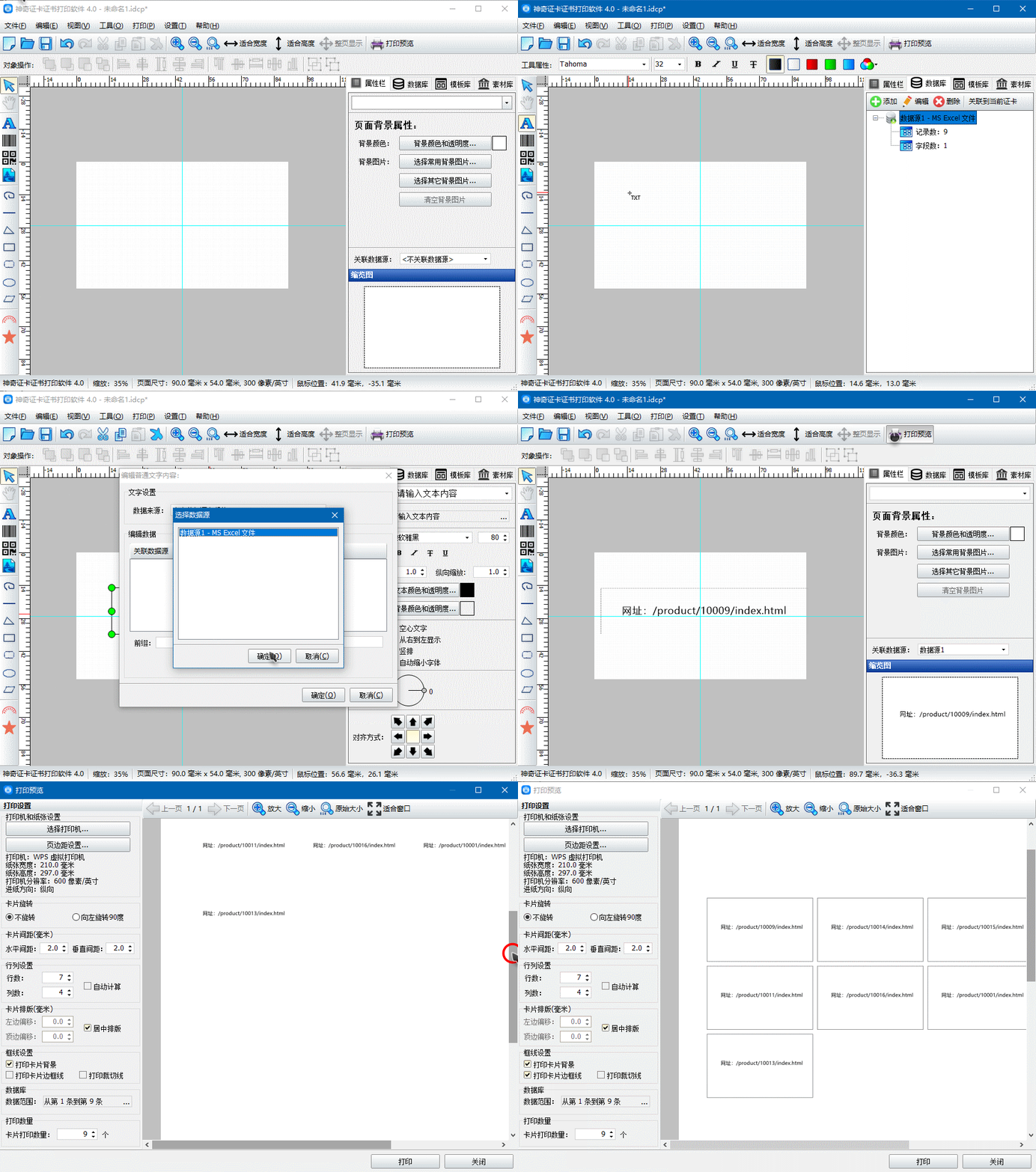
Supports Excel files (the suffix must be .xls), access databases, and SQLite databases.
3. Barcode creation function
As shown below:
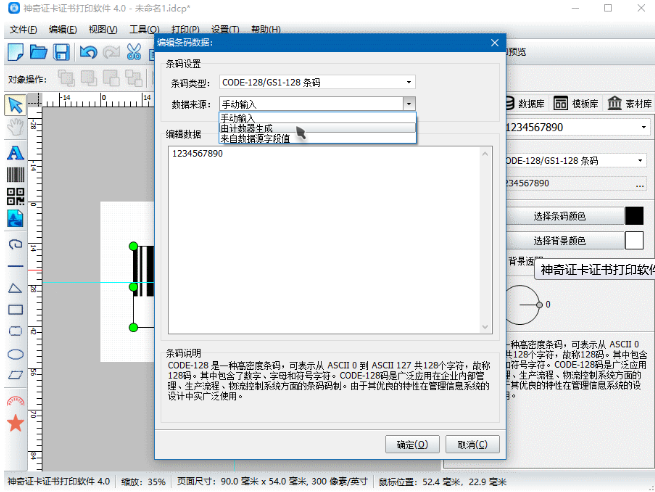
Supports multiple types of barcodes, Code 128, Ean 13, Ean 8, etc.
4. Generate QR code function
As shown below:
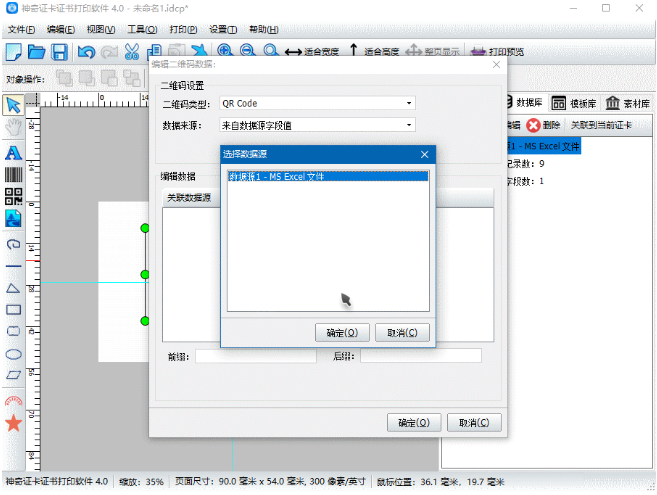
支持自定义内容,同时支持根据微信公众号名称生成公众号二维码。 (You can scan the QR code above to view)
Magic Card Certificate Printing Software Update Log
1. Fixed BUG, the new version has a better experience
2. Some pages have been changed
Huajun editor recommends:
Magic Card Certificate Printing Software is free software, download it if you need it! There are also other software on this siteBatch Butler,Cloud Machine Manager,Hard drive serial number reader,Quickly hide taskbar icon tool,Android Emulator Master, available for you to download!




Useful
Useful
Useful