




- Green versionView
- Green versionView
- Green versionView
- Green versionView

1. Functional features
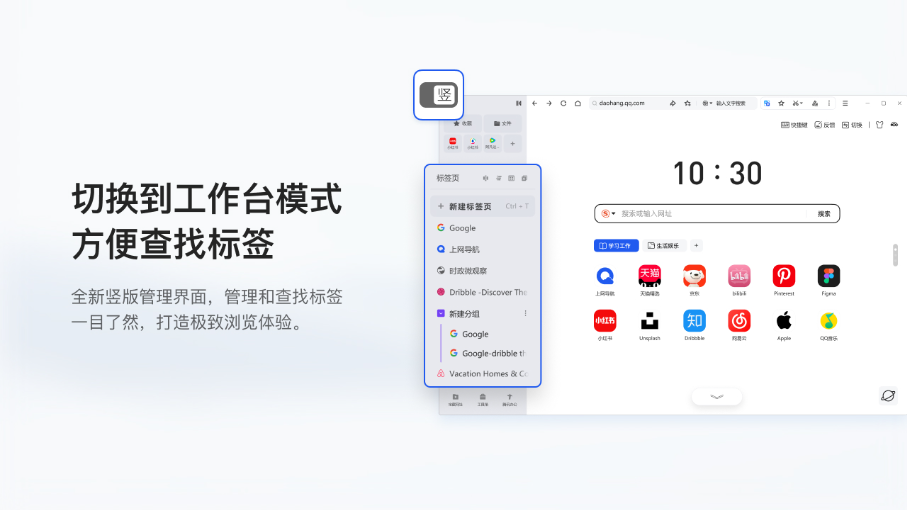
1. New workbench mode, multiple tab management functions, efficient office tools such as grouping, split screen, and multi-window
2. Brand new AI assistant, key points refining, intelligent Q&A, and new browsing experience
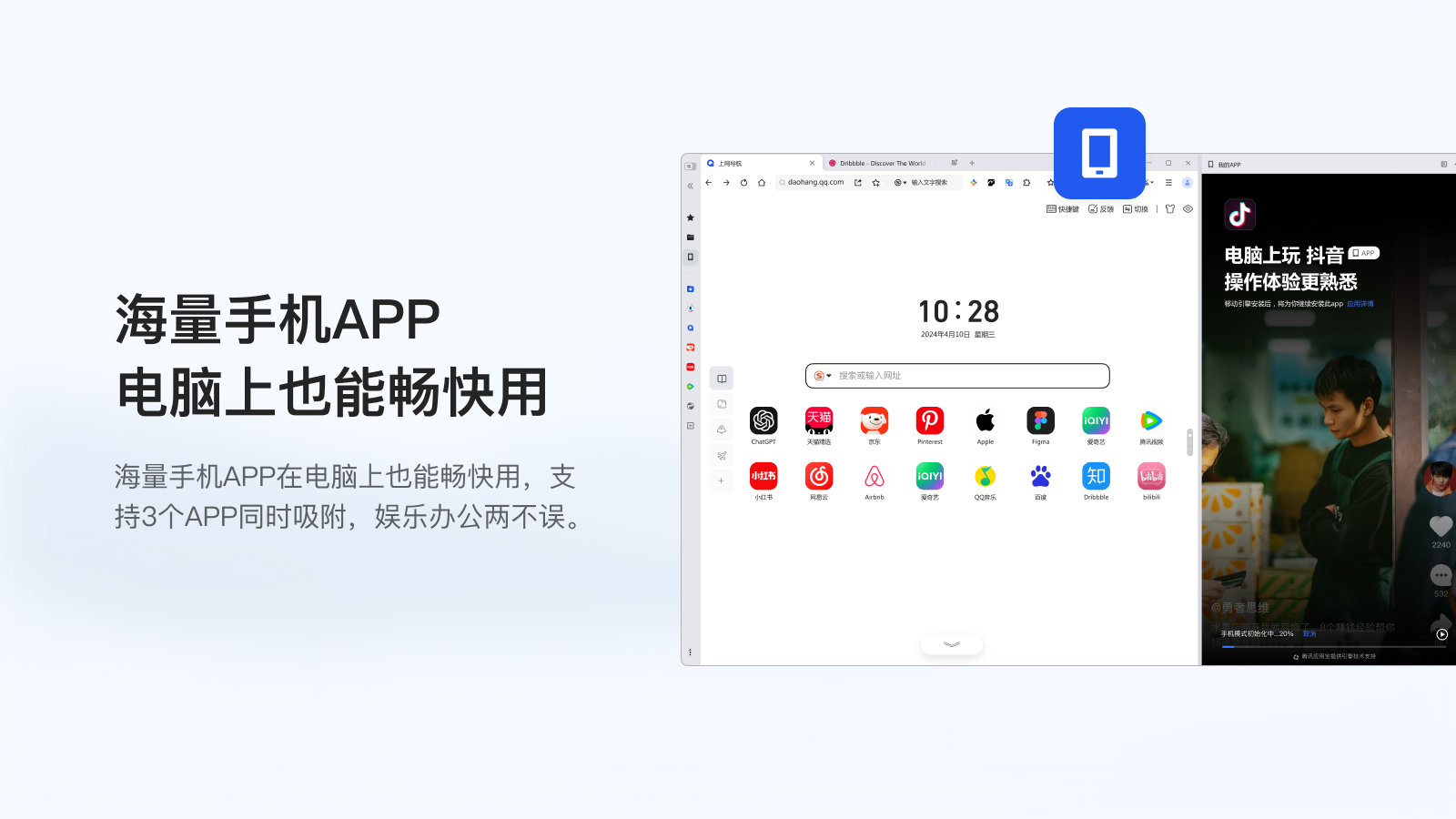
3. New mobile mode: you can also play mobile APP on PC
4. The new split-screen function supports browsing web pages while recording excerpted documents, three web pages on one screen
5. The new version of File Position provides convenient and diverse file management capabilities, and supports dual-end cloud connectivity.
6. Built-in practical office tools, treasure websites, toolboxes, etc. to help efficient office work
7. Reading and small window modes help you combine work and entertainment
8. Support multi-terminal login with QQ and WeChat accounts, making login more convenient
2. Performance characteristics
1. Minimal modifications, keeping the original intention: retaining the core features of Chrome to the greatest extent
2. Three-layer process isolation model to ensure the smoothness of user interaction
3. Intelligent upgrade, using the latest network resources, so that you have the latest kernel technology
4. More and more comprehensive "black technology trees", making the performance of the kernel exceed that of native Chrome
Brand new model, efficient office, making life and work simple and fast!
New version features:
New workbench mode: Helps you to view and manage tabs efficiently and create and edit more immersively
New cross-device transfer: quickly transfer web pages and files across terminals to achieve seamless connection across multiple devices
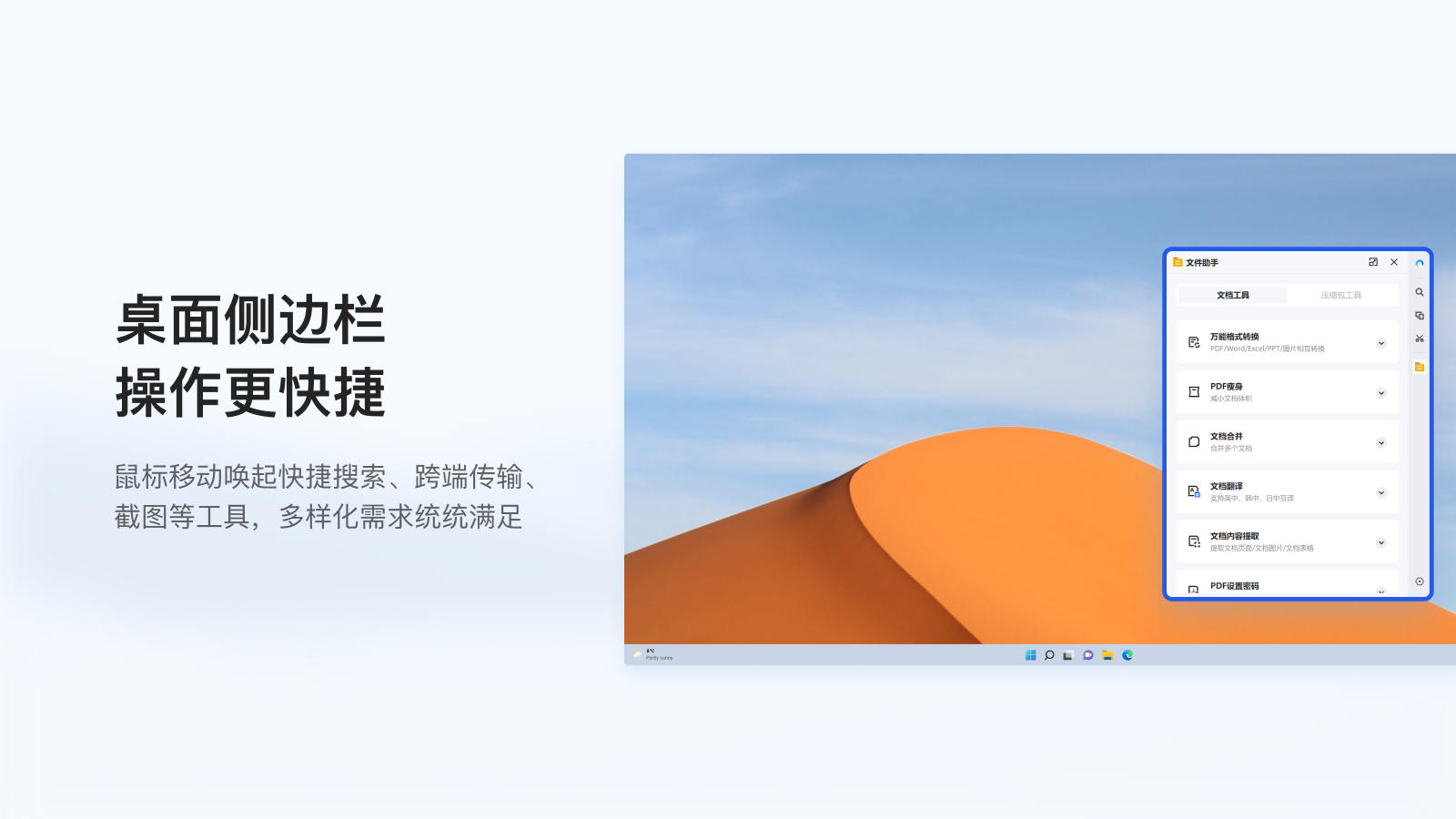
Desktop sidebar: Easily evoked by mouse movement, making tool use smoother
Brand new AI assistant: key points extraction, intelligent Q&A, opening up a new browsing experience
New mobile mode: You can also play mobile APP on PC
Browsing multiple web pages on one screen: The new split-screen function supports one screen to display three web pages at the same time
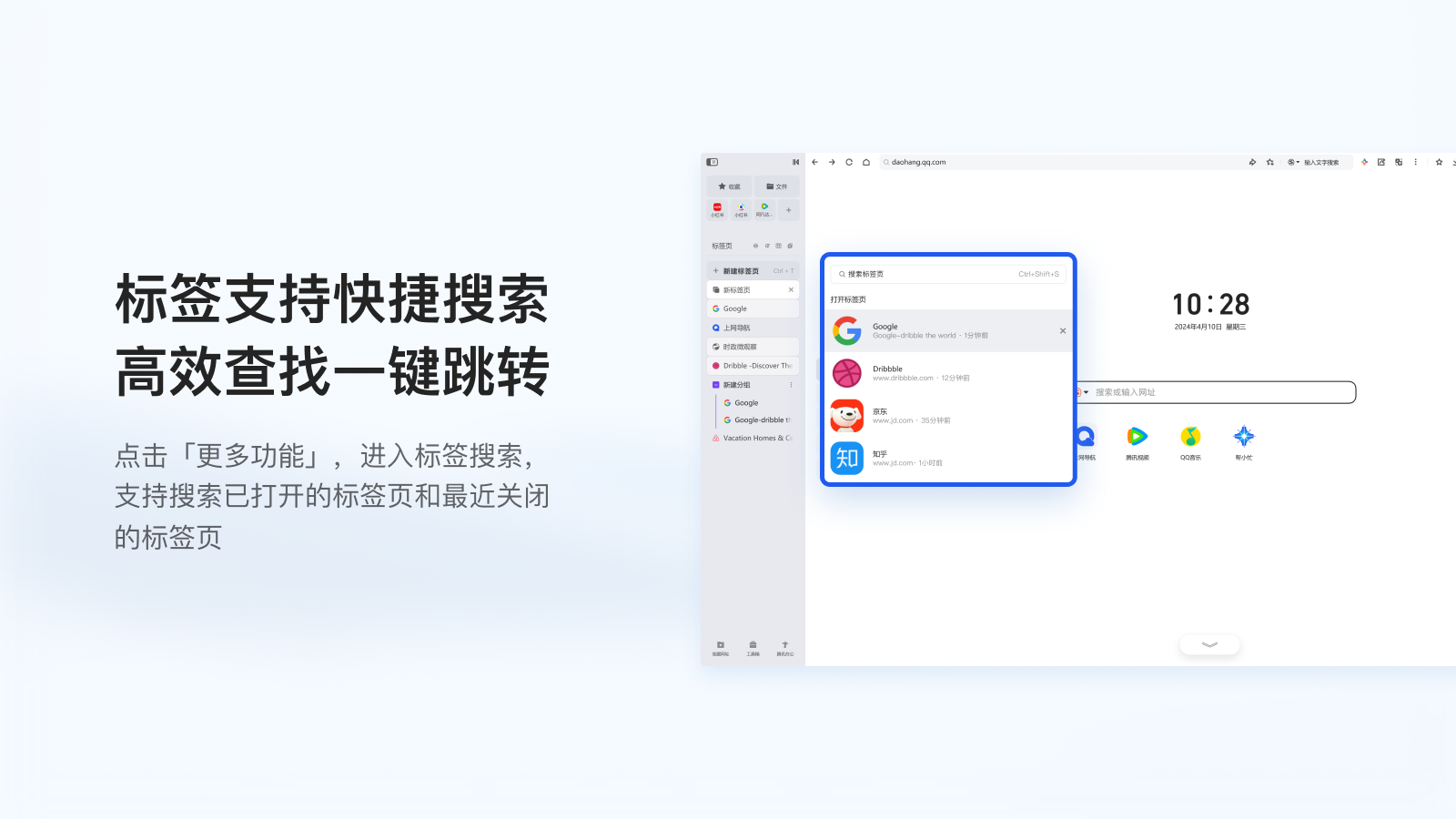
Flexible tag management: automatic and manual tag management for a more efficient web browsing experience
File management capabilities: rapid management of local files, and support for cloud dual-end Unicom
New reading mode: personalized definition of reading topics, easy to control in focus mode
Easy-to-use small window function: watch dramas while working and studying, easily binge-watch dramas and use them happily
Selected practical plug-in tools: built-in various practical tools to help you improve your office efficiency
What's new in this version
1. Desktop sidebar: intelligently suspends the side of the desktop, easily evoked by moving the mouse
2. Multi-select tab page: No need to worry about the large number of tabs, batch operations are easy to handle
3. Default browser: Brand new browser default prompt pop-up window, intelligent guidance can be done in one second
4. Address bar zoom optimization: window shrinkage, adaptive streamlined display, priority focus on address bar and search box
5. Message notification upgrade: new desktop push form, important messages will no longer be missed
QQ browser 32-bit update log:
1. The details are more outstanding!
2. BUG gone without a trace
Huajun editor recommends:
QQ Browser 32-bit is one of the best software in the industry. I believe many friends will have used it. If you don’t use it anymore, you will be OUT. This site also prepares for youFirefox,Firefox Enterprise,Google Chrome,Google Chrome,Maxthon Cloud Browser














Useful
Useful
Useful