





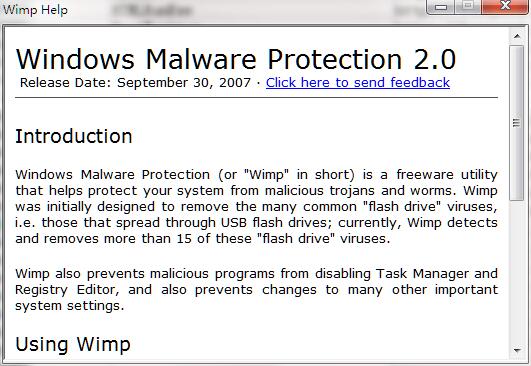
Wimp software introduction
Windows Malware Protection ("Wimp" for short) is a free software utility that helps protect your system from malicious Trojans and worms. Wimp was originally designed to remove many common "flash drive" viruses, i.e. viruses that spread via USB flash drives; currently, Wimp detects and removes more than 15 of these "flash drive" viruses.
Wimp software features
Wimp does not require any form of installation, so you can execute it directly on any computer. (You can even run it from a flash drive)
Whenever Wimp detects a virus, it automatically removes it and displays an alert box near the taskbar. Wimp also prevents automated scripts (such as VBScript files) from running on your computer because some viruses spread this way. On the rare occasion that you need to run such a script, you can temporarily disable Wimp using the Disable Wimp menu option.
Instructions for use
1. Unzip the compressed package file downloaded from this site, find the "Wimp.exe" file in the decompressed folder, double-click the file to run the software directly.
2. The software window will not be displayed after the software is running. You can see the Wimp software icon in the tray area in the lower right corner of the computer, indicating that the software is running automatically at this time. Then just insert the USB disk into the computer.
Wimp change log
1: Brand new interface, refreshing, simple and efficient
2: Performance is getting better and better
Huajun editor recommends:
Don't miss it when you pass by. If you miss Wimp, you will never experience such good service again. This site also recommends to youKaba 365 online rescue,Rising antivirus software,Symantec Antivirus,Shell folder EXE virus detection and repair tool,360 antivirus software




Your comment needs to be reviewed before it can be displayed