





avast! function introduction
1. Avast free version has high-detection anti-virus performance, has obtained 100% certification from ICSA and Virus Bulletin many times, and has powerful heuristics.
2. Low memory usage and intuitive and simple user interface.
3. Support SKIN replacement and complete program memory detection.
4. The free version of avast provides comprehensive protection for SMTP/POP3/IMAP email sending and receiving monitoring.
5. Supports MS OUTLOOK plug-in and intelligent email account analysis.
6. The free version of avast supports macro virus file repair, and automatically generates a virus restoration database (VRDB function) after repairing the file.
7. Supports P2P sharing download software and instant messaging virus detection, with comprehensive protection.
8. Effectively detect and remove viruses, such as bugs, advertisements and Trojans.
9. The free version of avast has a fast virus database update speed and responds quickly to new viruses and Trojans.
avast! software features
1. HTTPS scanning
2. Home network security
3. SecureDNS (this feature is activated only in the paid version)
4. Cloud security scanning
5. New support system
6. Performance optimization
avast! installation steps
1. Download the avast! software package named "avast1117.zip" from Huajun Software Park. Unzip it directly to get the avast! installation file. Double-click the .exe file with the left mouse button to start the installation.
Note: Decompressing the compressed package requires the use of compression and decompression tools. WinRAR is recommended because the technology is mature and reliable. WinRAR download address:http://softwaredownload4.com/soft/5.htm


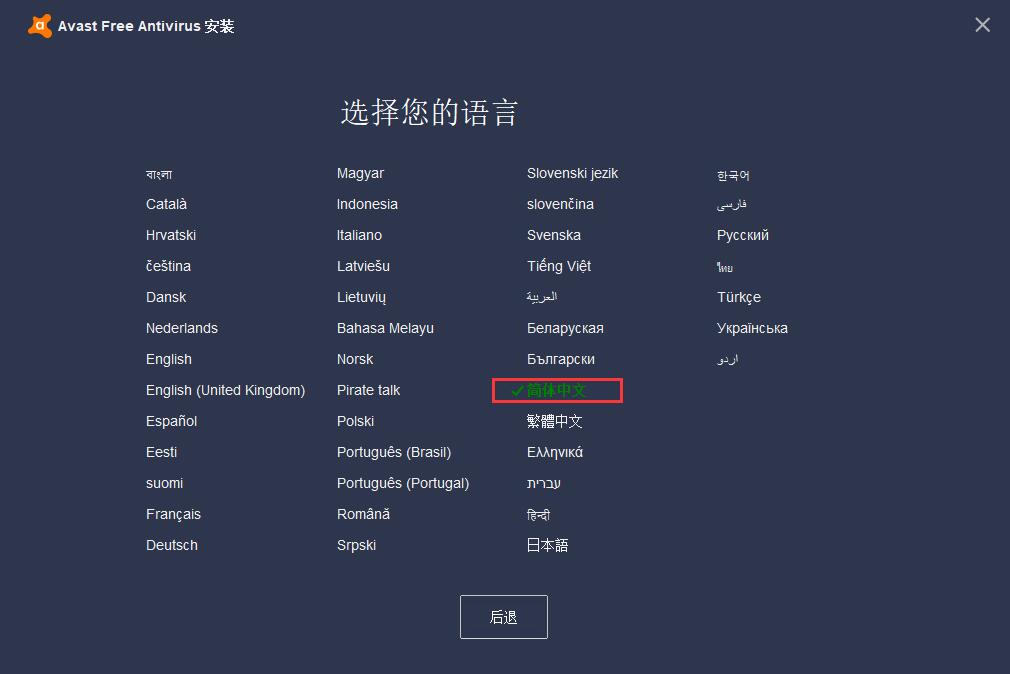
2. After entering the avast! installation interface, click on the arrow in the upper right corner to open the language selection interface. Click one of the languages with the left mouse button to switch languages. After the selection is completed, click "Back" to return to the main interface. If you need to use Avast secure browser, you can click the "√" in the lower left corner to cancel.

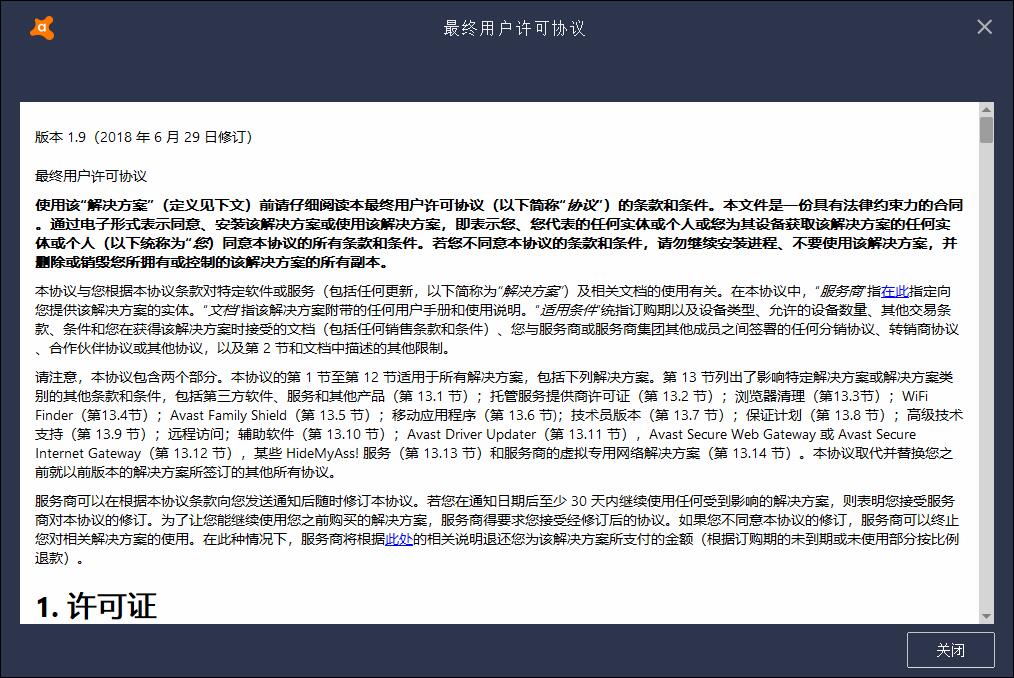
3. Afterwards, users can click on the "End User License Agreement" column shown in the picture to open and read avast!'s user license agreement. It is recommended that you read it carefully. After reading, click "Close" in the lower right corner to return to the main interface.

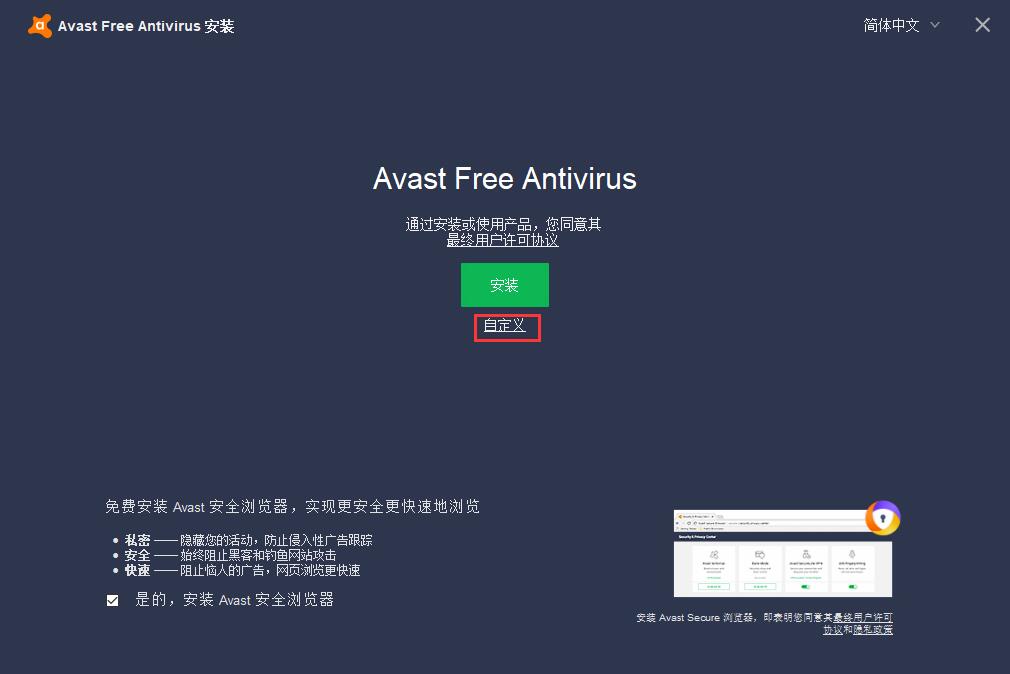
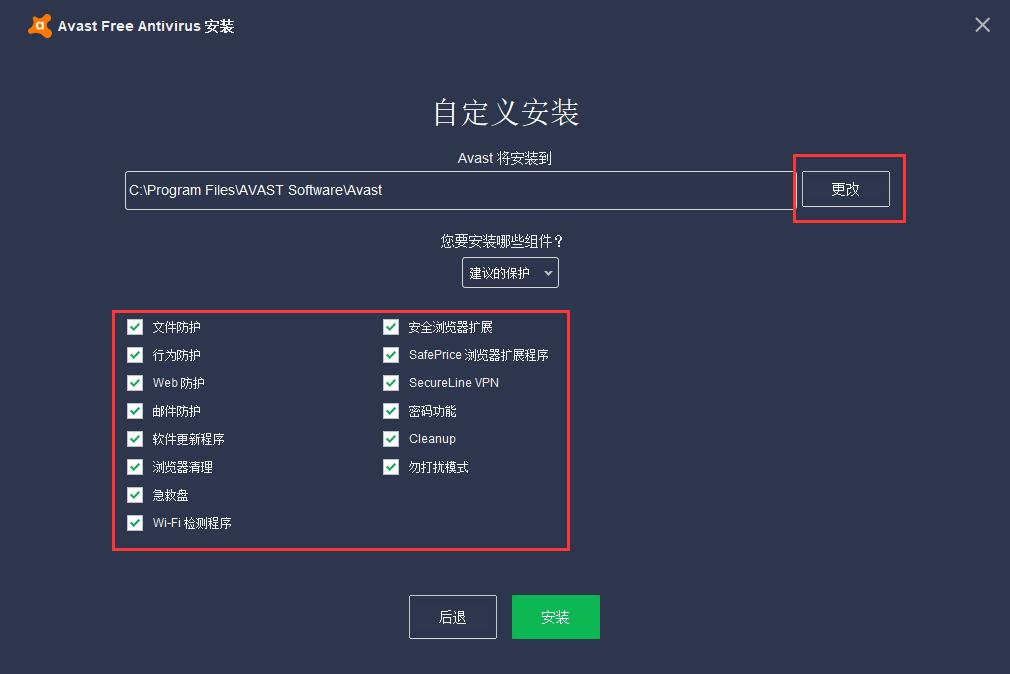
4. Click the "Customize" column in the middle to perform installation settings. First click "Change" with the left mouse button to select the installation directory of avast!. It is not recommended to install on the C drive. If there are too many files on the C drive, it will affect the running speed of the computer. Then select the security modules that need to be installed below. It is recommended to check them all to give the computer more comprehensive protection. After all settings are completed, click "Install" below
5. The installation takes a long time, about 15 minutes, please wait patiently.
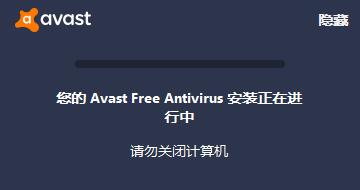
6. After the installation is completed, it will automatically jump to the completion interface and click the "Continue" button in the middle.
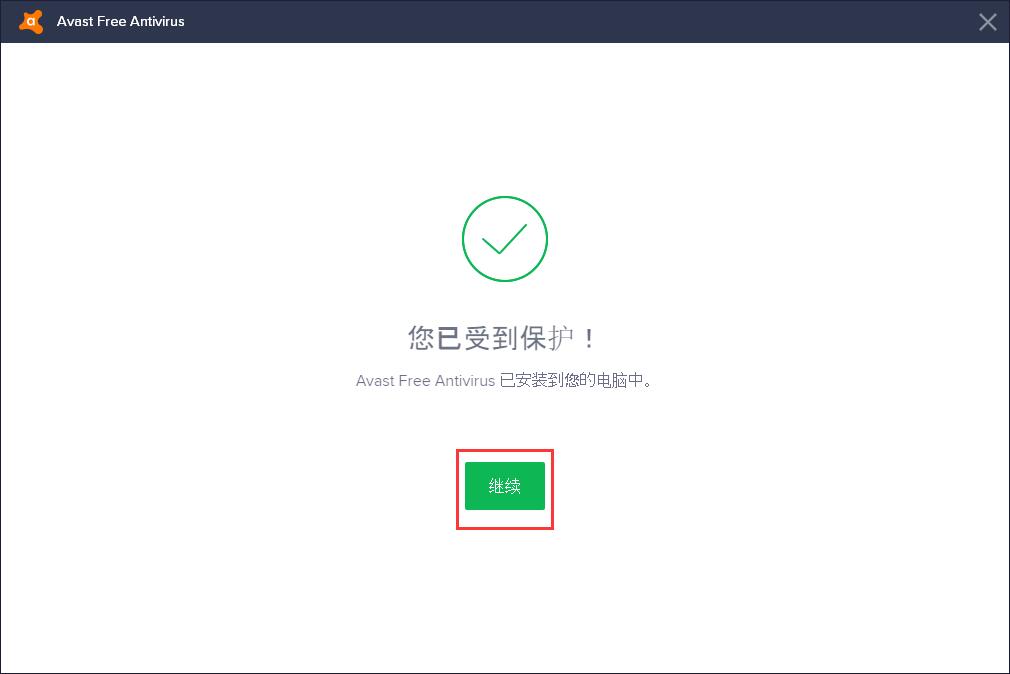
7. After that, avast! will introduce relevant experience content to the user, and click "Continue" after confirmation.

8. This way you can use avast directly! Come and try it.
avast! FAQ
A file was mistakenly quarantined by avast!, how to restore it?
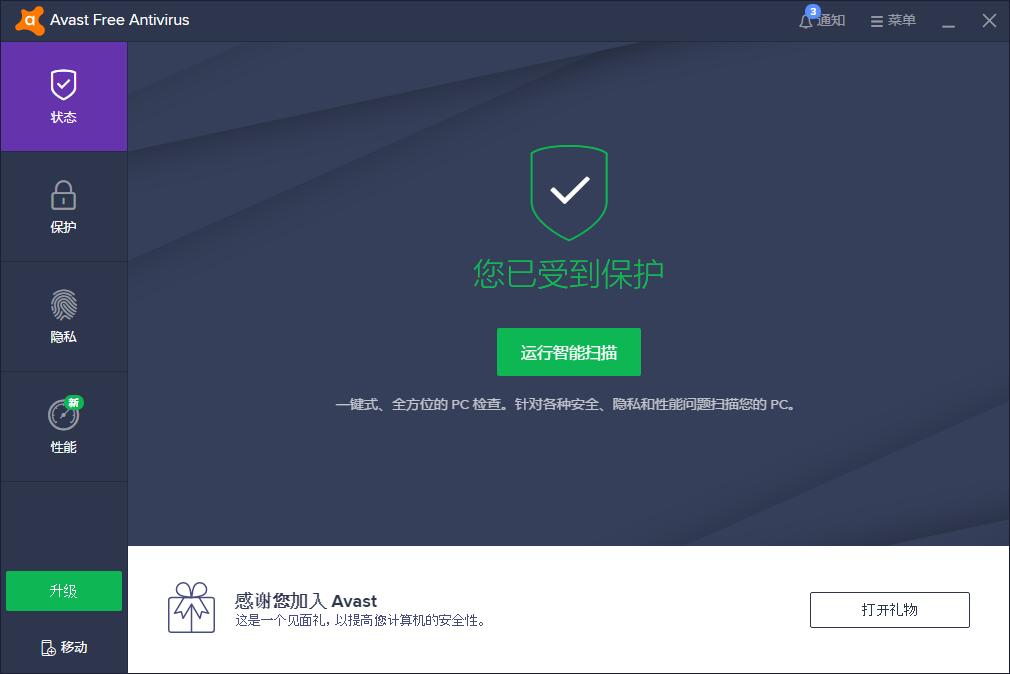
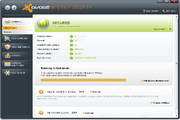
1. On the left side of the main interface of avast!, there are four modules: "Status", "Protection", "Privacy" and "Performance". Use the left button of the mouse to click "Protection" to open the submenu, and then click "Virus Quarantine" in the submenu.

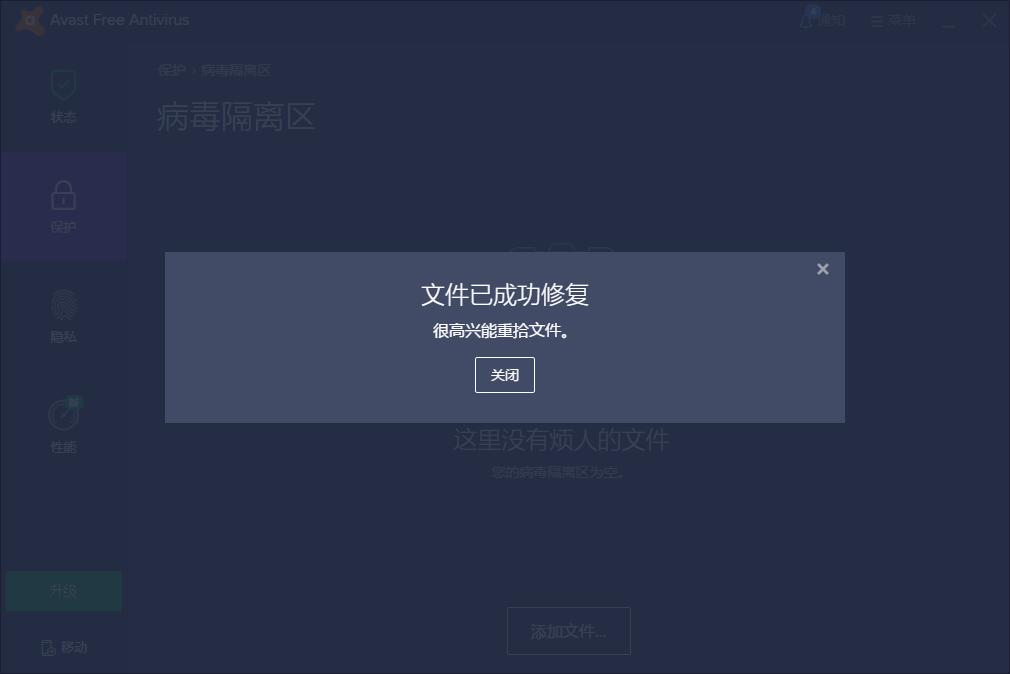
2. You will then see a list of all quarantined files. Find the file that needs to be recovered, click the box in front of the file with the left button of the mouse to check it, then click the "﹀" behind the "Delete" button below to open the menu, and click on the "Recover" item in the menu.

3. Then the recovery will be successful immediately. Come and try it.
Comparison between 360 Antivirus and avast!
360 Antivirus and Avast are two excellent antivirus tools. Many users are hesitant about which one to choose. Let the editor introduce them to you.
Avast is very powerful in both defense and detection. Their long history also gives them a very mature technical level.
360 virus database is very powerful, and its use is more in line with Chinese people's habits and domestic network environment, but it is slightly weak in terms of checking and killing. It is recommended to use360 Security GuardUse with
360 antivirus download address:http://softwaredownload4.com/soft/56998.htm
avast!Change log
1. All-in-one user interface
2. Optimize the scanning engine and scan faster;
3. Function optimization;
4. Compatible with Windows 8.1;
5. Improve stability.
Huajun editor recommends:
avast! As an anti-virus software with a long history, it can be said that it has helped users around the world solve anti-virus problems and protect computers from viruses. Are you excited? Come and give it a try. Huajun Software Park also provides you withKaba 365 online rescue,Rising antivirus software,Shell folder EXE virus detection and repair tool,Kingsoft drug tyrant 11,360 antivirus softwareWaiting for you to download.





Useful
Useful
Useful