




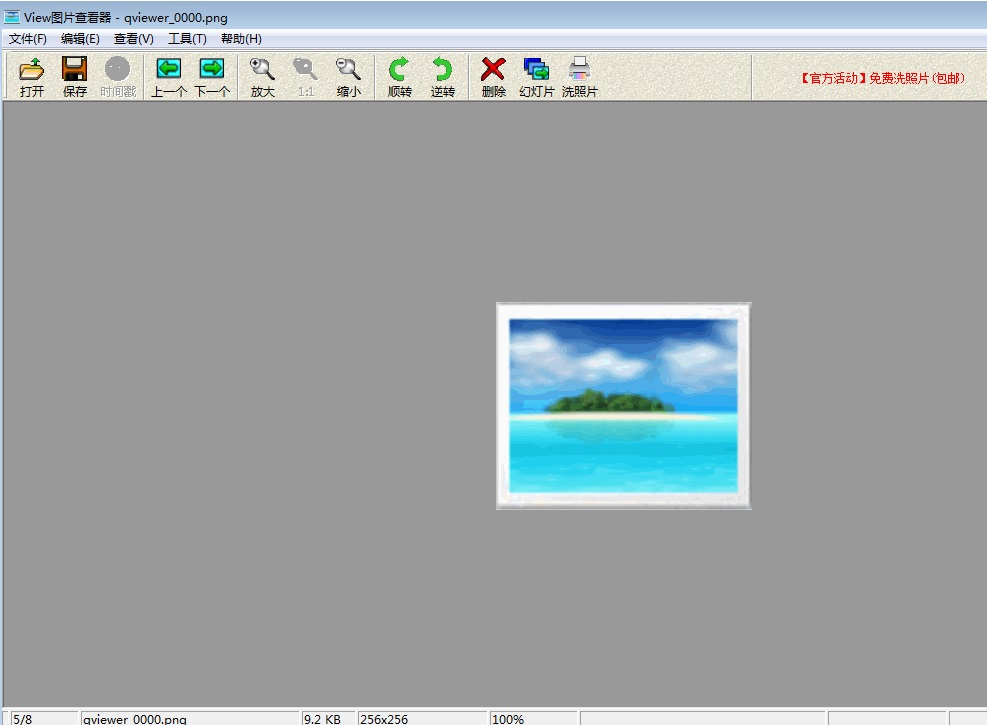
Introduction to JPG image viewing tool software
Advantages of using JPG:
Editing photography or realistic works supports advanced compression. File size can be controlled with variable compression ratio. Supports interleaving (for asymptotic JPEG file). Broad support for Internet standards. Due to its small size, jpg is the format used on the World Wide Web to store and transmit photos.
Disadvantages of using JPG:
Editing with lossy compression will reduce the quality of the original image data. When you edit and resave a JPEG file, the quality of the JPEG blends with the original picture data decreases. This decline is cumulative. JPEG Not suitable for simpler images that contain few colors, have large areas of similar colors, or have significant differences in brightness.
Features of JPG image viewing tool software
1. Simple interface
A refreshing and simple user interface makes it easy to get started even if you’re using it for the first time?
2. Quick start
It has the most streamlined system, abandons useless functions, and has a startup time of 0.5 seconds, giving you an unprecedented smooth experience.
3. Time watermark
Helps you recall the best moments with your family, and you no longer have to worry about forgetting the shooting time.
4. Lossless compression
Lossless compression uses the latest compression algorithm to maintain the clarity of the original image even after scaling.
JPG image viewing tool instructions
1. First, let’s get to know the jpg format. JPG is a relatively common picture format. Generally, the photos taken by our mobile phones and cameras and the pictures we see on the Internet are basically in jpg format. The full name of jpg is jpeg.
2. If your computer does not have any image viewing tools installed, we can use a browser to open it.
3. When viewing pictures, it is recommended that you use professional image viewing tools.
4. After installation, the picture type will usually be associated immediately. When opening these jpg pictures, it will be opened with the JPG picture viewer by default. You can also right-click the picture - open with - select the program - select the picture king program - check the box below to always use the selected program to open this kind of file.
5. Through the above settings, the icons when we look at pictures will generally be replaced by icons in the form of pictures.
JPG image viewing tool update log
1: Brand new interface, refreshing, simple and efficient
2: Performance is getting better and better
Huajun editor recommends:
JPG picture viewing tool This software is completely fool-proof and super simple. In addition, the editor also recommends2345KantuKing software,View pictures quickly,Free Photo Viewer,Qinbaby PC Assistant,Glodon PDF Quick Picture ViewingDownload and use related software.




Useful
Useful
Useful