




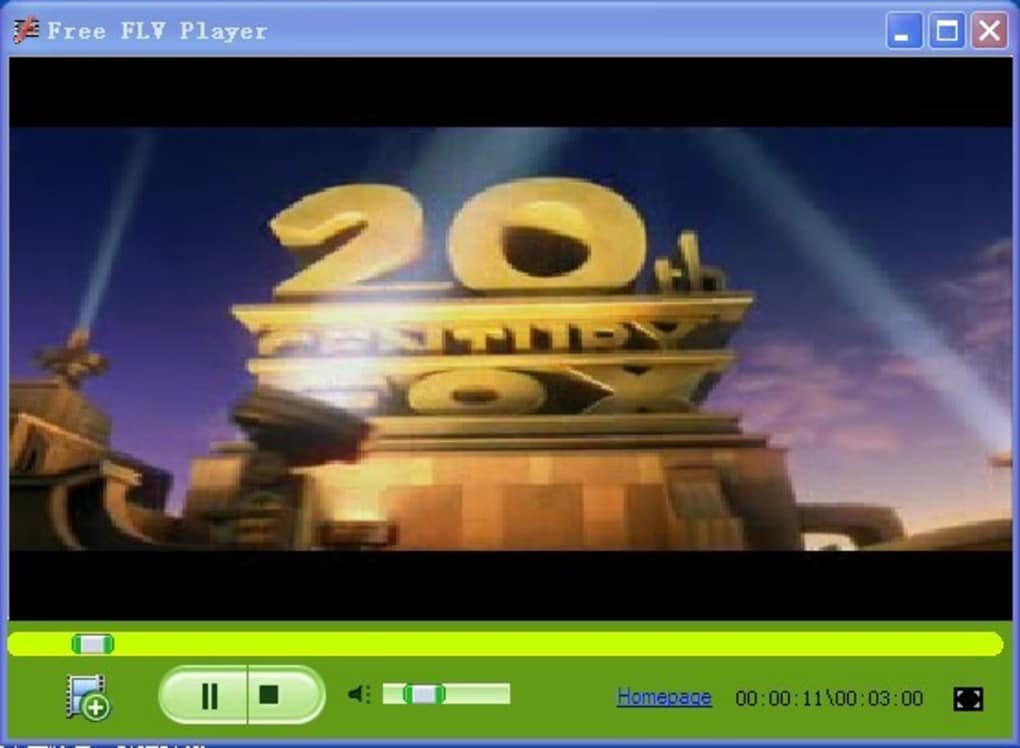
Since the FLV Player software is no longer available, I will replace it with Free FLV Player. Both software can meet everyone's basic needs.
FLV Player basic functions
FLV Player supports FLV, MPEG4, WebM, DIVX, MP4 and other media files
FLV Player supports HD, Full HD, 2K, 4K and Ultra HD videos
FLV supports multi-language, widescreen playback display
FLV Player allows running multiple files at the same time
Media information can be viewed
FLV player software is permanently free
FLV Player installation steps
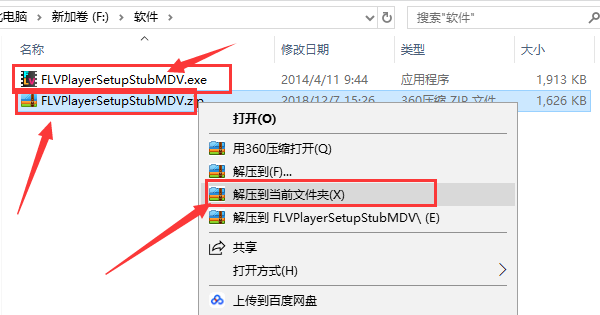
1. First download the FLV Player software package from this site. After the download is completed, you will get a compressed package in zip format. We right-click the compressed package and select decompress to the current folder in the pop-up options to get the exe installation file, as shown in the figure below.
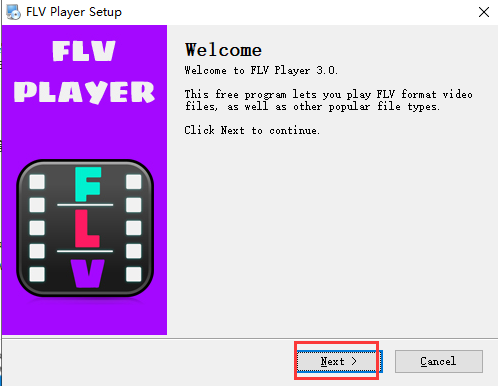
2. Double-click the decompressed exe file to enter the FLV Player installation interface, as shown in the figure below. We click next to continue the installation.
3. The FLV Player is being installed. We can complete the installation after patiently waiting for the installation progress bar to complete. We can use it on the computer.

Which flv player is better?
1.ckplayer
CKplayer supports formats such as flv, f4v, mp4, etc. You can use it to play the videos you want to watch on the web page. It has powerful functions and is compact in size, helping you use it across platforms.
Download link:http://softwaredownload4.com/soft/474998.htm
BitComet FLV can help you play .flv files. BitComet FLV software is simple to operate and does not require you to install it. You can use it after downloading and opening it. You can zoom or view the video in full screen through BitComet FLV software.
Download link:http://softwaredownload4.com/soft/617861.htm
The above softwares each have their own characteristics and powerful functions. Users can choose the appropriate software to download and use according to their own needs.
FLV Player update log
1. The pace of optimization never stops!
2. More little surprises are waiting for you to discover~
Huajun editor recommends:
FLV Player is a very practical video playback software. The software is compact, takes up very few system resources, is simple to operate, and has useful functions. It can help you play video files in flv format, and is loved by many users. Huajun Software Park also has software such as Weitang FLV video download software, Shuo Mouse FLV video downloader, Youku flv player (ikuplayer), etc. You can download it!







Useful
Useful
Useful