





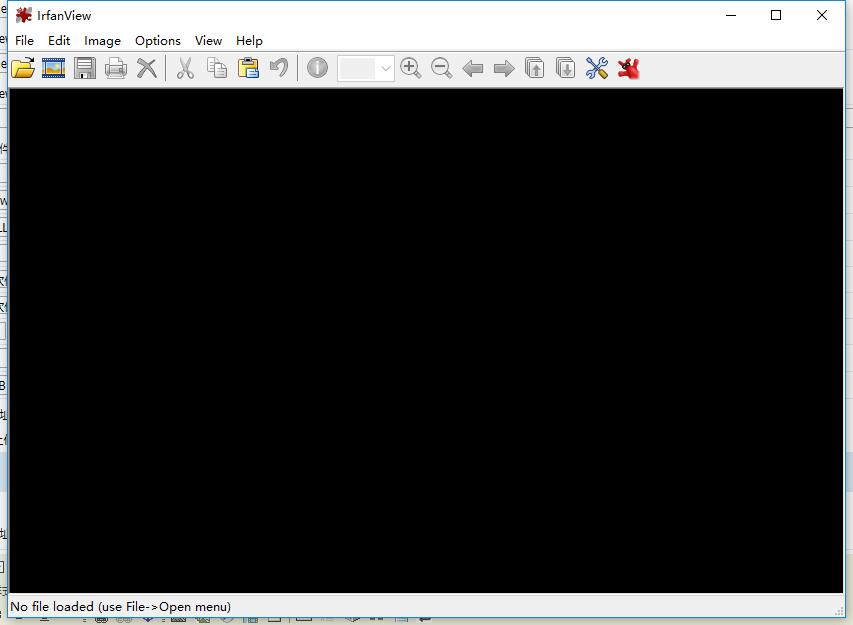
IrfanView Features Introduction
1. Supports many image, audio, and video formats, including slideshow display, batch conversion formats, batch renaming, JPG lossless rotation, and support for drag-and-drop operations;
2. Ability to adjust image size, adjust color depth, add overlay text, special effects processing, etc.image editingFunction to support batch acquisition and processing of images;
3. You can also create thumbnail directories in HTML format, create self-playing slideshows, edit multi-page files, support multiple languages, etc.
IrfanView installation steps
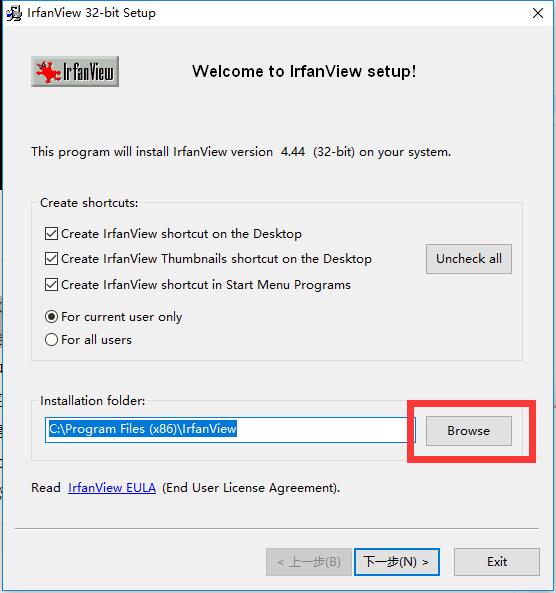
1. Double-click to open the IrfanView installation program downloaded from Huajun Software Park. You can click browse to select the installation location of IrfanView, or you can directly use the default location. After selecting, click Next
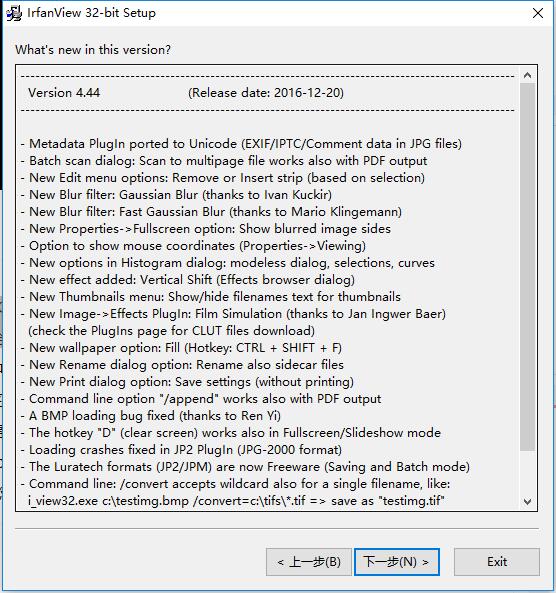
2. Check the IrfanView update information and click Next
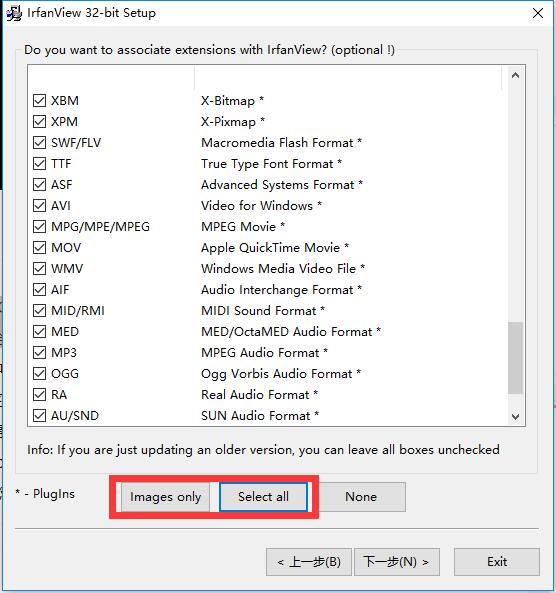
3. Select a supported file format, images only or select all, and then click Next
4. Wait patiently for the installation. Once the installation is successfully completed, you can
How to use IrfanView
1. Start the IrfanView software, click File==Open, and select the picture to be processed
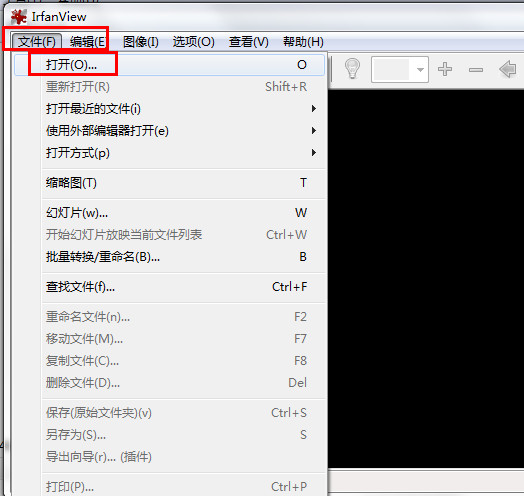
2. Click the "File → Open Recent Files" option to view the list of the five most recently used folders saved by IrfanView. Users can use this function to quickly locate and access previously opened files.
3. Click the slideshow button to play the pictures in the form of a slideshow, and you can also set the playback time of the slideshow, etc.

IrfanView FAQ
1.How to set Chinese in IrfanView?
Select Options-->Change language-->select "Simplified Chinese".
2.How to display hidden files in IrfanView?
Click "Options → Properties → Miscellaneous 1", check the "Show hidden files when switching to folders" check box, and click the "OK" button. At this time, when the folder we browse contains hidden files and is a file format supported by IrfanView, the hidden files will be displayed directly in IrfanView.
3.How does IrfanView display the file path on the title bar?
Click "Options → Properties → Miscellaneous 1" in turn, check the "Show full file path in title bar" check box, and click the "OK" button to make the settings take effect. At this time, when we browse the files it supports through IrfanView, the storage path of the file will be clearly displayed on the title bar of IrfanView.
4. Can IrfanView scan all pictures in a specified folder and display all thumbnails?
In thumbnail mode, right-clicking a directory in the left directory bar can display the thumbnails of all subdirectories under the directory, but the customized N directory thumbnails cannot be displayed.
IrfanView update log
1. Optimized some functions
2. Fixed some bugs
|
Huajun editor recommends: IrfanView picture viewing software helps you easily browse pictures in various formats. It supports conversion and renaming of almost all picture formats, allowing you to abandon complicated operations and view pictures as easily as possible. In addition, Huajun Software Park also provides downloads of AcdSee and ExifTool. Come download and experience it. Don’t miss it. |




Useful
Useful
Useful