





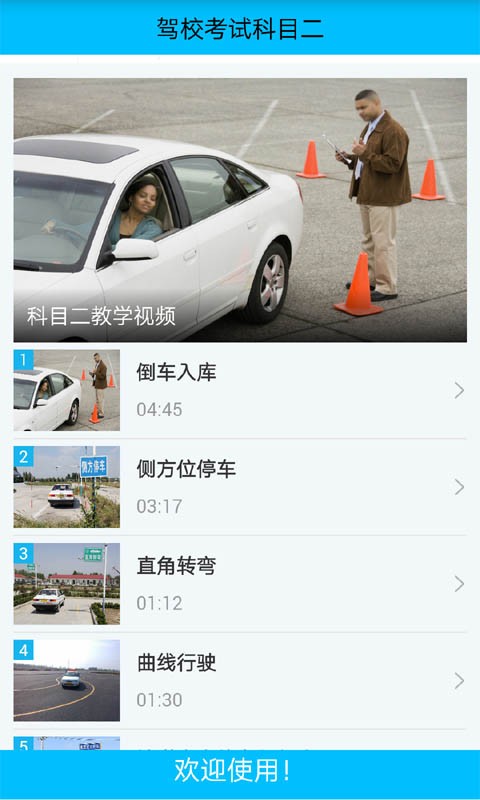
Driving school test subject 1 software introduction
Driving school test subject 1 is specially designed for those who want to learn how to drive. Subject 1 is a multi-dimensional practice of traffic regulations and a full simulation test. It is a must-have for the driving test. It is completely free and requires no membership. It contains 1,325 real questions from the 2020 subject one question bank. The question content and answers have been strictly proofread to ensure that they are error-free. Provides multiple practice modes such as sequential exercises, random exercises, chapter exercises, mock exams, my wrong questions, my collection, etc.
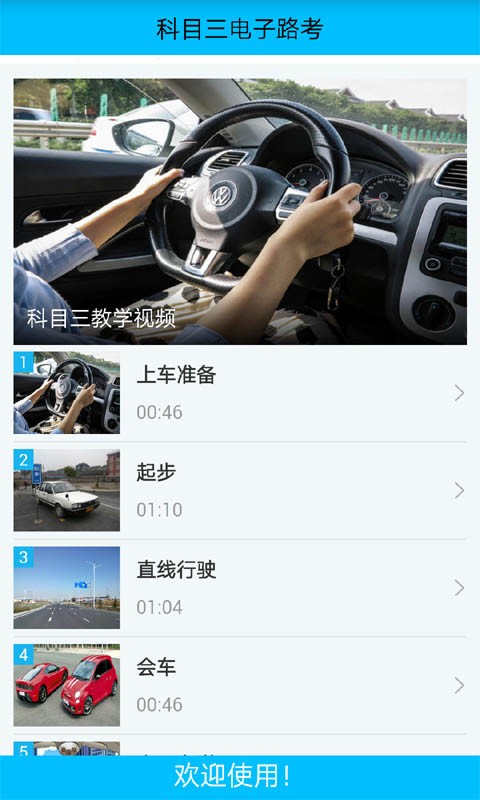
Driving school test subject 1 software function
*Mock test: includes test questions on new traffic regulations implemented by Driving School Yidiantong
*Collect exercises: collect easy-to-make mistakes, easy-to-forget questions, and strengthen memory exercises
*Random practice: Randomly shuffle the order of questions to balance the probability of question practice
*Chapter practice: questions are classified by chapter to strengthen practice of questions in each chapter
*Wrong question practice: Automatically collect wrong questions, strengthen practice of easy-to-error questions and common test questions
*Sequential practice: practice more and learn more, compare the differences in questions, and strengthen your understanding of traffic regulations
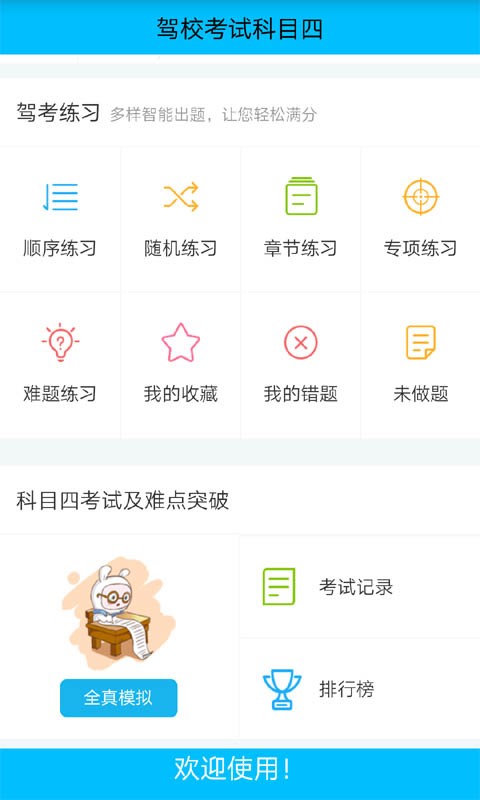
Driving school test subject 1 software features
1. Practical training on the computer to help you pass the real exam in one go;
2. Collect the questions you are unsure about and study them together later;
3. Gather together the questions that were answered incorrectly during the practice process and strengthen the practice in a targeted manner;
4. All test questions are clearly classified to make your practice more targeted and strengthen your practice for your weak areas;
5. Contains all exam questions, study them systematically, each question is accompanied by expert explanations, very detailed, no need to worry about any doubts;
Installation steps
Special note: The installation package provided by Huajun Software Park contains the Android emulator and software APK files. For the computer version, you need to install the emulator first and then install the APK file.
1. First download the installation package from Huajun Software Park. The software package contains an Android emulator exe installation program and an APK file and unzip it. First click on the exe program to install the lightning simulator.

2. Double-click "Lightning simulator.exe" file to enter the installation interface. Users can click "Quick Installation" to select the system's default installation address for installation, or click "Custom Installation" to choose the installation path. Custom installation is recommended here.

3. WaitingLightning simulatorAfter the installation is complete, click "Try Now" to open the emulator.

4. Enter the main interface of the lightning simulator and clickRight column APK iconSelect the "Local APK Install" button.

5. In the pop-up window, click on the decompressed APK file, and then click to open.

6. After that, the software will enter the installation process. You need to wait for a moment. After the software installation is completed, it will appear in my software list. Click the icon and double-click to open it. 
Driving school test subject 1 update log:
1. Fixed other bugs;
2. Optimized software compatibility.
Huajun editor recommends:
Driving School Test Subjects - a very good educational and teaching software. I secretly tell you that I also use this software, and I don’t tell others about it! Powerful, green and safe. Huajun Software Park also provides you withHomework Help 2021,Homework Help 2021,Seewo College,Master of Laws Postgraduate Entrance Examination,Chinese Examination Online SchoolWaiting for you to download.




Useful
Useful
Useful