If you are looking for software to use, go to Huajun Software Park! software release AI product list

Hello, if there is a need for software inclusion, please package the software and attach the software name, software introduction, software-related screenshots, software icon, soft copy, business license (if you do not have a business license, please provide the front and back of the corresponding developer ID card and a photo of yourself holding the ID card), and send it to email http://softwaredownload4.com/sbdm/user/login

Close >>

Send to email:news@onlinedown.net

Close >>

Location: Home pagePC softwareOther categoriesAndroid flashing Nutshell Assistant
Nutshell Assistant

Guoke Assistant v3.0.1 official pc version

QR code
  • Software licensing: free software
  • Software size: 19.3MB
  • Software rating:
  • Software type: Domestic software
  • Update time: 2024-12-30
  • Application platform: winall
  • Software language: Simplified Chinese
  • Edition: v3.0.1 official pc version

Download the service agreement at the bottom of the page

Software introduction Related topics FAQ Download address

Basic introduction
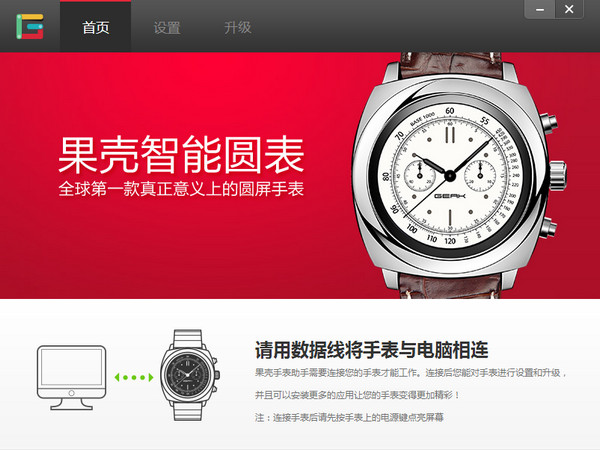
Guoker Helper LOGO
Guoke Assistant is the PC version of the Guoke smart watch app software, creating a unique watch interaction platform on personal computers. It is a PC tool suite matching the world's first smart watch, GEAK watch. By connecting with the watch, it provides beneficial support for your life and work.

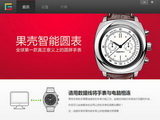
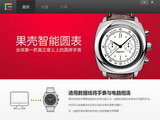
Screenshot of Guoke Assistant

Software features

Offline binding
No traffic or SMS verification is required, you can quickly bind and enjoy the functions
watch settings
You can centrally set up the built-in applications of the Guoke smart watch, keeping everything under your control
App Mall
The mall application is deeply customized for Guoke smart watches, bringing you a different application experience.
System upgrade
Automatically detects the latest firmware of Guoke Smart Watch and provides one-click upgrade, allowing you to always be at the forefront of geeks

How to use

Open the Guoke Assistant (PC) version and the display when the watch is not connected is as follows:
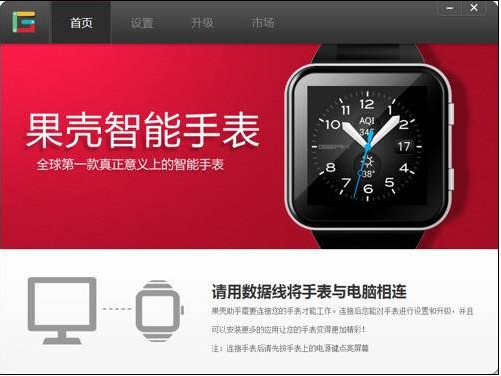
Screenshot of Guoke Assistant

After connecting the watch, the client displays as follows:
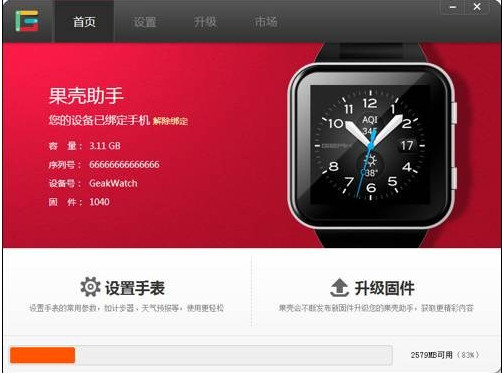
Screenshot of Guoke Assistant

If there is a firmware update, there will be a "NEW" title prompt on the upgrade button.
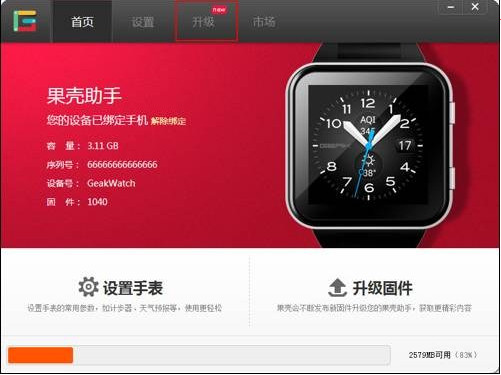
Screenshot of Guoke Assistant

Click the "Upgrade" button above to enter the "Upgrade" interface and select "Check for Updates"
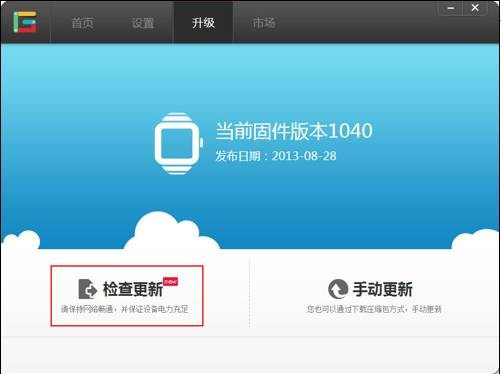
Screenshot of Guoke Assistant

Enter the automatic upgrade interface, you can view the latest version number, click "Upgrade Now".
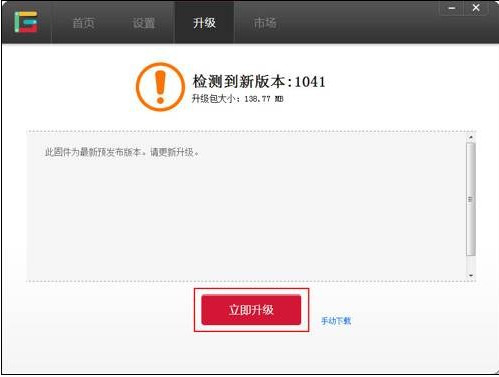
Screenshot of Guoke Assistant

Wait for the download of the firmware update package, and you will automatically enter the firmware upgrade interface.
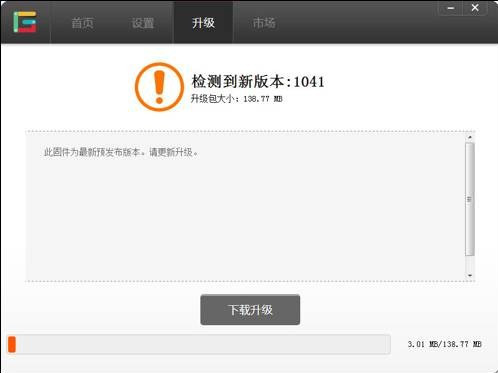
Screenshot of Guoke Assistant

The firmware update package is verified and uploaded to the watch.
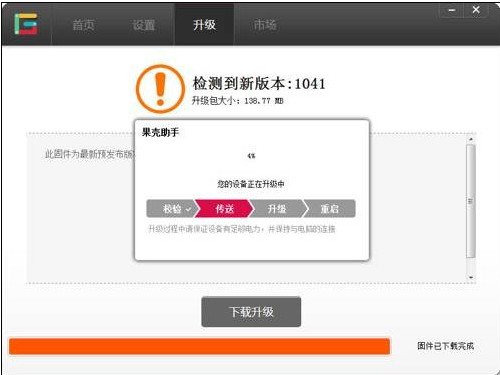
Screenshot of Guoke Assistant

After the transfer is completed, the watch automatically enters the upgrade and restart interface. PC client shows disconnected.
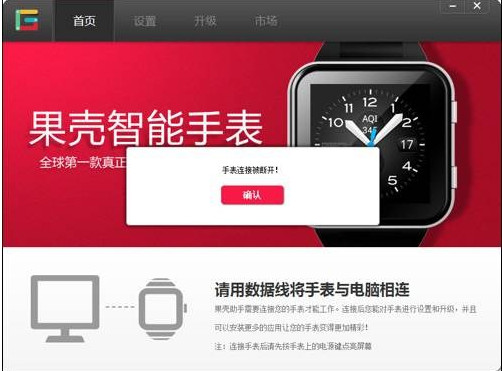
Screenshot of Guoke Assistant

After the watch restarts, you will enter the robot interface. Just wait for the restart.
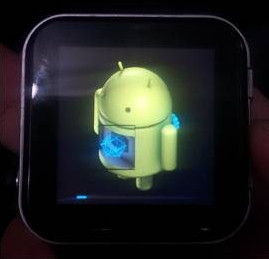
Screenshot of Guoke Assistant

FAQ

Nutshell Assistant

Guoke Assistant v3.0.1 official PC version

Close