





QQ mobile assistant function
Backup and restore: One-click backup and restore of your mobile phone data
USB debugging: the first step to connecting to your phone
Dynamic screenshot: capture a GIF dynamic picture
Root function: Let you get more functions
Optimize your phone: Make your phone run faster
Software Migration: Install your apps to SD card
QQ mobile assistant function introduction
new experience
The new architecture of the visual interface is simple, elegant, refreshing and attractive.
The carefully conceived home page layout is more novel and unique than before.
Mobile phone management
Add and delete text messages, contacts, and applications for quick operation
Mobile phone experience, mobile phone acceleration, enjoy one-stop mobile phone service
Massive resources
Massive resources have been re-integrated, and applications, games, music, videos, e-books, wallpapers, etc. can be downloaded for free to bring you more exciting experiences.
wireless connection
New QR code scanning connection method, mobile phone can easily connect to computer
Game launch
Exclusive privileges, one step ahead, early access to Tencent’s premium games
Zero traffic fast transfer
Transfer resources on mobile phones to each other with zero traffic, and share intimately without any burden.
QQ mobile assistant usage tips
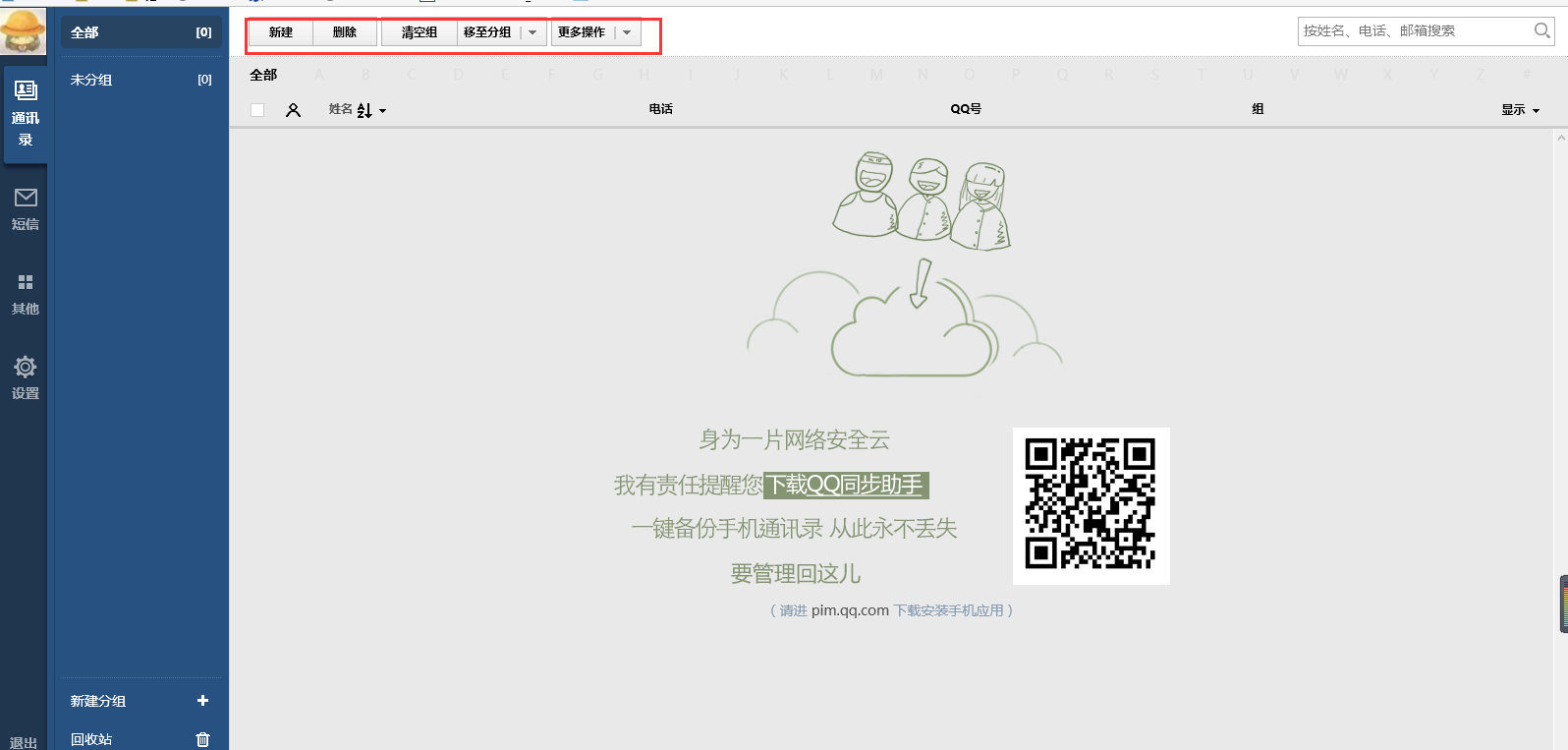
1. First log in to QQ, then find the application manager under the QQ main interface, click to open it, and you can see the address book on the interface in the pop-up window. As shown in the picture:

2. Click on the address book, and then it will automatically jump to the QQ synchronization assistant web page. After opening the address book, you can then add your friend's mobile phone number to it. As shown in the picture:

3. Click the button as shown in the picture to quickly complete the synchronization work
QQ Mobile Assistant FAQ
What should I do if the PC version of QQ Sync Assistant cannot be synchronized?
Update to the latest version first. If it is already the latest version, uninstall and reinstall it.
QQ Sync Assistant can't back up your address book?
Please make sure that QQ Sync Assistant has the permission to obtain the address book.












Useful
Useful
Useful