




- Green versionView
- Green versionView
- Green versionView
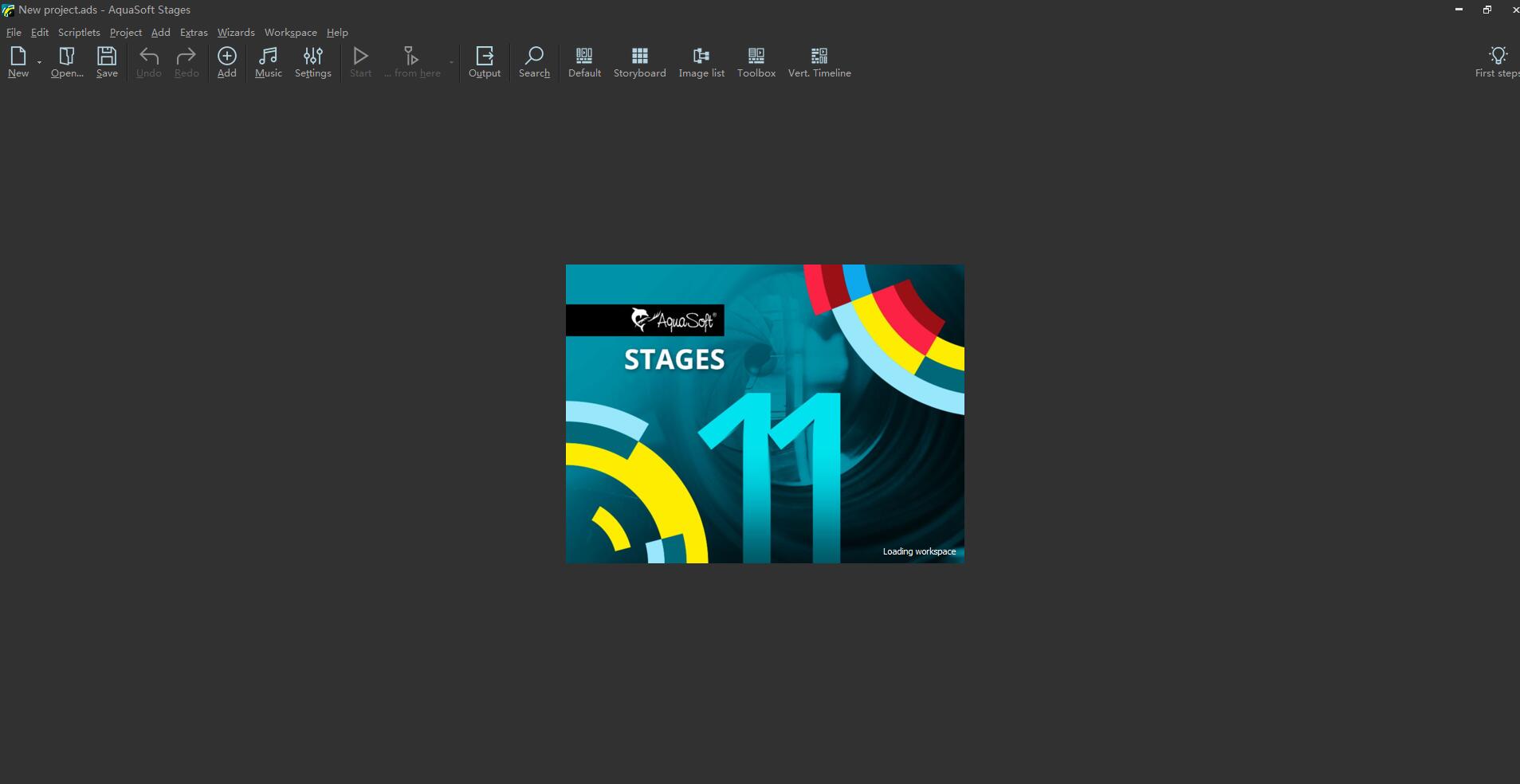
AquaSoft Stages Software Advantages
1. Video editing: Cut videos, pictures and sounds directly in the timeline.
2. Time lapse and slow motion: Make time lapse or slow motion movies.
3. Particle system (snow, rain, dust): Use dynamic parameters to create impressive particle animations.
4. Motion paths: Animate any element and move it on the screen.
5. Animated itineraries: Share your travel routes with maps, tracks and vehicles in just a few clicks.
6. Presentation: Automate the flow of your presentation or use our remote app to control it
7. Rotate the camera disk: Finally, you can rotate 360 degrees to zoom in just one step.
8. Highest quality output: Export videos to DVD, Blu-ray, social media or 4K quality.
9. Built-in effects: To work quickly, take advantage of the built-in templates and effects.
AquaSoft Stages Software Features
1. Multimedia production software is a professional tool for photography, animation, and ambitious advanced users.
2. Features powerful keyframes, unlimited time tracks, and a huge selection of effects and transitions.
3. Display your photos, videos and animate them in a professional way.
4. Customized aspect ratio.
5. On-site effects of customized dynamic parameters
6. The new advanced preview mode gives you complete and precise control of your project.
7. Multimedia production software is designed to solve your complex requirements to create animated presentations.
8. Including 4k-uhd and H.264/H.265 video output and 4k-uhd video output.
9. You get 4 times the quality of Full HD.
10. Thanks to the higher resolution, even the smallest details will remain sharp and in focus.
11. A dynamic image that seems sure to captivate your audience and pull them straight into the action.
12. AquaSoft Stages 11 uses the new H.265 video encoder to create the smallest possible videos without losing quality.
AquaSoft Stages function introduction
1. Dynamic subtitles
A professionally designed presentation requires text that perfectly matches the style of your photos and videos. AquaSoft's stage allows you to adjust text and titles just with your photos and videos.
2. Visual effects
Choose from over 100 effects, most of which can be customized and used in a variety of ways. Combine effects to create completely new impressions.
3. Animation route
Share your experience with your audience and show them where you have been with an animated travel itinerary.
Multimedia production software provides a variety of map materials with different styles. Customize the appearance of each route to create unique animations.
4. Lenses and zoom lenses
Ken controlled by AquaSoft Stages 11 Burns effects, lens by lens, and lenses directly with layoutdesigner. Give each action marker a time and direction to highlight details and put focus on the viewer's eyes.
5. Dynamic masking
Use dynamic masks in stages to only apply certain parts of your images and components or to hide/show certain areas.
You can scale, animate, or modify the strengths of your mask in your presentation. A mask can be anything - an image, a text, a film, or even a composition of several elements.
6. Control your animation keyframes
In the multimedia production software’s integrated timeline, you can work intuitively with keyframes. Create and position your keyframes, choosing to apply custom properties as stages to interpolate between them to create your animation.
AquaSoft Stages installation steps
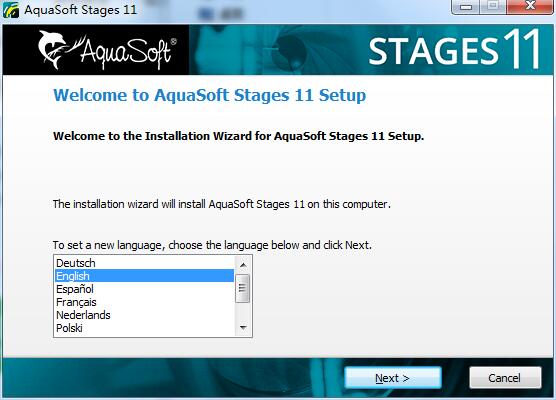
1. Download the latest version of the AquaSoft Stages installation package from Huajun Software Park. After unzipping, double-click the "exe" file to enter the installation wizard and click Next
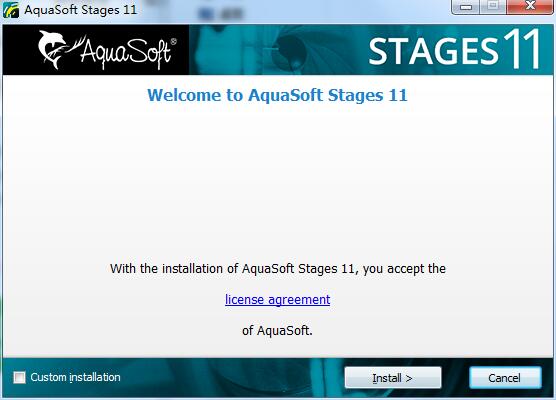
2. The software information is ready, click Install to install
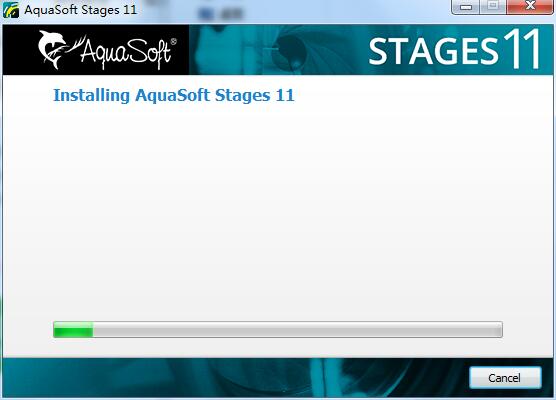
3.AquaSoft Stages is being installed, please wait patiently
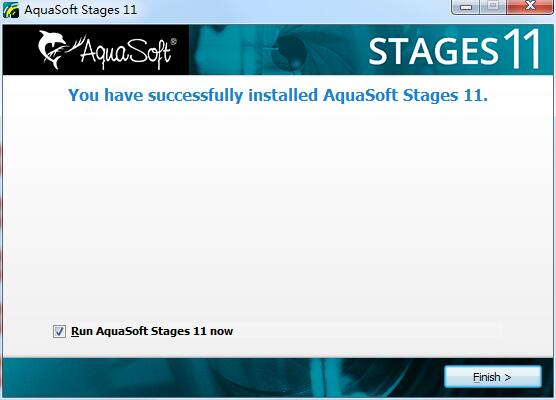
4.AquaSoft Stages installation is complete, click Finish to exit the installation wizard
AquaSoft Stages update log
1. Fixed BUG, the new version has a better experience
2. Some pages have been changed
Huajun editor recommends:
It is one of the best in video editing. It has won unanimous praise from users for its comprehensive functions and simple operation. Come and download it and give it a try. The editor has also prepared for youVideo clip format factory,Real file repairer,EV screen recording,Video watermark removal tool (Remove Logo from Video) v1.0,Vegas pro video editing software




Useful
Useful
Useful