




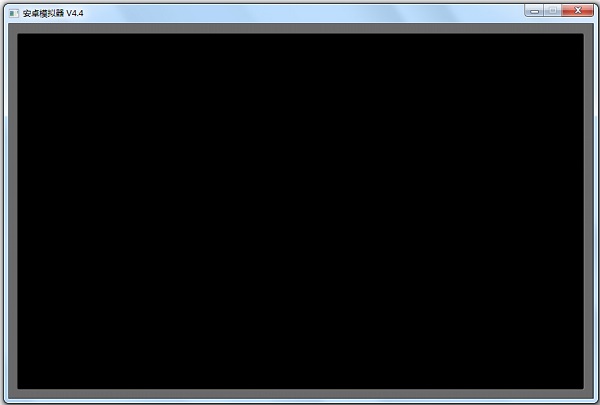
Tianxin Android emulator software features
1. No need to install Java environment;
2. It can be used directly after installation;
3. Change the GPS location at any time;
4. Support horizontal and vertical screens;
5. Support tablet mode.
Tianxin Android emulator shortcut key instructions
ESC mobile phone return key
F6 switches operating mode
Ctrl+F11 switches to landscape or portrait screen
Tianxin Android emulator installation steps
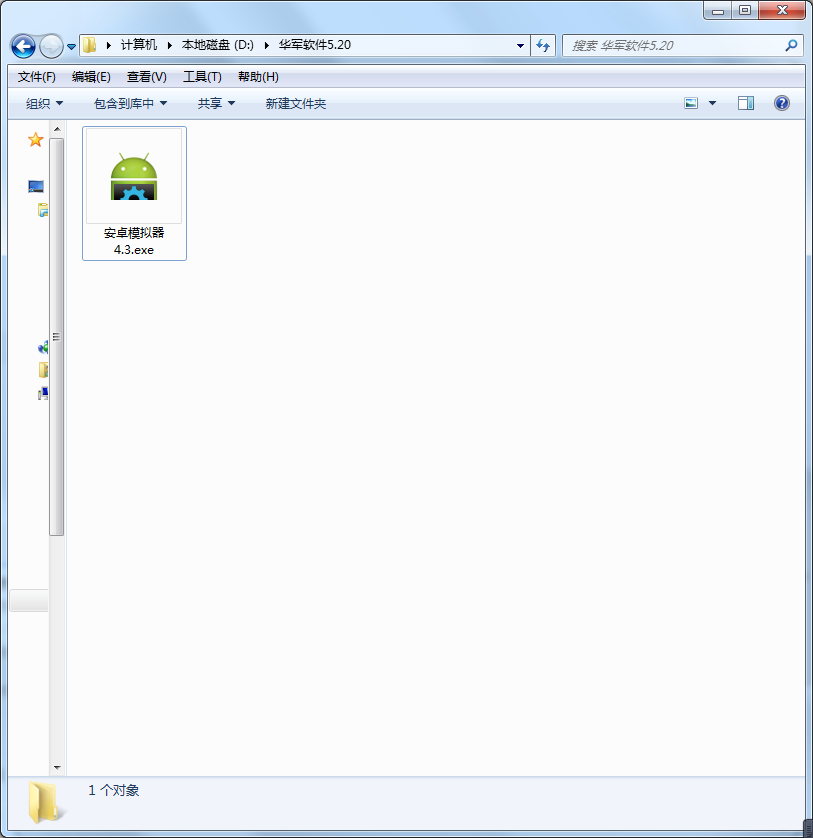
1. Download the Tianxin Android emulator from Huajun Software Park and extract it to the current folder. Then we double-click to open the Android emulator 4.3.exe application.
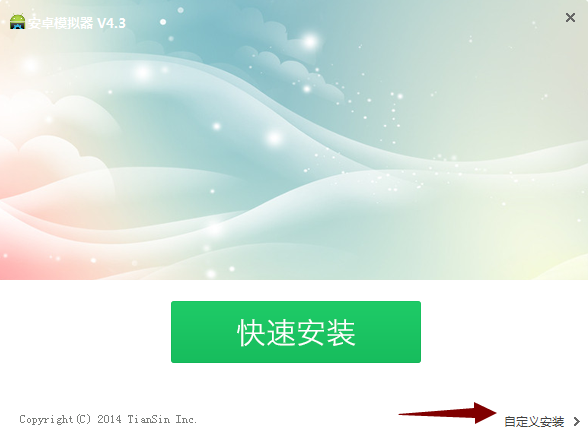
2. Enter the installation interface, we need to click Custom Installation.
3. Select the installation location. Huajun editor recommends users to install in the D drive, and then we click Install Now.

4. The Tianxin Android emulator is being installed. Users can wait patiently for the progress bar to be full.

5. The installation of Tianxin Android emulator is completed!

How to use Tianxin Android emulator
1. Download and unzip, double-click "Android Emulator.exe" and follow the prompts to install;
2. After the installation is completed, select the mobile interface mode or tablet mode and click "Start Emulator";
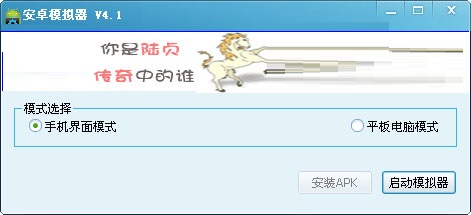
3. Wait for a while, it will take about 1 minute to complete the startup;

4. Copy the apk file that the user needs to simulate to the "C:Program FilesAndroid emulator.android" path in the software installation directory (a very important step)
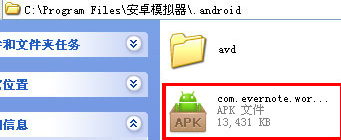
5. Finally, click Install software on the emulator screen. Now you can run the apk file on your computer.
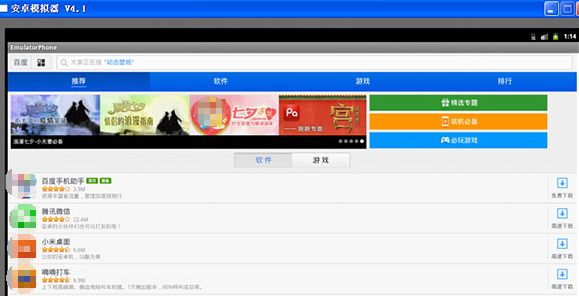
Things to note about Tianxin Android Emulator
1. It will take about one to two minutes for the Android emulator system to start, please wait patiently.
2. Installing the APK may take one to two minutes depending on the size of the APK file. Wait patiently for the installation completion prompt.
3. When the Chinese version of the Tianxin Android emulator is running, it will set the IE homepage. Just remove the check mark and close it to avoid affecting the computer speed.
Tianxin Android emulator update log
1. Optimize content
2. The details are more outstanding and bugs are gone.
Huajun editor recommends:
It is highly recommended to download the Tianxin Android emulator. Who knows who uses it? Anyway, I have already used it. In addition,Self-identifying courier number query,Lightning simulator,Computer assistant,Huawei Mobile Assistant (HiSuite),Hunter Maintenance MasterIt is also a good software. Welcome to click to download and experience it!













Useful
Useful
Useful