





Introduction to Hongye Municipal Water Supply and Drainage Functions
【Building Plan Drawing】
The latest version of Hongye Water Supply and Drainage Software supports the drawing and editing of basic structures such as walls, doors and windows.
【Floor plan】
Provides related functions such as identification of sanitary ware, intelligent batch connection of sanitary ware to pipelines, and arrangement of water supply and drainage accessories. The sanitary ware can be intelligently connected to the riser pipe and main pipe respectively, and the connection will be complete automatically according to the relative position.
【Water pipe drawing】
Supports single and dual-line modes, and can be directly edited and converted to each other.
It supports various positioning and real-time calculation of resistance functions when drawing. System type, display style, pipe material, labeling, graphic display and other styles can be customized. There are also a variety of pipeline modification tools, combination valves and other functions.
【Fire Sprinkler】
Fire hydrants are arranged and connected, fire hydrants are arranged along lines and wall objects, and fire hydrants are connected to risers.
Rectangular nozzles, fan-shaped, arc-shaped nozzles, and unique special-shaped area nozzle layout and nozzle layout can realize intelligent avoidance of pillars, which is the first in the industry.
【Principle】
Supports floor line drawing of different floor heights and batch modification of floor height information. Draw schematic diagrams of water supply, drainage, sprinkler, and fire protection systems. The schematic diagrams of each system provide more detailed drawing settings.
【Calculation】
Various calculations such as sprinkler, fire extinguishing, water supply, water consumption, etc. The pipe diameter of the sprinkler system supports two calculation modes: 1. The pipe diameter is determined by the number of sprinkler heads; 2. The pipe diameter is calculated by the spray flow rate. The sprinkler system calculation supports the annular system sprinkler calculation. The calculation results can be recalculated by manually adjusting the pipe diameter information on the interface, and the results can be output to the calculation book.
[Pump room module]
Provides detailed database of multiple water pump manufacturers. Functions such as optional models, viewing performance curves, and related arrangements.
【Auxiliary tools】
The section view automatically generates a section drawing based on the plan view, supporting linkage, multi-directional sectioning, and management functions. Collision check can set soft collision parameters for different types of entities, marking, processing, and output files of collision results, etc.
Various editing functions such as query editing, pipeline connection, batch modification, adding risers, broken pipe symbols, etc. can speed up the designer's drawing modification work.
Material library, material statistics, system diagram, 3D viewer, layer batch control, text typesetting, table processing, table and Excel conversion, filter selection and other tools.
【Annotation】
Contains various labeling types such as pipe diameter, size, symbol, etc. Major annotations such as water pipe diameters can be edited directly by double-clicking, and various parameters of the annotation style can be modified in batches. It also supports linkage, that is, when the annotation subject such as a pipe changes, the position and value of the annotation will also change accordingly.
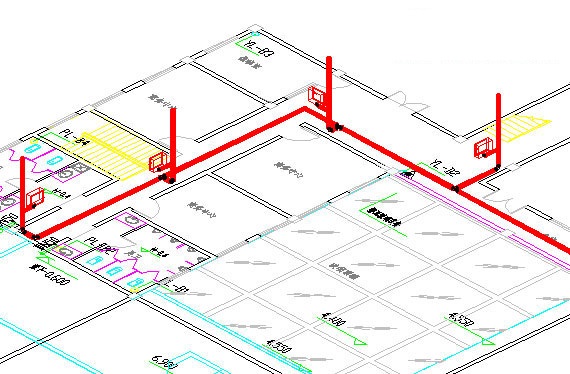
Features of Hongye Municipal Water Supply and Drainage Software
1. Professionalism:
The drawing method of symbols conforms to the standard atlas and meets the standards of construction drawings. The calculation process is strictly based on the specification manual.
2. Humanized and intelligent:
Entities such as pipelines and equipment support double-click and pinch editing operations. There is a connection relationship between pipes, pipes, accessories, and labels. When the pinch point of the pipe or accessory moves or the size changes, the entities connected to it will automatically move and adapt to the size changes, keeping the connection position, size intact, and labeling values correct; the occlusion relationship between pipes can be automatically processed.
3. Convenient to operate and easy to use:
Most operations of the software use an interactive mode of modeless windows and command line prompts. The interface is unified, the parameters are easy to understand, and it is supplemented by command line positioning, and other option prompts. It supports shortcut keys; the operation process of drawing, annotation and other functions is smooth. It adopts two- and three-dimensional synchronization and WYSIWYG methods to build rich data models in simple steps.
Hongye Municipal Water Supply and Drainage Installation Method
1. Download the Hongye water supply and drainage software from Huajun Software Park, compress the software package, and then unzip it. After unzipping, double-click the exe program to enter the installation interface, set the location to save the file, and then click Next
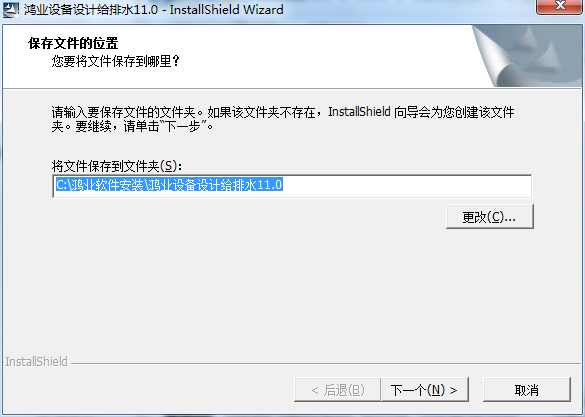
2. Decompressing files
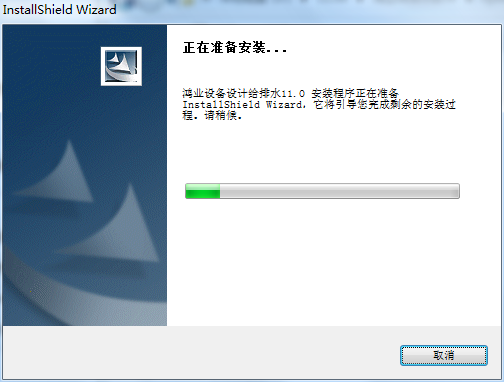
3. At this time, Hongye Water Supply and Drainage Software is preparing to install
4. At this time we click Next
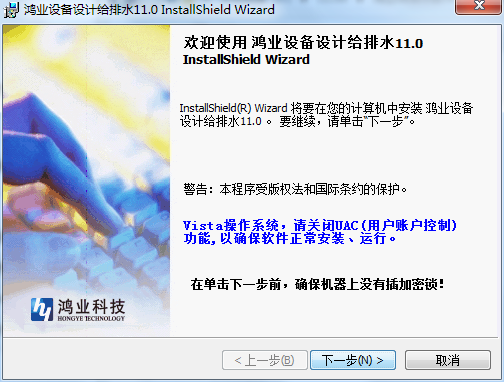
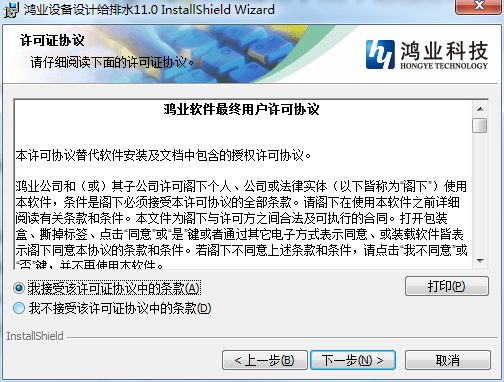
5. At this time, select I accept. After selecting, click Next.
6. Then we continue to click Next
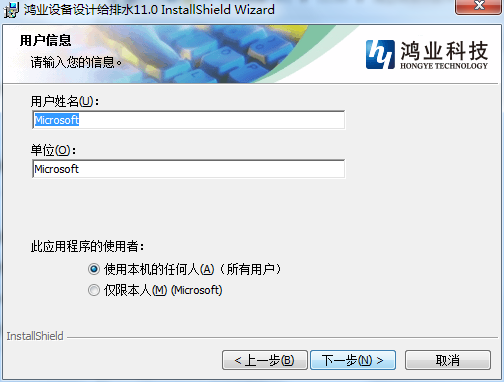
7. Set the installation location of the software. Huajun editor recommends installing it on the D drive. After setting, click Next
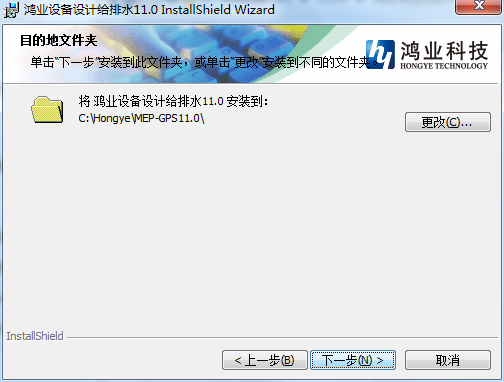
8. At this time we click Install
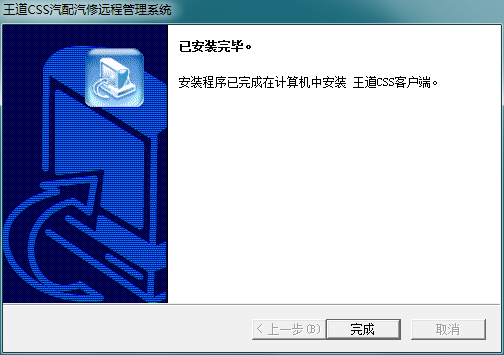
9. Hongye water supply and drainage software is being installed, waiting for the progress bar to be full.
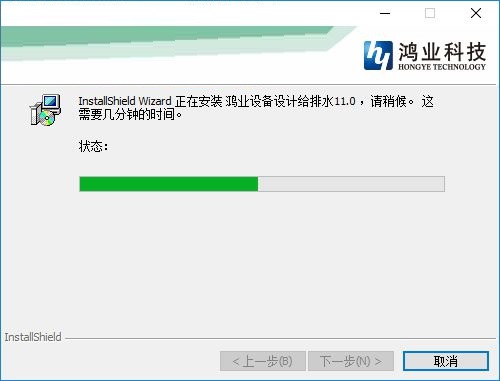
10. The installation of Hongye water supply and drainage software is completed

How to use Hongye Municipal Water Supply and Drainage
1. Start the software. The function of the interface requires you to configure a program to load the engineering design.

2. Click Layer Management to view many drainage design layers. Here is the entire management area of layers.

3. Here is the command management function. You can view the management plan of the menu. It supports 2D conditional diagram conversion, designated interior walls, and text line type management.
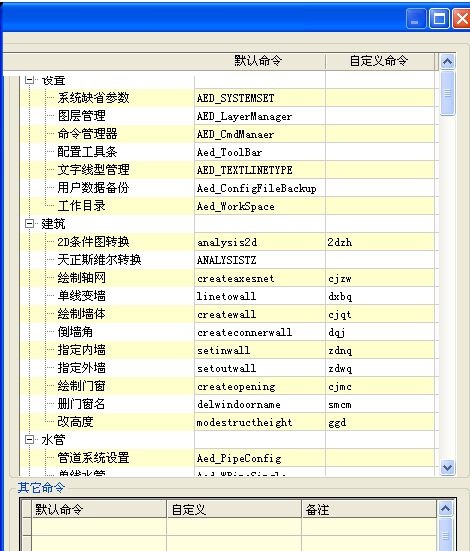
4. The secondary node of the tree structure control on the left has a right-click "one-click toolbar function" that can generate a new toolbar for the selected node sub-item.
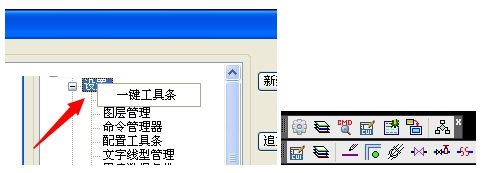
5. The secondary node of the tree control on the right supports adding separators between commands.
6. The second and third level nodes of the tree structure control on the right support up and down movement operations.
7. Create a straight orthogonal grid or a one-way axis of a non-orthogonal grid, and set the bay and depth dimension data at the same time. The dialog box is as shown below:
8. Bay window design can automatically number and set the width and height ratio. After you enter the data, the software will automatically display the design drawing style.
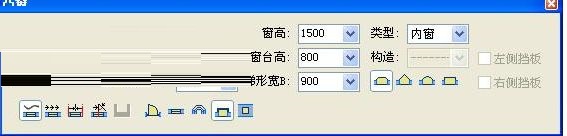
9. Design the gate valve. There are many styles of gate valves. You can choose the universal type and the throttling type.

Hongye Municipal Water Supply and Drainage Update Log
1. Modify user-submitted bugs
2.Add new features
Huajun editor recommends:
Hongye Municipal Water Supply and Drainage, word-of-mouth software, guarantees to solve all your problems! The editor highly recommends! There are similar software on this siteFuture list pricing,Concrete mix ratio calculator,Southern total station transmission software,Aiyifang login platform,Changfeng rental software, if you are interested, you can download it!




Useful
Useful
Useful