




Instructions for use
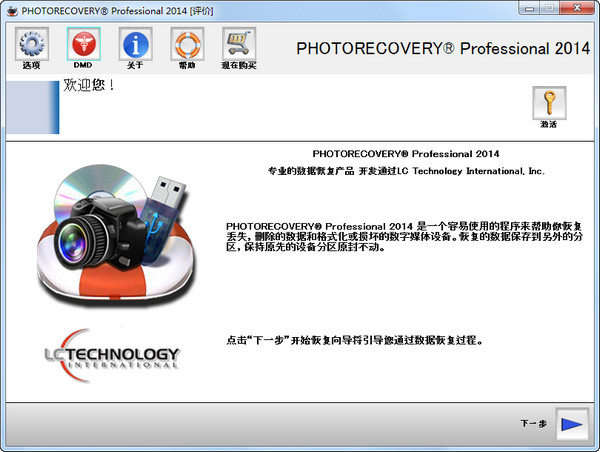
The first step is to run Leyi digital photo recovery software.
Step 2: Click the left mouse button on the camera memory card that needs to be analyzed in the list box, and then click the Next button.
Step 3: Browse the found digital photos, select the files as needed, and click the export button.
Step 4: Select the export directory, click the OK button, and the recovery is successful!
Features
1. Simple operation, just four steps to restore digital photos easily.
2. The scanning speed is fast and it only takes a few minutes to recover.
3. Accurate analysis, using original digital photo recovery technology to perfectly restore digital photos taken by various cameras.
4. Effectively deal with various problems, such as accidental deletion, accidental formatting, virus damage, etc.
5. Recover digital photos taken by Canon, Nikon, Sony, Samsung, Pentax, Panasonic, Casio, Olympus, Fuji and other cameras!
6. Supports digital photo recovery in JPG, CR2, CRW, DNG, NEF, PEF, SR2, MEF, ORF, RAW and other formats!




Useful
Useful
Useful