




- Green versionView
- Green versionView
- Green versionView
- Green versionView
Hanwang Tangren Pen Pressure Plate Software
Use of Tang Dynasty pen
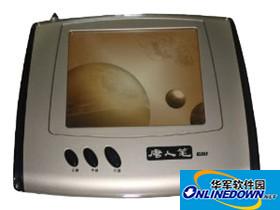
When writing, the position of the writing board should be aligned with the gestures to avoid skewed handwriting. Don't hold the pen too tilted, and hold it slightly upright to avoid being unable to write. When holding the pen to write, do not press the button on the pen barrel. The length of pen lifting time can be adjusted according to individual writing habits. Button function left button: When the pen tip points to the surface of the handwriting board, it is the left button. Right button: The button on the pen barrel is the right mouse button. Movement: The pen moves on the writing pad to move the cursor. Double-click: After positioning the cursor, quickly touch the writing pad twice with the pen tip at the area to be double-clicked. Drag: After the cursor is positioned, use the Tangren pen to point on the component to be dragged. Without lifting the pen tip, move the pen tip to a new position on the handwriting board and then lift the pen tip. Double-click technique: After positioning the cursor, make slight contact with the pen tip and the writing pad, and then press the Tangren pen twice. The first time you use Tangren Pen, you may feel that the double-click response is slow. You can solve this problem by adjusting the double-click speed of the mouse in the Windows "Control Panel". The corresponding relationship between the handwriting pad and the screen. The Tangren Pen handwriting pad uses the principle of electromagnetic induction. The coordinate positioning method is absolute (the mouse is relative), and its surface corresponds to the screen one-to-one.
Software description
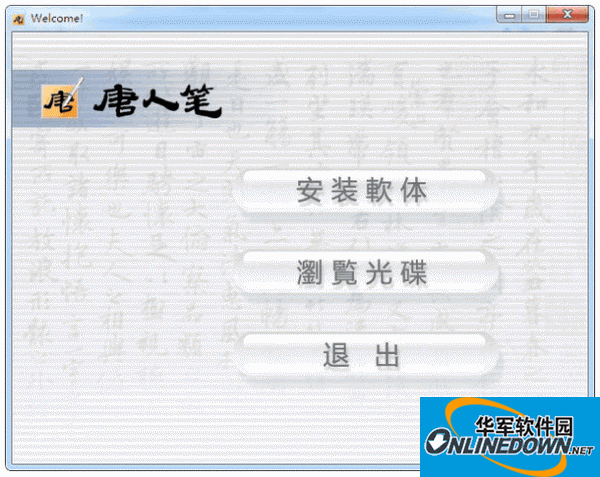
Catalog Description
---------- ------------------------------------------------------------------------
<Root directory> This description file and the Autorun file.
│
│
├ Drivers Driver installation files and drivers for each operating system.
│ │
│ │
│ ├ 2K-XP Driver FOR 2K/XP/2003.
│ │
│ ├ 98-ME Driver FOR 98/ME.
│ │
│ ├ Vista-X64 Driver FOR Vista-X64.
│ │
│ └ Vista-X86 Driver FOR Vista-X86.
│
│
├ HWPEN Install handwriting software
│
└ Manual User manual.






Useful
Useful
Useful