





Java11 Highlights
Enterprise-level applications: Long-term support (LTS) ensures stability.
Microservices and cloud native: Low-latency garbage collectors (such as ZGC) are suitable for high-concurrency scenarios.
Modern development needs: HTTP/2 and WebSocket support to improve network communication efficiency.
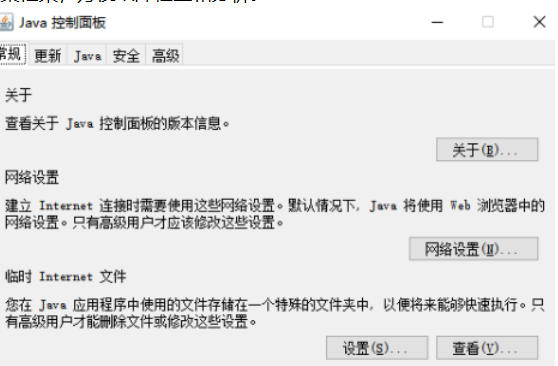
Java11 features
Local variable type inference extension: Java 11 extends the var keyword introduced in Java 10, allowing var to be used in Lambda expressions to declare parameter types, and supports use in conjunction with annotations. This improvement enhances code readability, especially in scenarios where parameter annotations need to be added.
String API enhancements: Java 11 adds several new utility methods to the String class, such as isBlank() (checks whether the string is a blank character), strip() (removes leading and trailing spaces, supports Unicode), lines() (splits into streams by lines), repeat(int count) (repeats strings), etc. These methods simplify day-to-day string processing, and strip() in particular has more comprehensive support for Unicode whitespace characters than traditional trim().
Standardized HTTP client: Java 11 standardizes the Incubator HTTP client API introduced in Java 9 as the java.net.http module. The client supports HTTP/2 and WebSocket, performs better than traditional HttpURLConnection, and provides support for synchronous and asynchronous requests.
Collection API enhancements: New immutable collection factory methods (such as List.of(), Set.of(), and Map.of()) and streaming API enhancements (such as takeWhile, dropWhile). Immutable collections effectively avoid concurrent modification problems, and streaming API enhancements provide more flexible data processing capabilities.
Optional enhancement: The Optional class has added several new utility methods, such as isEmpty(), ifPresentOrElse(), or(), stream(), etc. These methods make the use of Optional more flexible and powerful.
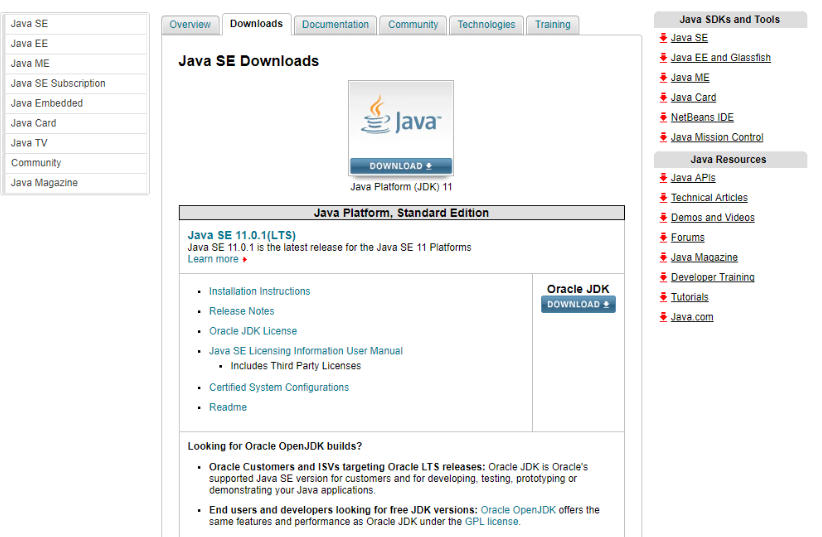
Java11 features
Single-file source code execution: Java 11 allows running a single .java file directly without compiling it first. This feature simplifies running small programs and tutorial examples.
Garbage collector enhancements:
ZGC: A low-latency garbage collector with a target pause time of no more than 10ms and supports terabytes of heap memory. ZGC is suitable for delay-sensitive applications.
Epsilon: A no-op garbage collector that only allocates memory without recycling, suitable for performance testing.
Flight Recorder API: Introduced in Java 11, the Flight Recorder API can collect an application's performance data and events at runtime and output them to a file. This API is based on Java Mission Control (JMC) and helps developers analyze and debug Java applications.
Removal of Java EE and CORBA modules: Java 11 removes multiple obsolete modules and functions, mainly Java EE and CORBA-related APIs, including java.corba, java.transaction, javax.enterprise, javax.jms, etc. These changes make the JDK more lightweight and encourage developers to use modern alternatives.
Deprecated Nashorn JavaScript engine: The Nashorn JavaScript engine has been deprecated and developers may consider using GraalVM as an alternative.
Security enhancements
Support for TLS 1.3 protocol: Java 11 supports TLS 1.3 protocol, providing stronger encryption and performance. TLS 1.3 reduces the number of handshake rounds (RTT) compared to 1.2, improving security and performance.
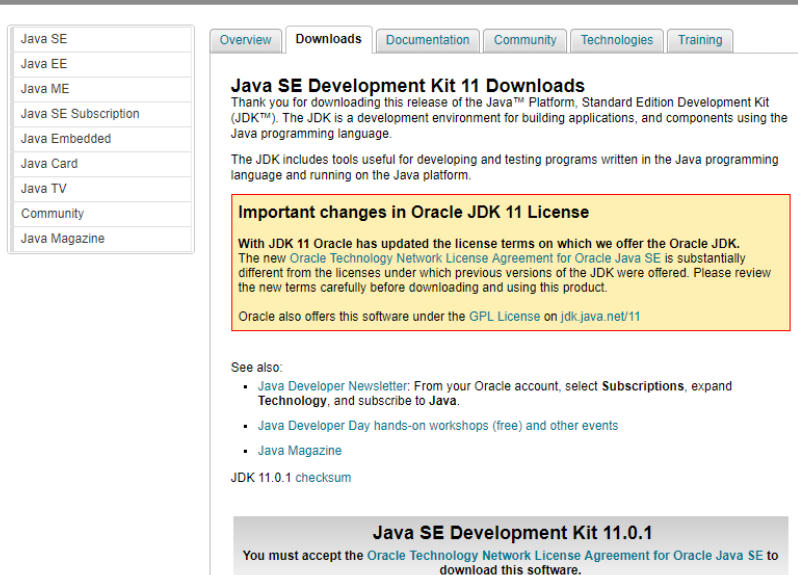
Java11 FAQ
How do I check the Java version installed on my computer?
Open a command prompt or terminal, enter the command java -version and press Enter. If Java 11 is installed, the output will explicitly say something like "java version "11.0.x"".
How do I set the JAVA_HOME environment variable after installing Java 11?
Windows:
Right-click "Properties" -> "Advanced System Settings" -> "Environment Variables" on "This PC".
In the "System Variables" section, click "New", enter JAVA_HOME for the variable name, and enter your JDK 11 installation path for the variable value (for example, C:Program FilesJavajdk-11.0.x).
Then find and edit the Path variable and create a new one %JAVA_HOME%bin.
macOS/Linux:
Add commands like export JAVA_HOME=/path/to/your/jdk-11.0.x and export PATH=$JAVA_HOME/bin:$PATH to your shell configuration file (such as ~/.bashrc or ~/.zshrc), and then execute source ~/.bashrc.
Java11 update log:
1. Fixed several bugs;
2. Optimize details;
Huajun editor recommends:
Java11 is very simple to use. The optimized operation interface allows you to easily find the functions you want. Come and download it. The editor has also carefully prepared for youFast table software,AlphaEbot action editing software,He Xiaoxiang programming client,Automated testing tool AutoRunner,Easy GUI




























Your comment needs to be reviewed before it can be displayed