





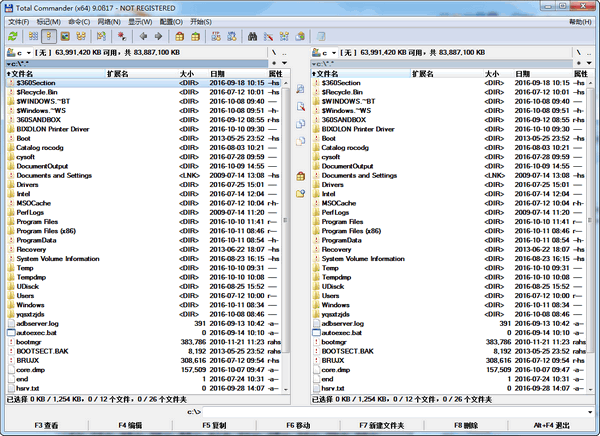
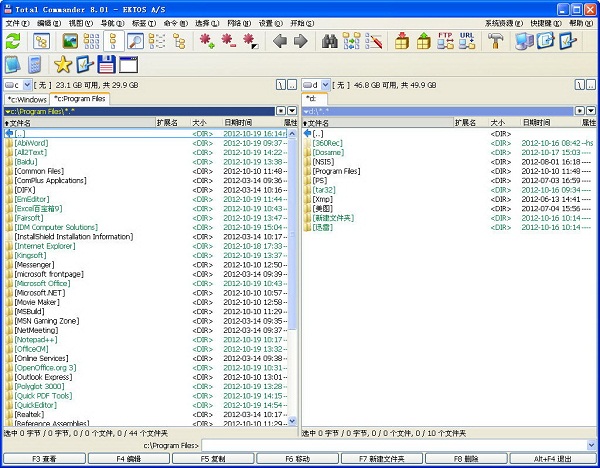

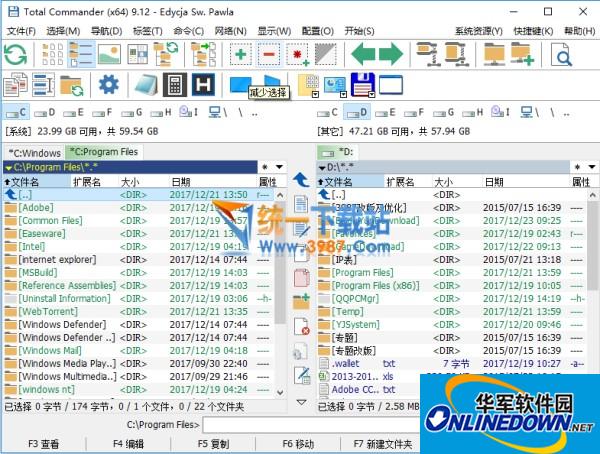
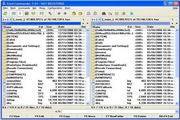
Through toolbars and menus, external programs and internal commands can be called at will. A variety of powerful or practical plug-ins make TC even more powerful and capable of doing things that were previously impossible. Batch renaming and file search, using plug-ins and regular expressions, have more and stronger functions. There are also optional beautification interfaces, FTP functionality with support for FXP and HTTP proxies, and more.
Total Commander features
Plug-in system
Supports expansion of functions through plug-ins (such as cloud service integration, FTP client, compressed file format), and users can freely add functional modules according to needs.
Professional Tool Integration
It includes functions commonly used by engineers such as direct cable transmission and folder synchronization to meet the high-end needs of professional users.
Continuous update and maintenance
Developers continue to iterate and update. The Windows version releases multiple versions every year, and the Android version is updated more frequently to ensure compatibility and functional scalability.
Total Commander FAQ
Recommended plug-ins
Compression/decompression: 7-Zip, Total Commander PowerPack.
Image viewing: Imagine, FastStone Viewer.
Text editing: Notepad++, EmEditor (external editor required).
System tools: Lister plug-in (built-in text viewer enhancement), Everything search integration.
Total Commander update log:
Working day and night just so you can be happier
Mummy, Mummy, coax~all the bugs are gone!
Huajun editor recommends:
The editor has also usedPDF Editor Abdio PDF Editor,EXCEL merge gadget,PocoMaker,Dianju AIP general document processing system,FileLocator ProSoftware with similar functions to this software is available in Huajun Software Park and can be downloaded and used!









Useful
Useful
Useful