




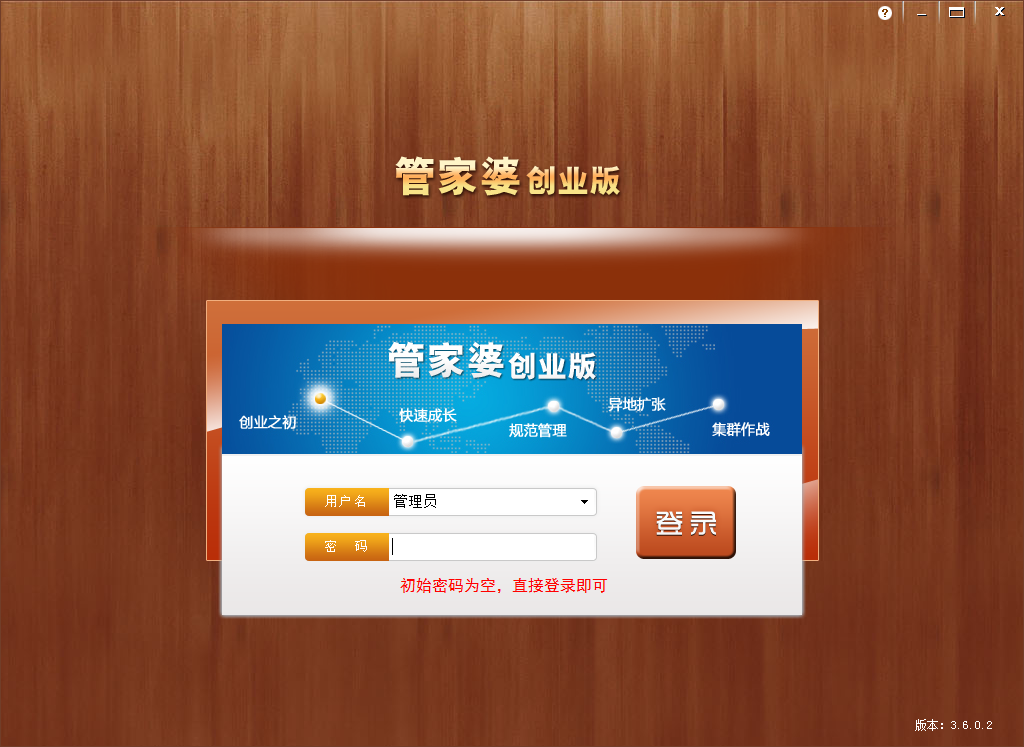
Frequently Asked Questions about Guanjiapo Business Edition
How to change the password of Guanjiapo Business Edition?
Open the Guanjiapo Business Edition, click System Management, click Modify Password, enter the old password, new password, confirm the new password, and click OK.
How to use Guanjiapo Business Edition
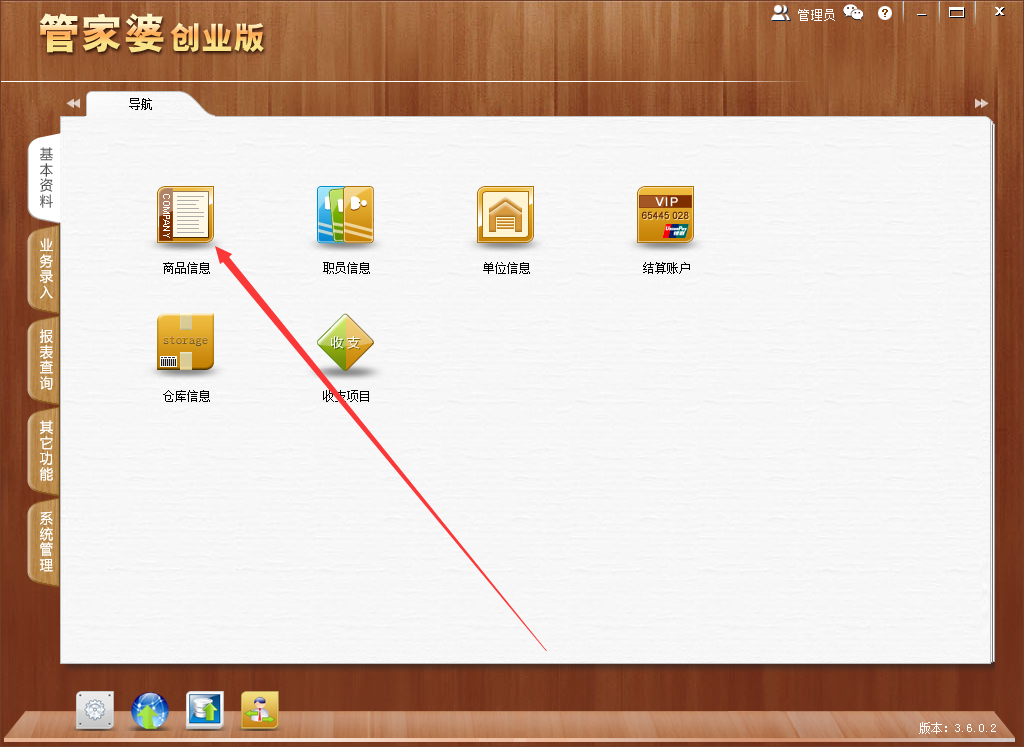
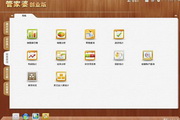
1. Open the software and click on Basic Information

2. Click on product information
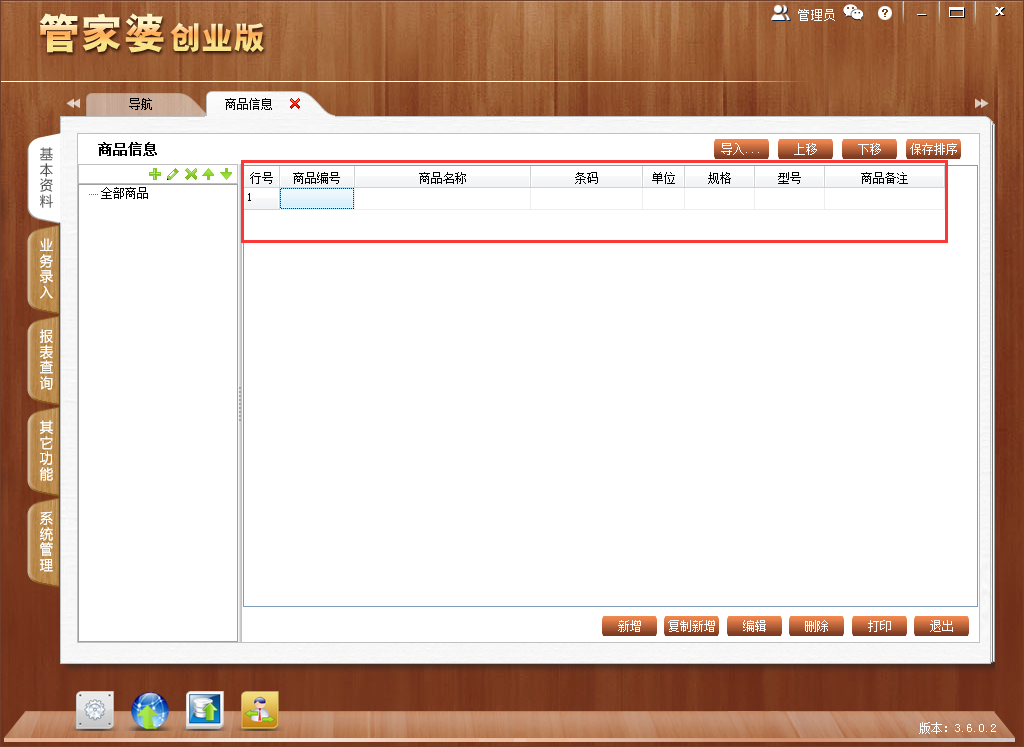
3. Enter the product number, product name, barcode, unit, specification, model, and remarks.
Application value of Guanjiapo Business Edition
·Guanjiapo Business Edition comprehensively improves the work efficiency of purchasing, sales, warehousing, warehousing and other businesses, and avoids human errors easily caused by manual management.
·Accurately grasp the daily business conditions of purchase, sales, inventory, cash, payment collection, transactions, expenses, etc., and related inquiries and statistics are fast and accurate.
·Guanjiapo Business Edition can realize multi-warehouse management and grasp the actual inventory status of each product in a timely and accurate manner.
by Guanjiapo Business Edition can use retail orders for POS operations, so that retailing, printing receipts, and collecting payments can be completed in one go.
·Easily print the current reconciliation report, conduct clear reconciliation with each customer at any time, and the current accounts are clear at a glance.
Core functions of Guanjiapo Business Edition
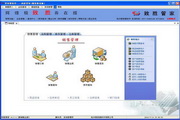
Business entry
Purchase order, purchase return order
Retail order, sales order, sales return order
Receipt slip, payment slip
Income slip, expenditure slip
Business history
Transfer orders, other outbound orders, other inbound orders
Report inquiry
Sales rankings, sales analysis, retail inquiries, purchase statistics
Profit statistics, transaction analysis, income and expenditure item table, payment collection analysis, settlement account inquiry
Inventory status and other incoming and outgoing statistics
Other functions
Backup data, restore data, system balance, system reconstruction
System configuration, permission settings, operator replacement, operator password modification
Product upgrade
Installation steps of Guanjiapo Business Edition
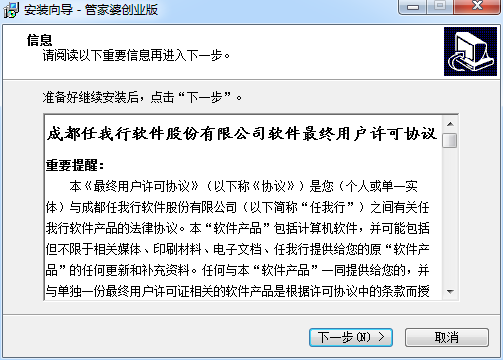
1. Download the compressed package of Guanjiapo GEM software from Huajun Software Park. After unzipping, double-click the exe file to enter the installation interface, read the software license agreement, and click Next;
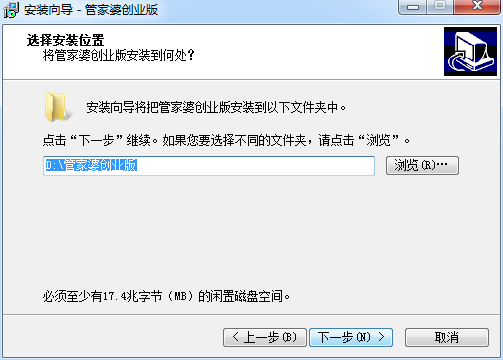
2. Select the software installation location, click Next, and the software starts to be installed;
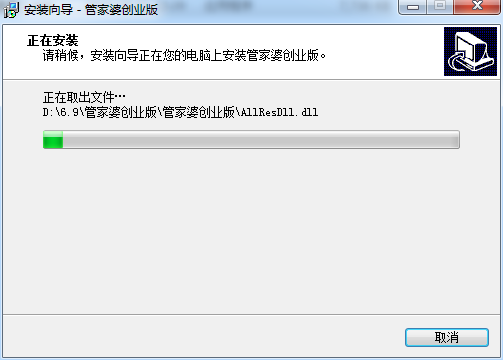
3. Guanjiapo Business Edition is being installed, we are waiting patiently
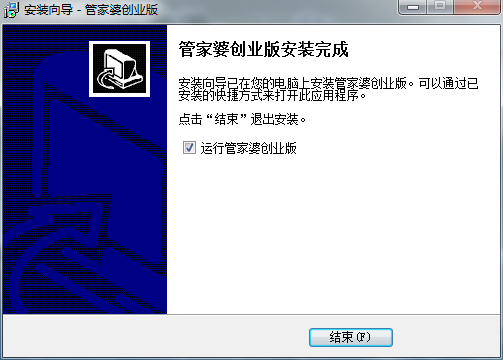
4. Software installation successful
Comparison of similar software
Baicao Furniture Purchase, Sales and Inventory ExpertIt is a warehouse, inventory, sales, finance, and procurement management software. Baicao Furniture Purchase, Sales, and Inventory Expert is suitable for furniture sales, trade, wholesale, and part-time businesses. Baicao Furniture Purchase, Sales, and Inventory Expert has clear functions, supports product multi-specification management, and supports batch intelligent transfer to purchase orders, which greatly improves work efficiency.
Hongda cold storage management systemIt is a professional and practical cold storage management tool. Hongda Cold Storage Management System has data statistics management functions. Hongda Cold Storage Management System also supports charging by weight and charging by square meters. Customers can choose the functions that suit them according to their own requirements, which makes the management of cold storage more convenient and improves efficiency.
FAQ
Problem connecting to server
Failed to connect to server:
Common causes and solutions:
Port 211 has been modified: Find the Guanjiapo socket server in the lower right corner of the desktop, double-click to enter, set the port, delete the redundant ports, and ensure that there is only one port 211.
General network errors: Check whether the SQL server is started, whether "Guanjiapo Supporter" is started, whether the middleware connection is correct, and update the ADO component to the latest version.
After entering the IP and clicking next, a prompt "Failed to connect to the server" will appear soon: check whether tcp/ip is installed and whether the network card is installed, reinstall the tcp/ip protocol or uninstall the network card and reinstall it.
The IP address cannot be resolved: You need to use the machine name to connect, check if there is a problem with the TCP/IP protocol, and change the DNS address.
Prompt "No connection established with trusted sql": Check whether the password of sa in the Guanjiapo server is entered correctly, and enter the enterprise manager to make relevant settings.
Guanjiapo Business Edition update log
1.Fix several bugs;
2. Optimize detailed issues;
Huajun editor recommends:
The official version of Guanjiapo Business Edition is a very good software that can use retail orders to perform POS operations, so that retail sales, receipt printing, and payment collection can be completed at one time. Huajun Software Park also provides you withYiruan Cafe Management SystemWaiting for you to download.





Useful
Useful
Useful