




- Green versionView
- Green versionView
- Green versionView
- Green versionView
- Green versionView
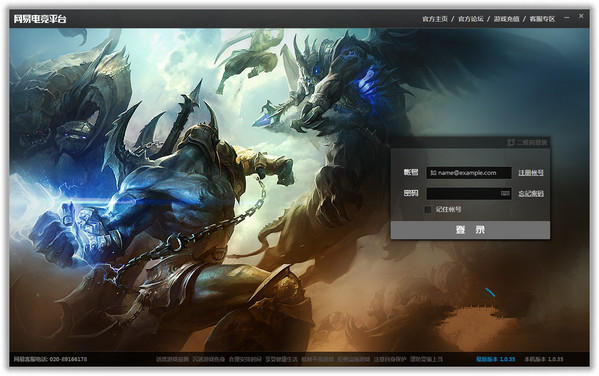
NetEase Battle Platform Frequently Asked Questions
1. How to quit a guild on NetEase’s Warcraft battle platform?
1. First run and open the NetEase battle platform and log in to your account, select - [Guild] and enter.
2. Select [My Guild] to enter and view your Warcraft guild information.
3. Next click to enter the [Guild Settings] interface.
4. Then find the [Exit Guild] button on the interface and click it to exit the guild immediately.
2. How to watch videos on NetEase Battle Platform?
Find the recorded video file in the location where the video is saved, and drag the file you want to play directly to the NetEase Warcraft Battle Platform icon on the desktop to play it. If it doesn't work, please choose to re-login to the NetEase Battle Platform account and drag it or drag it and log in again without logging in to the account.
NetEase battle platform usage tutorial
Login/Register
1. First, please run and open the NetEase battle platform. The opening interface is as follows:
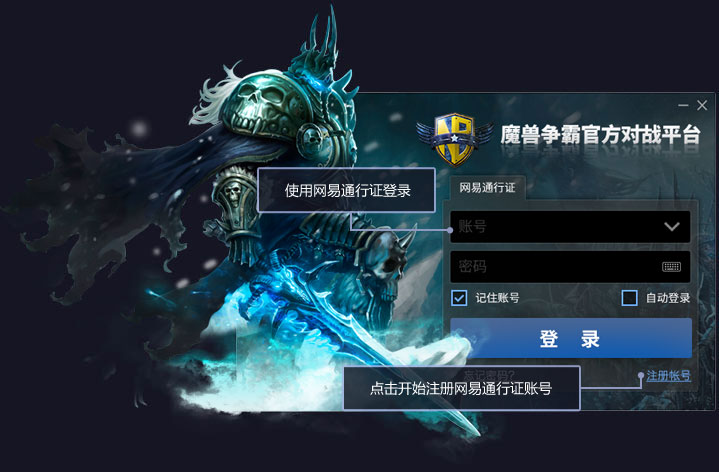
2. Please select [Register Account] to enter the registration interface. Please pay attention when entering your nickname when registering.
1) Use English or Chinese characters
2) Nickname length 2-8 Chinese characters or 4-15 English characters
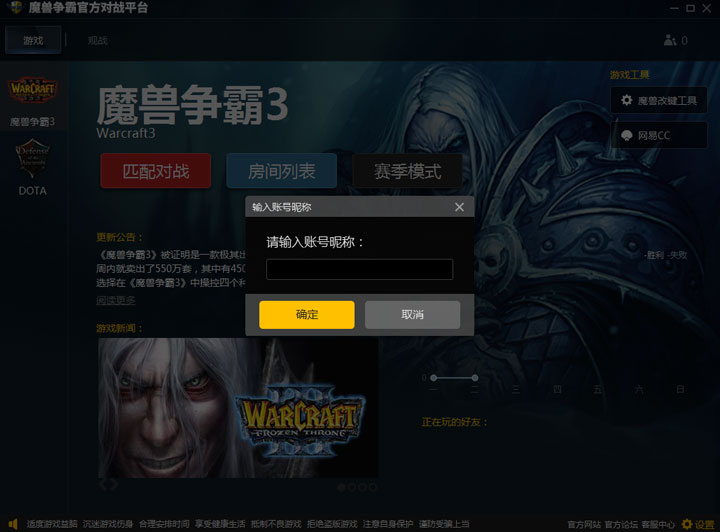
3. After entering, select [OK] to register successfully, and then log in.
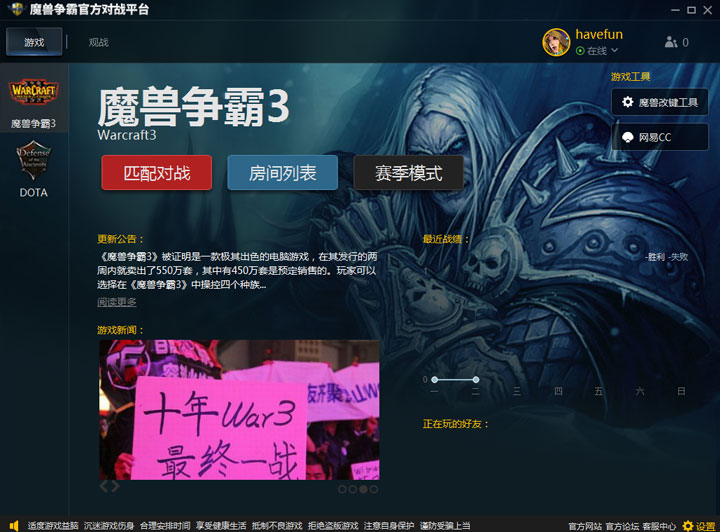
Introduction to NetEase Battle Platform Software
NetEase Battle Platform is an official battle client produced by World of Warcraft. Friends can compete with friends online in real time on the NetEase Battle Platform. NetEase's battle platform allows users to experience a different battle experience. Its game system is fair and the operation is very user-friendly.
NetEase Battle Platform Function Introduction
1. NetEase’s Warcraft battle platform is the only official platform designated by Blizzard
2. Quick battle without ads
3. War III classic battle awakening
4. Multi-person OB watched by thousands of people at the same time

NetEase battle platform installation steps
1. Download the NetEase Battle Platform official version installation package from Huajun Software Park. After unzipping, double-click the exe program to enter the installation interface.

2. Click Custom Installation, select the installation path, and click Install Now
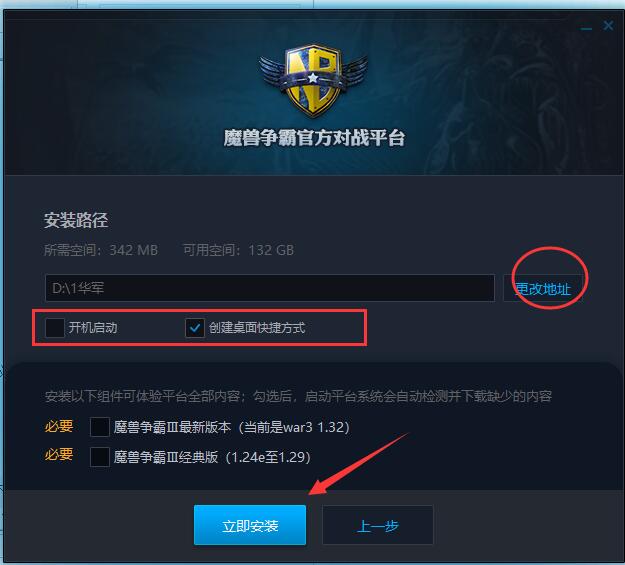
3. The software is being installed, please wait patiently.

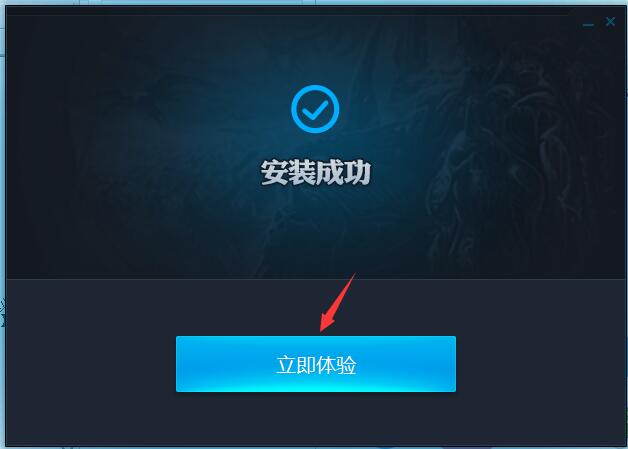
4. The installation of NetEase Battle Platform is completed, click to experience it now
NetEase battle platform update log
1. Fixed other bugs;
2. Optimized software compatibility.
Huajun editor recommends:
The editor of Huajun Software Park recommends that you download the NetEase Battle Platform. The editor has personally tested it and you can use it with confidence. In addition, Huajun Software Park provides you withGod General World Modifier,Pingxiang City Game Hall,Rock Kingdom Feifei Auxiliary latest version,Kunshan city games,Mini World Angel AssistantIt’s also a pretty good software, you might as well download it and give it a try if you need it! The editor is waiting for you in wind and rain!















Useful
Useful
Useful