




Features of electronic component selection software
1. No installation required, green version, small file size, automatic push updates
2. The library is new at all prices, including commonly used selection libraries, with more manufacturers, more series, and updated prices.
3. Pure selection, free switching between three windows, instant price check after selecting parameters, no advertising interference
4. Model search, not only searching for series and manufacturers, but also directly searching for component models
5. Inquiry form, selected components are added to the inquiry list, and exported to Excel file for easy application
6. Draw CAD drawings without installing AutoCAD, intelligently identify CAD drawings, and export all components into boxes into Excel tables
New functions of electronic component selection software
1. Added CAD drawing function;
2. Check and compare prices of multiple brands, more, faster and more transparently;
3. My data, world data, and other data are classified more clearly and are more convenient to use;
4. The new integrated interface makes switching habits more user-friendly.
Installation instructions for electronic component selection software
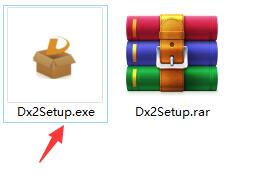
1. Unzip the electronic component selection software package downloaded from Huajun Software Park, double-click the "Dx2Setup.exe" program to enter the installation wizard interface
2. Click "Terms of Service" to view the software installation agreement and check "Agree"

3. Click "Custom Installation" to enter the custom installation interface. The software is installed in the "C:/Program Files (x86)/Dx2" location by default. The editor recommends clicking [Browse] to select a disk other than the C drive for installation.

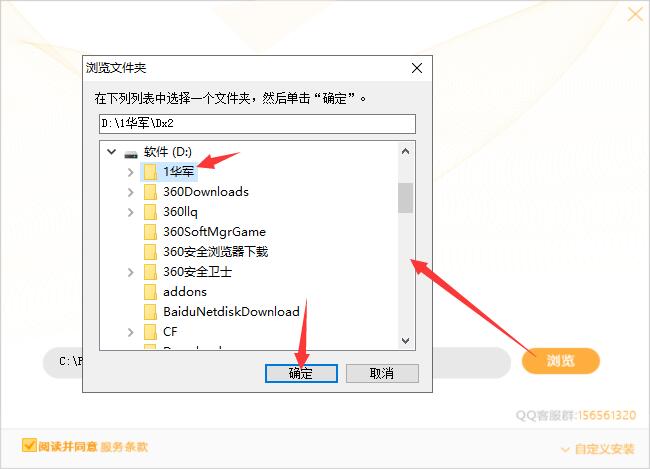
4. After the settings are completed, click "Install Now" to start the installation.
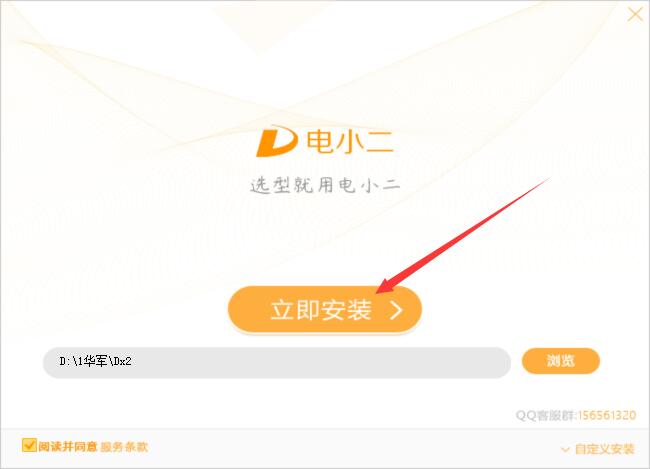
5. The software is being installed, please wait.
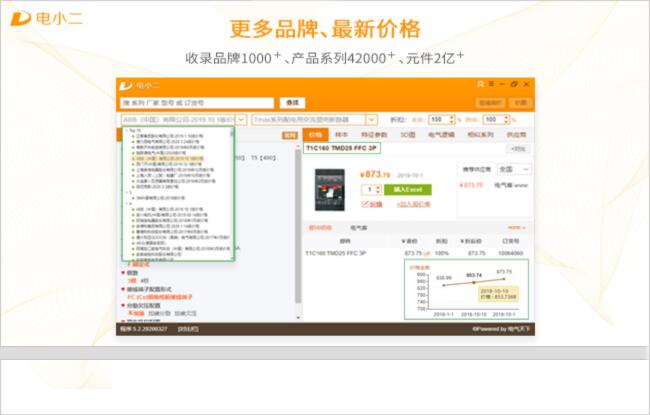
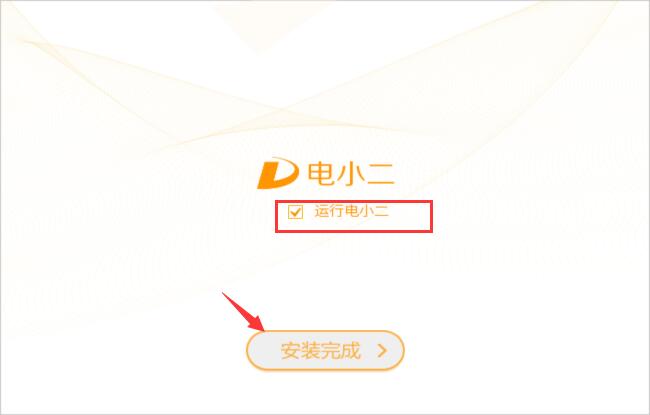
6. The software is installed successfully. Select whether to check the box to run the waiter as needed, and click [Installation Complete] to exit the installation wizard.
How to use electronic component selection software
1. Click the desktop shortcut to open the software
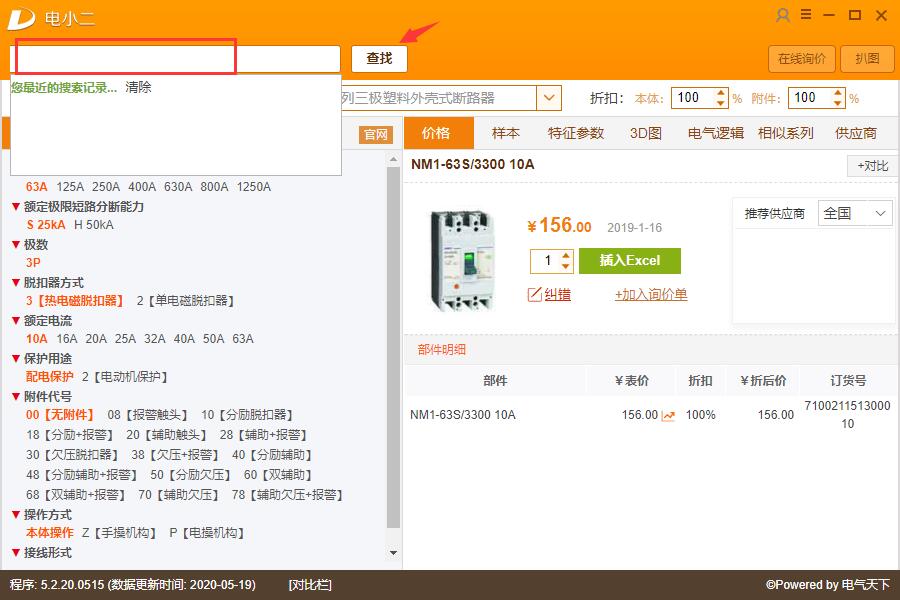
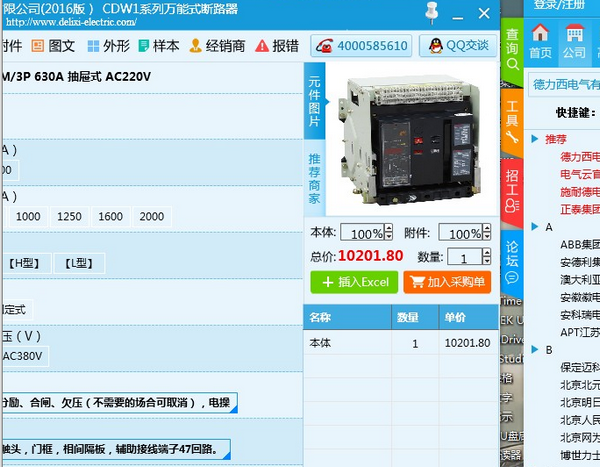
2. Enter the manufacturer series, model, order and other parameters here to check the price.
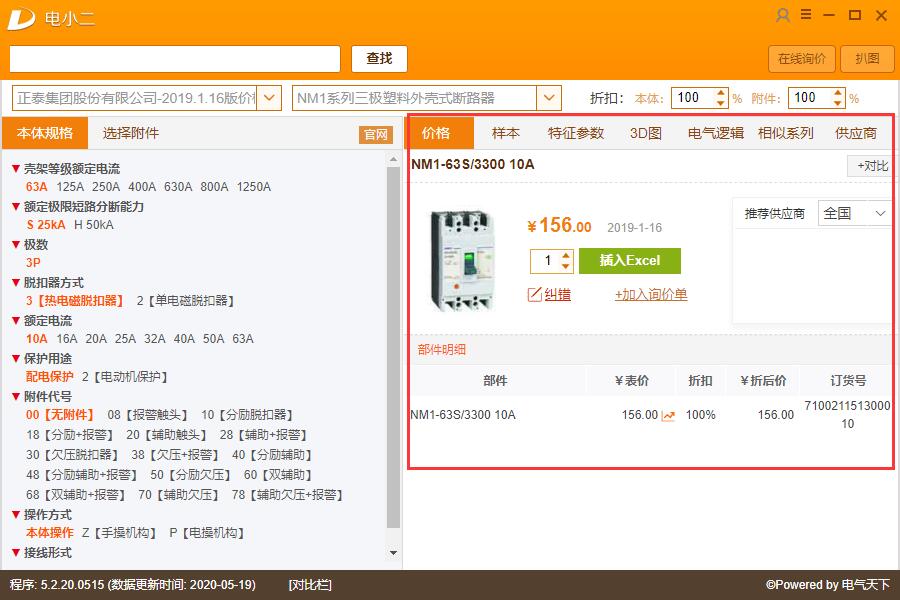
3. The software will also display price samples, characteristic parameters, 3D diagrams, electrical logic similar series, suppliers and other parameters
Frequently Asked Questions about Electronic Component Selection Software
Q: How to become a certified member?
Answer: You only need to complete the registration information and apply to become a "certified member" in the corporate business room information management. After being reviewed and approved by the staff of the Electric World website, you will immediately become a certified member.
Question: Why can’t I log in to the Electric World Network?
Answer: First of all, please make sure your network is normal (whether you can log in to other websites). Secondly, please check whether the user name, company account, and password are all consistent. If the above questions are correct, but you still cannot log in, you can contact the customer service staff of Electric World.
Q: What’s the problem if I don’t receive the activation email after registering?
Answer: There are two reasons: ① Please check whether the email you logged in is the registered email. If not, you will not receive the activation email; ② Some email operators judge the activation information as spam, so please look for the activation email in the spam.
Comparison of similar software
Dianxiaoer component selection software is a professional component selection tool launched by Lichi Software. Dianxiaoer has the characteristics of quick selection, price check, sample search, and quick start. The software is purely for selection, with three windows to switch freely, select parameters and check prices instantly, without advertising interference.
Kunlun fan selection softwareYou can set basic parameters, customize parameter curve graphics, and query fan parameters, performance parameters, etc. You can add, delete, and modify them at will. Users can also build their own database according to their own products.
Electronic component selection software update log
1. The pace of optimization never stops!
2. More little surprises are waiting for you to discover~
Huajun editor recommends:
A very good electronic component selection software, easy to use and powerful, don’t miss it if you need it. This site also providesSouthern Pump Selection SoftwareAvailable for you to download.






Useful
Useful
Useful