




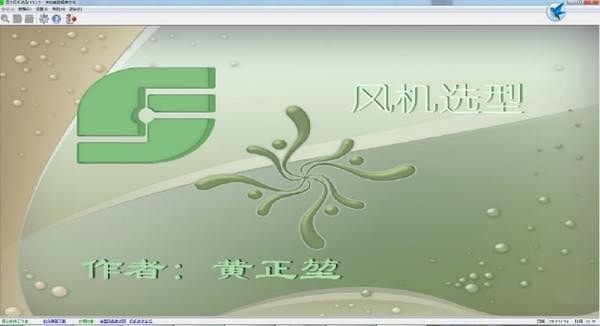
Kunlun fan selection software software introduction
Kunlun fan selection is a practical fan selection tool. The software has strong versatility. The interface design of the software itself is simple and beautiful. Its user-friendly software process is very simple to operate. It is easy to get started and is suitable for use by most enterprises. It has a variety of built-in tools to help with fan selection.
Kunlun fan selection software function introduction
Displays the performance curve of the current fan and provides functions such as calculation, query, printing, and saving.
You can enter a solution description as a note or write it into a customized printed report
It is divided into five parts: "System Settings", "Company Information", "Basic Parameters", "Customized Parameters" and "Curve Graphics"
When the user selects a fan, the user selects the fan series and enters the interface for fan parameters.
It can display the selection results and provide corresponding operation functions.
There are 5 pages of tabs, which provide all editing functions for the current database.
Features of Kunlun fan selection software
1. Universal: Kunlun selection software is not specially designed for a certain enterprise. It is carefully created through the technical guidance of many engineers and the author's experience with the software. It is suitable for the requirements of most enterprises and has good versatility.
2. Maturity: Kunlun selection software has matured after years of modification and refinement. From the interface to the functions, every detail is carefully designed and strictly controlled, striving to create a perfect software.
3. Easy to use: Kunlun selection software is simple and easy to learn. Various operations conform to the common habits of the software. Detailed help files are provided to answer various questions.
4. Multi-functional: Kunlun selection software can select models, query samples, and verify the selection results using the calculation (conversion) function of samples. Provides a variety of custom parameters and tools to facilitate fan selection and auxiliary design work.
Kunlun fan selection software software advantages
The software is quite mature in all aspects
Quick generalization is also possible
Make the use of software more extensive
The functions are also quite powerful and comprehensive.
You can also choose quickly
The design of the software is very in line with the user's usage habits
It also supports quick selection of wind types.
You can also create your own database
Kunlun fan selection software installation steps
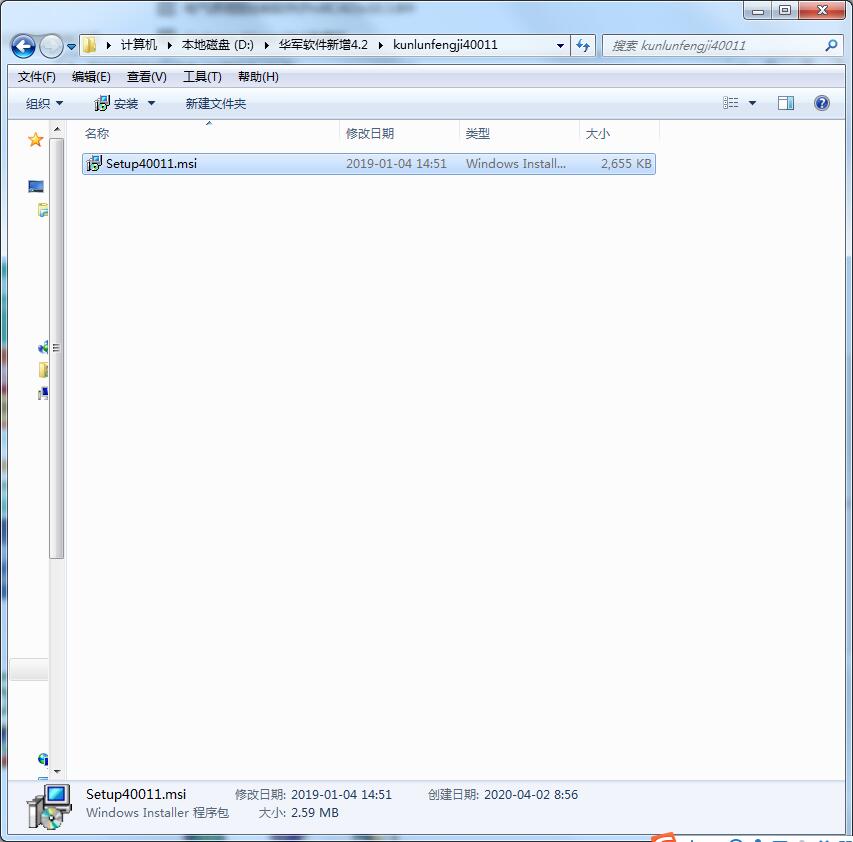
1. Download and unzip the software in Huajun Software Park, and click on the msi application.
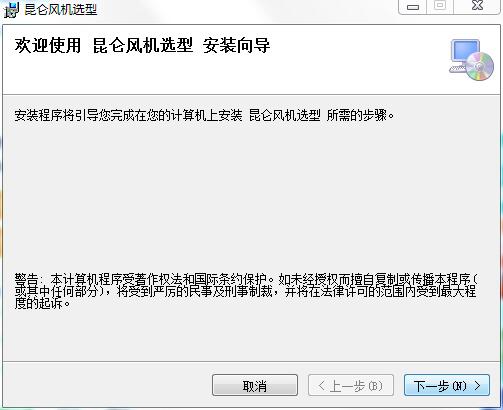
2. Click Next in the installation wizard
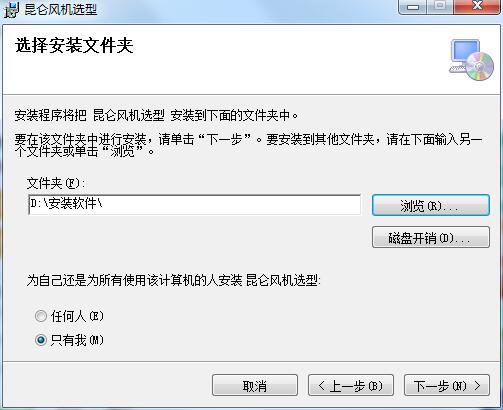
3. Select the installation location and click Next
4. Click Next to install
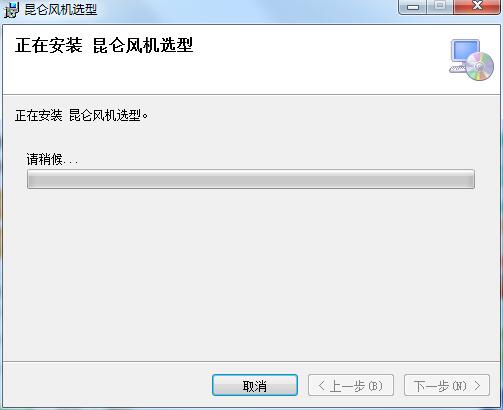
5. Installation completed

Frequently Asked Questions about Kunlun Fan Selection Software
Question: Why can’t I choose a suitable fan using this software?
Answer: Please pay attention to the following points when selecting:
1. Select series
First, check whether the selected qualifications are appropriate;
To see if the series is suitable, you might as well select them all.
2. Input parameters
Make sure the input parameters are correct;
First select according to the sample machine number and sample speed, then try the sample machine number and direct connection speed, and then try non-standard selection.
3. Restrictions
If you cannot select a suitable fan, you can appropriately relax the efficiency and error requirements;
The temperature exceeds the limit and is allowed to exceed the operating temperature of the fan;
Make variant selections.
If there is a suitable fan in the database, you can always select it.
Kunlun fan selection software update log
1 Rewrite using C#
2 The database uses dimensionless parameters
Huajun editor recommends:
Kunlun fan selection software, as a software that is continuously updated and iterated, has been transformed in version updates again and again, more in line with user needs, and bringing users a very high experience. The editor of Huajun Software Park recommends everyone to download and use it. In addition, there areCruzr,FastCAM automatic programming nesting software,Hanwen production planning and scheduling software,Material weight calculation,Green apple weighing softwareRelated software is also pretty good and can be downloaded and used.




Useful
Useful
Useful