





vc++6.0 Win10 version software features
1. Powerful and diverse functions
vc++6.0 is not only a C++ compilation tool, but also a visual integrated development environment IDE based on the Windows operating system.
2. Rich components, everything you need
vc++6.0 has a rich set of component tools, including editors, debuggers, class wizard development tools, etc., forming a convenient development environment.
3. Compiled language compatibility
vc++6.0 not only supports the compilation of C++ language, but also supports the compilation of C language, making it more oriented to the public.
4.Official authority
vc++6.0 is a software officially released by Microsoft, so there is no need to worry about viruses and charges.
How to use vc++6.0 win10 version
1. After opening Microsoft Visual C++ 6.0, select: File - New, and select "Project" in the dialog box that opens.
2. Then select "Win32 Console Application" -> fill in the "Project Name" -> select "Location" -> "OK".
3. Then select: File - New, and select "File" in the dialog box that opens.
4. Then select "C++Source file" -> fill in the "File Name" -> "OK". This creates a .cpp file.
5. Finally, just write your c language code in the .cpp file.
6. After the code is written, look at the tool and there is an icon like this:

Click "Compile", "Connect", and "Run" in sequence, and the program will run automatically.
vc++6.0 win10 version installation method
1. First, download the vc++6.0 win10 version installation package from this site, unzip it, open the exe file, and enter the installation wizard.
2. Follow the steps to install according to the relevant prompts. Be sure to pay attention to the installation location. It must be the default path and do not modify it.
3. Directly enter the installation program.
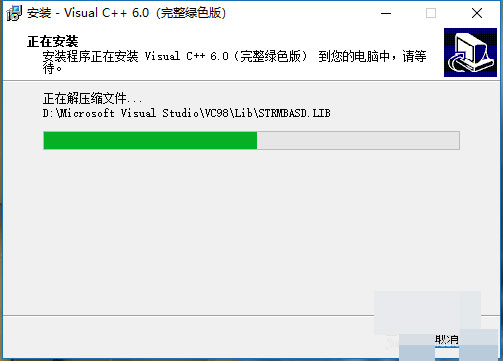
4. It will take a while for the installation to be completed, just wait patiently.
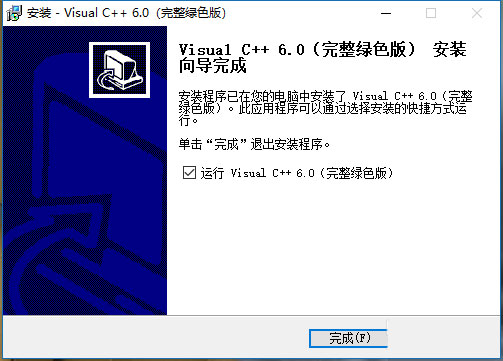
Installation summary: First download vc++6.0 from this site For the win10 software installation package, unzip it and open the exe file to enter the installation wizard. Follow the steps to install according to the prompts. During installation, you can choose the default installation location or customize the installation location. After checking the corresponding shortcut, enter the installation program. After a short wait, the installation will be completed and enjoy this software.
vc++6.0 win10 FAQ
1. What should I do if I find that vc++6.0 win10 version cannot be opened after installation?
Some users of Huajun Station have reported that after installing the good version of the software, an error pop-up window will appear when opening the software. This is due to some system compatibility or lack of components. The specific solutions are as follows:
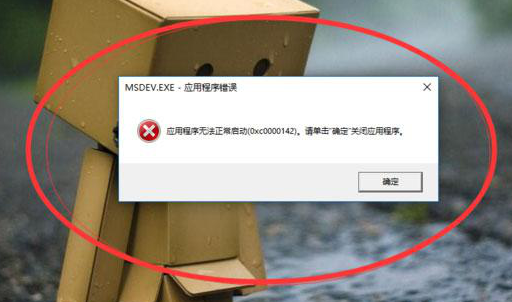
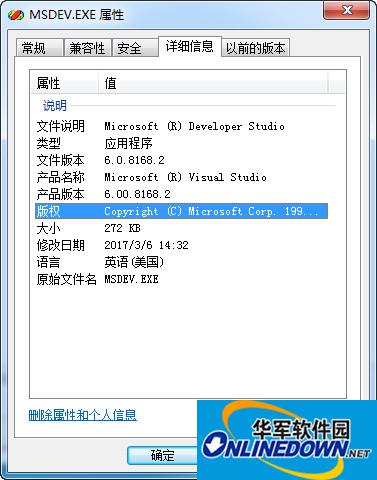
1. We only need to replace one file. First, we copy the replacement file named msdev that we just downloaded;
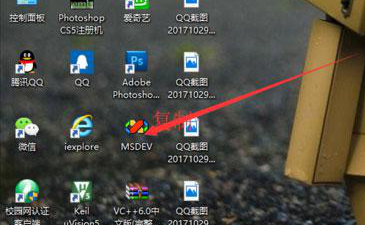
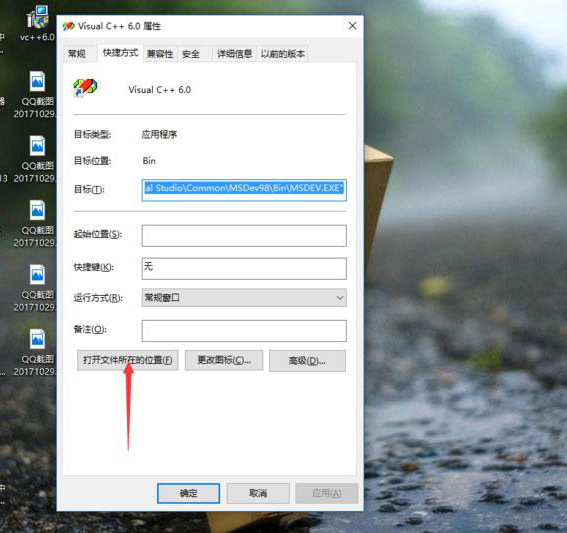
2. Then right-click the vc++6.0 software icon, properties-open the location of the file;
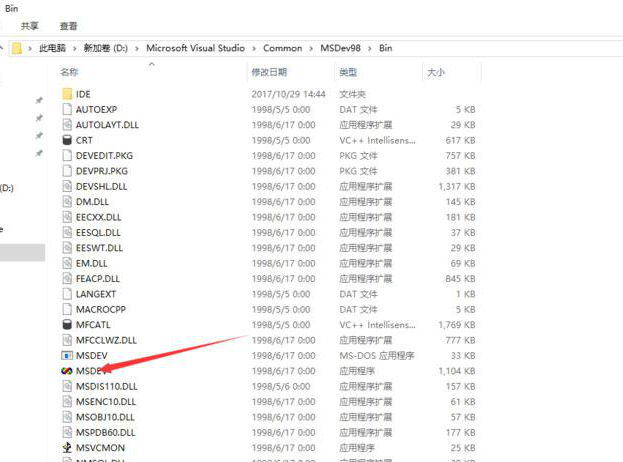
3. Find the msdev icon here, delete it, and paste the file you just copied into it to complete the replacement;
4. At this time, we opened vc++6.0 and found that it can be used.
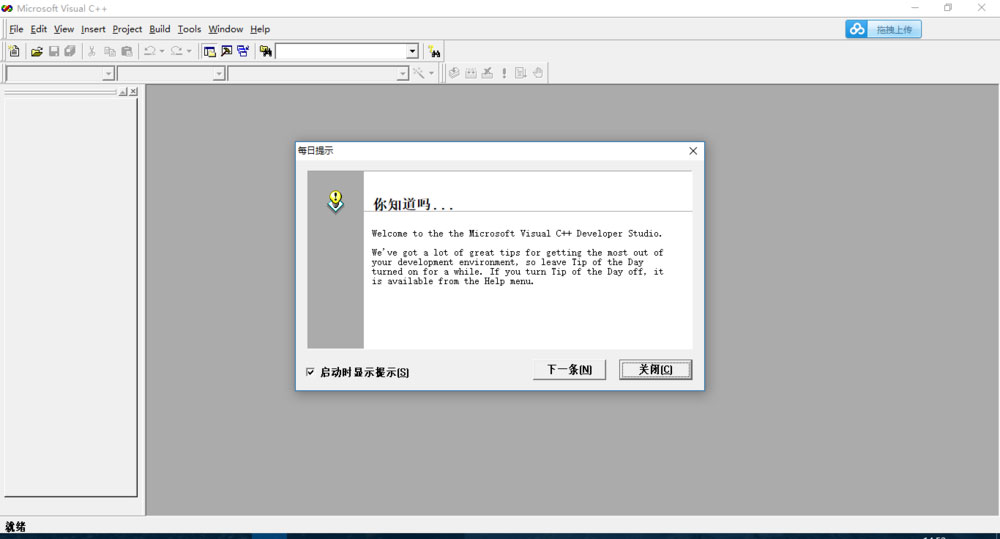
2. What should I do if vc++6.0win10 is not compatible?
This depends on whether you have installed vc++6.0 win10 version. The solutions for installation and non-installation are also different, as follows:
1. If the Chinese version of VC++6.0 has been installed, you can directly download the English version of the MSDEV.exe executable file and replace the Chinese version file. Of course, both can exist simultaneously. Place the downloaded MSDEV.exe file directly into Common->MsDev98->Bin in the VC++6.0 installation directory, right-click and send to desktop shortcut.
Directly replace the original MSDEV.exe file with the Chinese-English version of the MSDEV.exe executable file. Both can coexist (note the inconsistent naming). There is not much difference between this Chinese version and the Chinese version, but it can run in the system after the tenth anniversary of win10. The startup interface and icons have been modified. Here is my completed MSDVE.exe. You don't need to unzip it. Modify the suffix directly. The downloaded file is .zip and change it to .exe. Remember to back up before replacing. If you don't like it you can change it back
2. Students who have not installed VC++6.0 but want to install it can download the Chinese green version of VC++6.0 available for the 10th anniversary of Windows 10. If you like the English interface, you can also download the English version of Visual C++ 6.0 full version.
vc++6.0win10 version update log
The latest version of the C++ compiler collection is now available in Microsoft Visual Studio The 2015 software includes C++ (a large language that supports object-oriented programming), Visual basic (a language that supports object-oriented programming), Java (a language suitable for the Internet), C#, J#, .net and other mainstream programming languages. Among them, the version of the VC development environment has been upgraded to Microsoft Visual C++2015 has more comprehensive and stable support for C++. It is recommended that you use this version if your computer has good performance.
The pace of optimization never stops! More little surprises are waiting for you to discover~
Huajun editor recommends:
vc++6.0 win10 has the same complete functions as the official one, the interface is more beautiful and elegant, and the design is more perfect. Welcome to download it to continuously meet the needs of users. Those who are interested can also downloadFast table software,AlphaEbot action editing software,He Xiaoxiang programming client,Automated testing tool AutoRunner,Little turtle LOGO language









Useful
Useful
Useful