




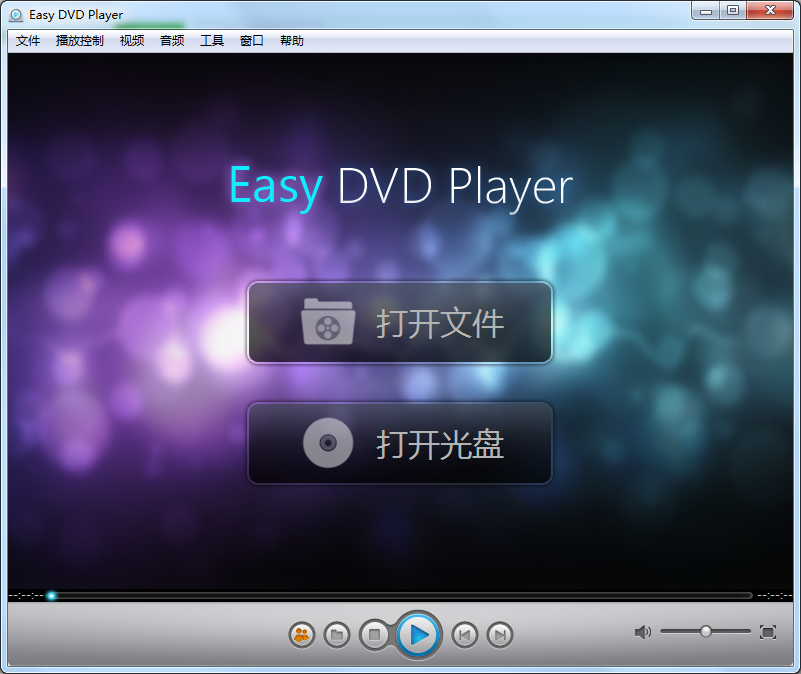
Basic introduction to ZJMedia Easy DVD Player
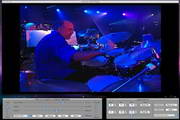
Easy DVD Player Chinese version (Easy Digital Player) is a powerful and easy-to-use multimedia player software running on the Windows platform. Not only can it play DVDs, but it can also play Blu-ray discs and Blu-ray image files. At the same time, Easy DVD Player also has good compatibility with other formats of media files, such as VCD/SVCD/CD/MPEG/AVI/ASF/WMV/WMA/MP4/MOV/3GP/MKV/WAV /FLV/RMVB, etc. Easy DVD Player not only has high-definition, high-fidelity picture quality, but also supports high-quality audio output from DTS and Dolby Digital. Provides functions such as video screenshots, interface skinning, and sharing on social networking sites.
ZJMedia Easy DVD Player software features
Easy DVD Player is a powerful, simple and easy-to-use multimedia playback software for the Windows platform. It can not only play DVD discs, but is also compatible with Blu-ray discs and Blu-ray image files. At the same time, Yibo Digital Player can also play audio and video files in almost all formats. Including DVD-Video, DVD-R, DVD-ROW, DVD-RW, VCD1.1, VCD2.0, SVCD various video files, AVI, MPEG, MPG, M2V, DAT, WMV, MOV , DV, DV1, VOB, M2V, ASF, ASX, MPG, VOB, AC3, ASF, M1V, M2V, MOV, QT, AVI, WMV, DAT, VRO, WAV, MID, WM, WMA, MP2, MP3, RMI, etc. Yibo digital player has wide compatibility. It can run stably and smoothly in Windows Vista/XP, Windows 7/8 and other operating systems.
ZJMedia Easy DVD Player function introduction
(1) Not only can it play DVD discs with different region codes, but it can also play various types of Blu-ray discs;
(2) Save your favorite movie scenes as pictures on your computer;
(3) Supports skin changing function, you can change the interface skin as you like to make your interface unique;
(4) Supports sharing on social networks, allowing you to share your movie-watching experiences with family and friends anytime and anywhere;
(5) Supports Dolby and DTS sound technology, allowing you to enjoy high-fidelity surround sound without going to the cinema;
(6) Desktop video and DVD video can fill the entire Windows desktop and enjoy the full-screen experience.
ZJMedia Easy DVD Player installation steps
1. Download the compressed package of the official version of ZJMedia Easy DVD Player from Huajun Software Park. After decompression, double-click the exe file to enter the installation interface. Click the icon button to freely set the software installation location. It is recommended that you choose to install on the D drive.
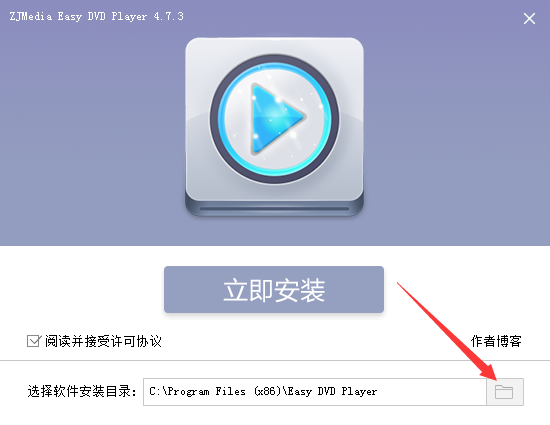
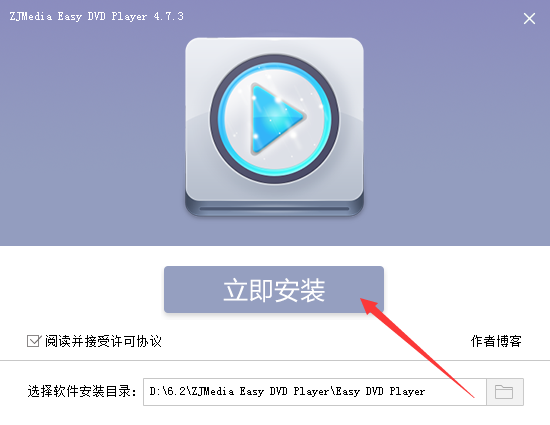
2. After the settings are completed, click Install Now
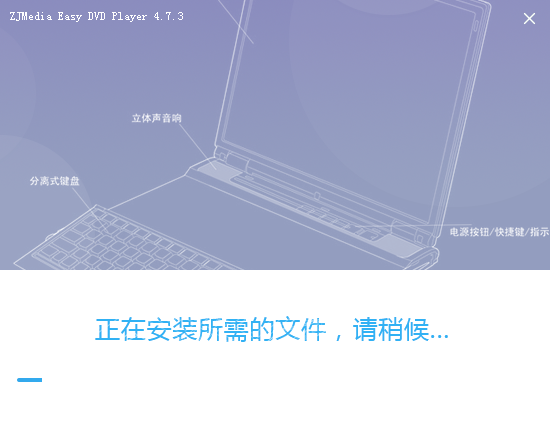
3. The official version of ZJMedia Easy DVD Player is being installed, we are waiting patiently.
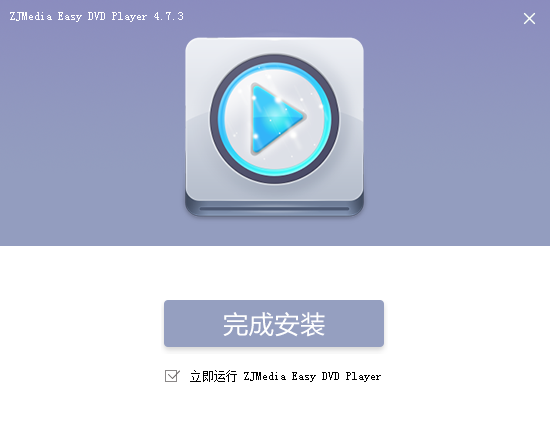
4. The software is installed successfully. Click Install Successfully to run the software.
How to use ZJMedia Easy DVD Player
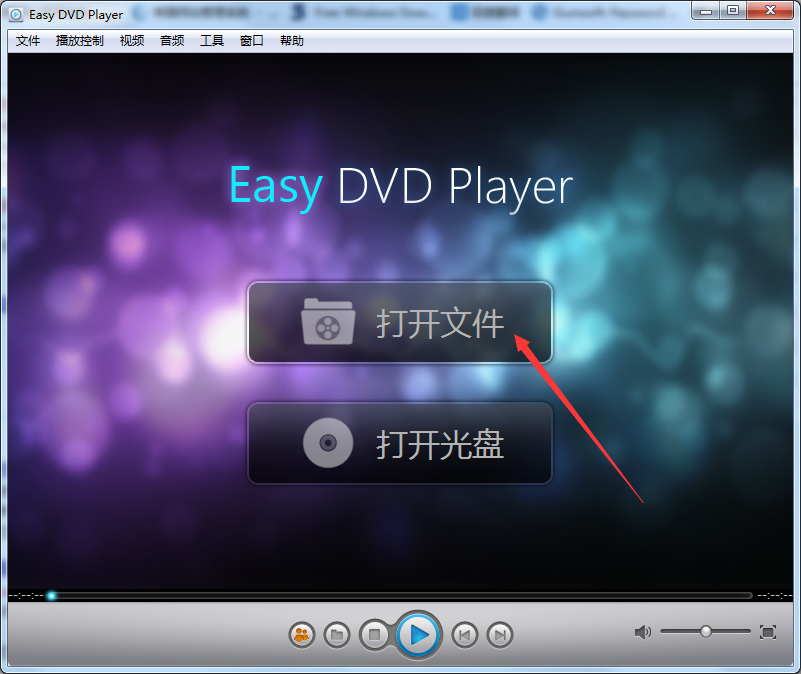
1. Open the software and click to open the file
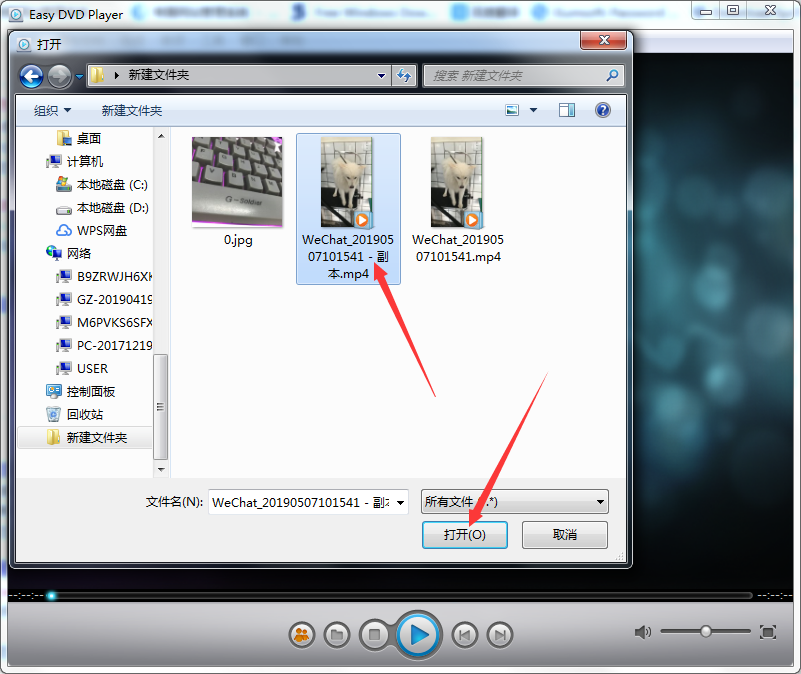
2. Select the video file on your computer and click Open
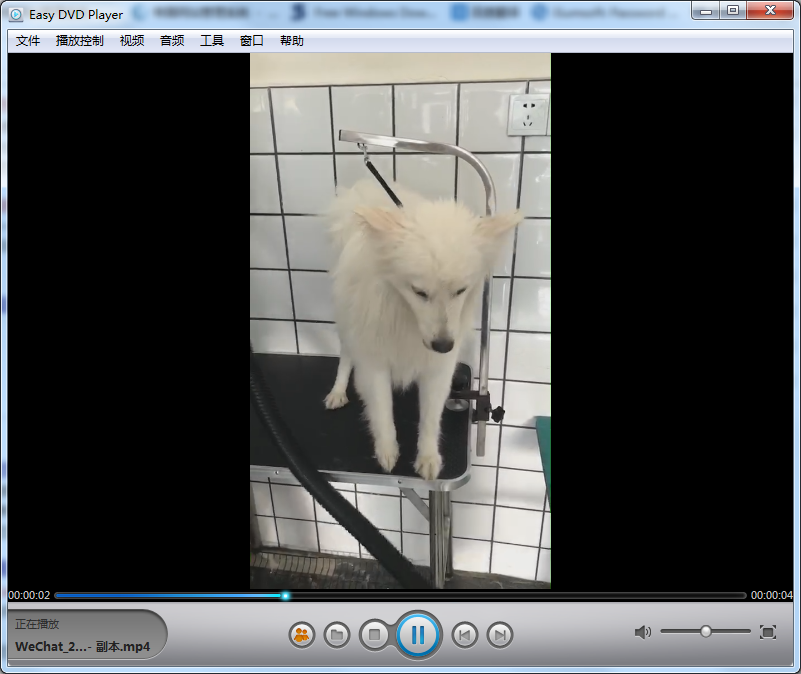
3. The video starts playing
ZJMedia Easy DVD Player FAQ
How to capture video footage in the official version of ZJMedia Easy DVD Player?
While the video is playing, click Tools, click Screen Capture, or use the Ctrl+Alt+S shortcut keys to capture the screen.
Comparison of similar software
DVDFab Player UltraIt is a video playback and editing tool. DVDFab Player Ultra can help users greatly improve playback stability, playback compatibility and playback smoothness. DVDFab Player Ultra software is convenient and easy to use and supports the use of completely different computer playback modes and TV playback modes.
PowerDVD 11 is a set of all-round high-definition 3D audio and video playback software. It not only supports Blu-ray movies, 3D Blu-ray movies, DVD videos, most video format files, and music files, but can also convert 2D movies to 3D movies for viewing! When you enjoy ordinary 2D movies, just click the 3D button under the player, and PowerDVD 11 can easily convert the movie to 3D effect for playback! It’s so cool!
ZJMedia Easy DVD Player update log
1.Fix some bugs
2. Optimized some functions
Huajun editor recommends:
The official version of ZJMedia Easy DVD Player can not only play DVD discs with different region codes, but also play various Blu-ray discs. We also haveScenicplayerRelated software is available for download. If you need it, please click to download and use it.



















Useful
Useful
Useful