



How to open 360 movie bodyguard:
First open our security guard.

After opening the software, enter the main interface.
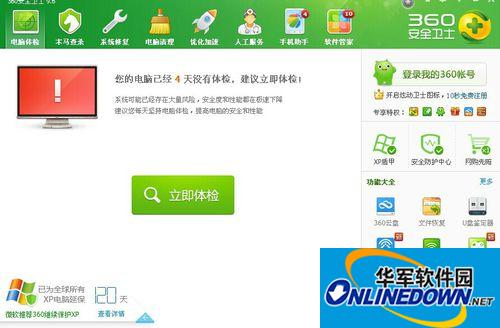
On the right side of the main interface, we find and click to open the "Security Protection Center" option.
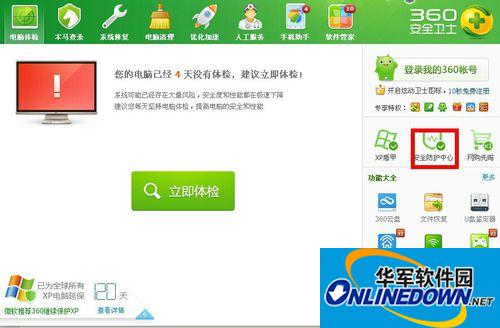
After clicking the Security Protection Center option, you will enter the Protection Center window.
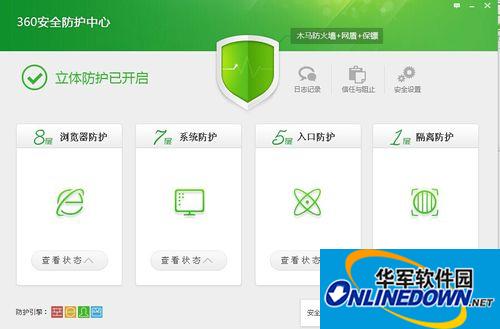
After entering the Protection Center window, we can see the "Browser Protection" option in the window.
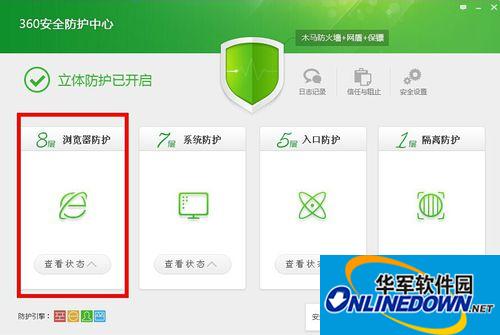
Then we click on the "View Status" button in the "Browser Protection" option.
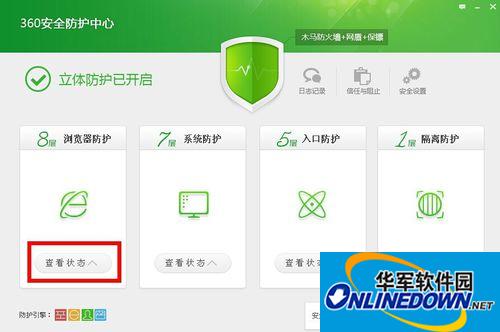
After clicking the View Status button, a drop-down list pops up.
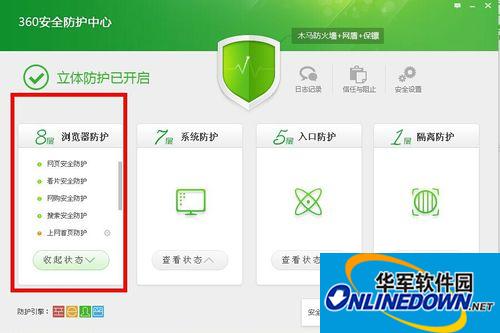
At this time, we can see an option of "Safety Protection for Watching Movies", which can be turned on and off by clicking on it.
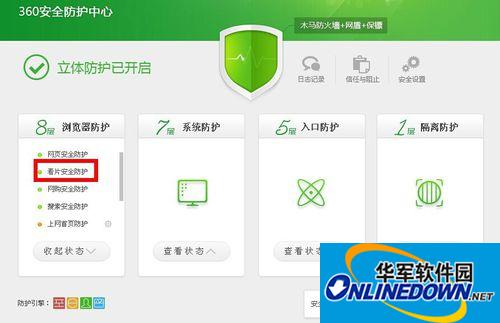
Function introduction:
First, the preventive effect is outstanding. Intercepting the Trojan virus before it enters the computer can reduce the risk of the computer being infected;
Second, "prescribe the right medicine to the case". For example, users have higher requirements for the security of the system environment when shopping online, and online shopping bodyguards adopt the strictest protective measures. Some users tend to turn off security software when watching movies and take the risk of installing a poisonous XX player. Movie Watching Bodyguard can ensure that users watch movies safely;
Third, it is easy to use and can play a protective role during corresponding operations without the need for special settings by the user.


































Useful
Useful
Useful