



Things to note:
Friends who use Mac to install or download application software often encounter the following three error situations. The editor here provides you with solutions to help you solve the Mac error problem:
1. "...the software is damaged and cannot be opened. You should move it to the Trash"
2. "The xxx software cannot be opened becauseApple can't check if it contains malware"
3. "Cannot open xxxsoftware because it comes from an unidentified developer"
Don’t panic if you encounter the above three situations, follow the editor’s instructions and solve them easily.
1. Turn on any source in the computer settings.Open any source.
2. Opening any source will solve the problem of most software error reports. If it does not work, it means that you need to bypass application signature authentication by executing command line code. Execute command bypassiosnotarizationGatekeeper.
3. If the above operations still cannot solve the problem, then you need tocloseSIPSystem integrity protectionOnly then can.
Logitech G610 keyboard driver MACSoftware introduction
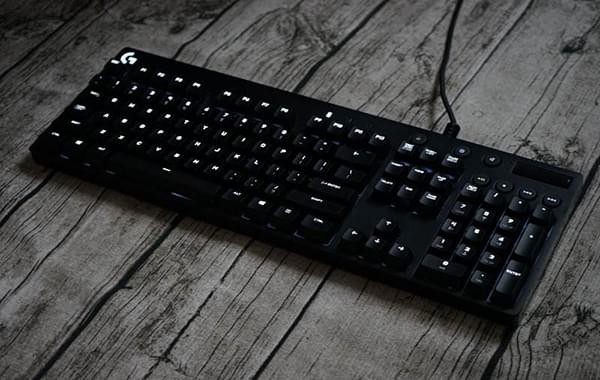
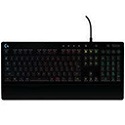
Logitech G610 keyboard driver MAC version is a standard 104-key American-style mechanical keyboard, using Cherry MX brown switches (currently only brown switches), all keys support white backlight, and are equipped with ABS translucent keycaps. When I first saw the G610, I thought that Logitech has finally figured it out. The overall shape is simple and traditional, using the popular narrow frame design. There is no decorative panel like the G910 and G710 that is slightly exaggerated and takes up the desktop, and there is no anti-human left macro button.
Logitech G610 keyboard driver MACSoftware features
1. The software is very simple to install, almost a brainless installation, just click on it.
2. It has a very powerful function and can control the brightness and color of the lights on the keyboard.
3. You can also continuously change your lights to achieve better effects.
4. You can also set the light to the breathing light mode, which flashes very beautifully.
5. You can also customize your halving macros, so that you are invincible in the world of online games.
Logitech G610 keyboard driver MACInstructions for use
After downloading, unzip and start installation
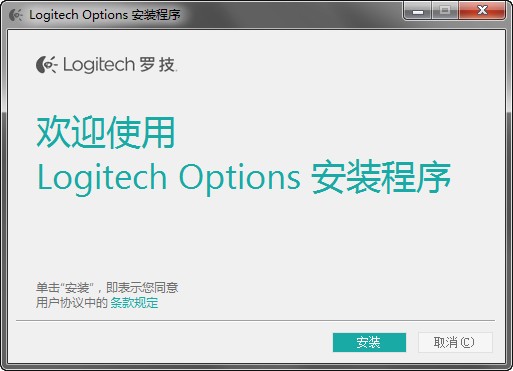
After completing the installation according to the installation guide, you need to connect the peripherals, otherwise the driver cannot be started.
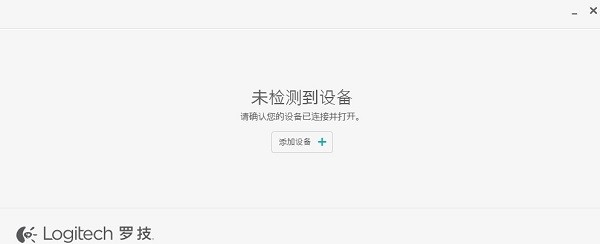
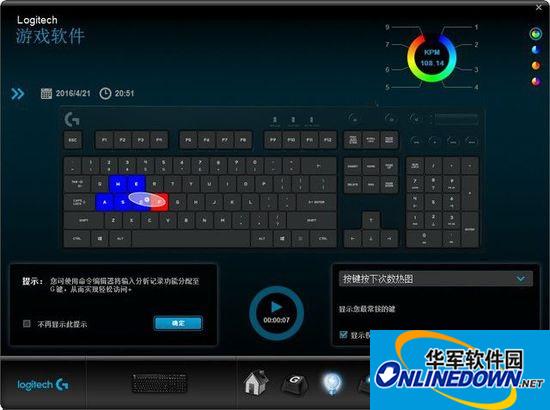
After successfully connecting the peripherals, you can start setting according to the user's habits
Button customization interface
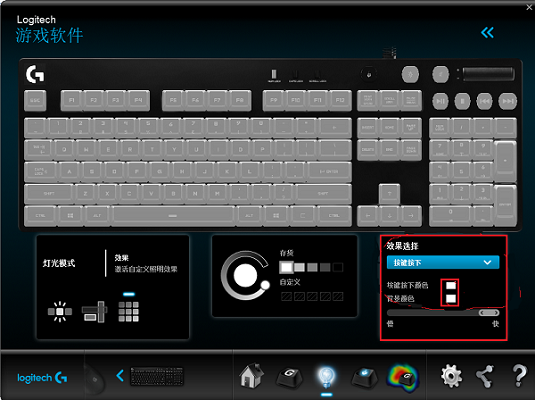
Driver configuration selection interface
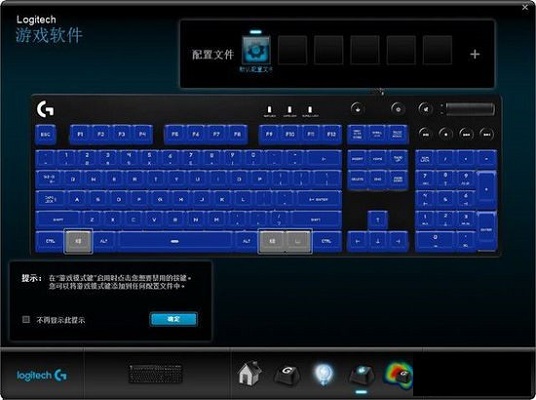
Backlight adjustment interface
In the backlight adjustment page, players can choose preset effects, including breathing, stars, light waves and single lighting effects. There are not many backlight modes, but the effect is not compromised because of the monochrome backlight. However, it should be noted that since the Logitech G610 keyboard does not have onboard memory function, all settings, including the backlight function, can only be saved locally. If you change the computer, you need to reset it.
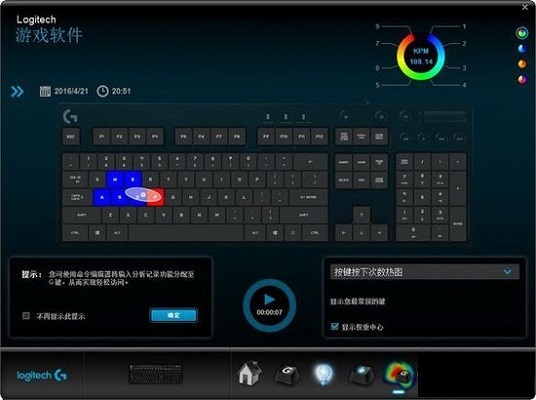
Logitech G610 keyboard driver MAC update log
1. The pace of optimization never stops!
2. More little surprises are waiting for you to discover~
Huajun editor recommends:
Logitech G610 keyboard driver MAC is a very good application software. I secretly tell you that I also use this software, and I don’t tell others about it! Powerful, green and safe. Huajun Software Park also provides you witheZip,ChemDraw Professional,Freeze Point Restore For Mac,WeChat For Mac,Hand-drawn mind mapping software iMindMap9 For MacWaiting for you to download.







Useful
Useful
Useful