





Features of Sunflower remote control software
Sunflower cooperates with Qualcomm Atheros, a world-renowned company, to launch the world's first integrated remote control solution that enables remote power-on/wake-up from a network chip. You can also use Sunflower remote cameras to easily create 360-degree, zero-cost home security. Sunflower remote control software has been widely used in personal computers, enterprise PCs/servers, Internet cafes, campuses, hotels and other fields.
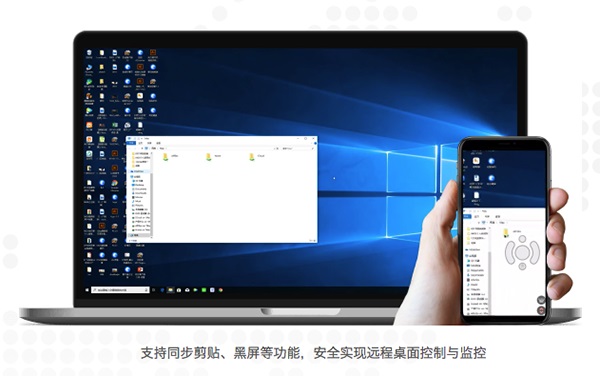
Sunflower remote control software function introduction
1. Remote desktop
Use a mobile device or computer to remotely access your remote computer desktop from anywhere in the world. Sunflower uses a unique remote desktop protocol to allow you to easily browse files, watch pictures, videos, movies, etc. At the same time, facing 2G/3G changing terminals, enjoy cross-platform extremely fast remote desktop access and support smooth audio/video.
2. Desktop viewing
Used for remote desktop monitoring without changing any settings of the controlled terminal.
3. Remote camera.
View the situation around the remote host camera in real time, support multi-camera switching, and keep everything under control.
4. Remote boot.
No matter whether the remote host computer is in hibernation or shut down state, you can easily turn on the remote host computer with one click of remote power on.
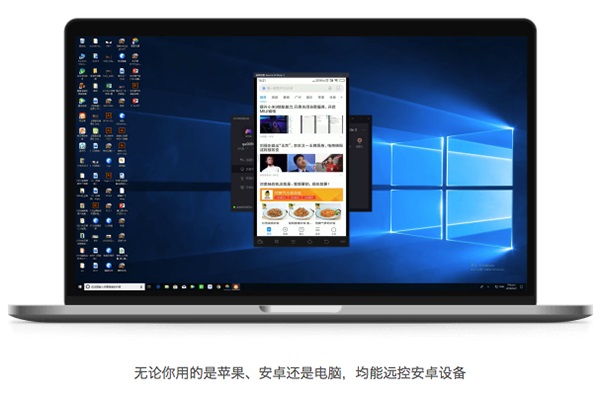
Sunflower remote control software FAQ
The server does not open port 3389
Solution:
In the "System Properties" of the remote computer, check the "Remote Desktop" option and make sure to use a user account with remote login permissions.
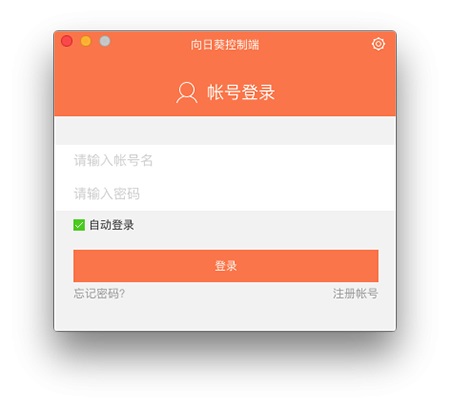
Sunflower remote control software update log
1. [Optimization] Function interaction to improve operating experience
2. [Fix] Known issues and improve stability
Huajun editor recommends:
Sunflower remote control software is a software with excellent performance, which is obvious to all. Huajun Software Park also haseZip,Paste,ChemDraw Professional,Freeze Point Restore For Mac,WeChat For MacWaiting for related software that is definitely worth downloading and using, come and choose your favorite one!











Useful
Useful
Useful