




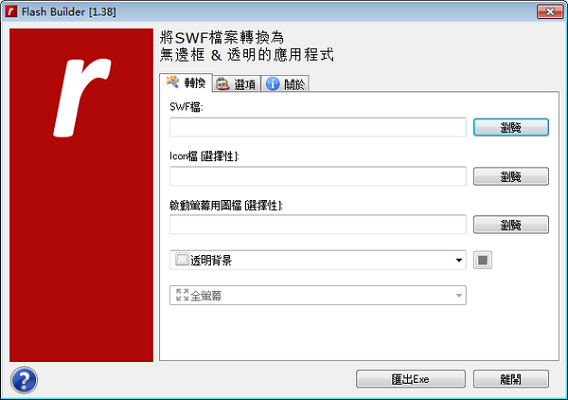
Flash Builder function introduction
Flash Builder can convert any SWF Flash movie file into a borderless and translucent executable EXE file. The generated file can be directly used in Windows Open it in the system (Adobe Flash Player needs to be installed on the computer).
Flash Builder installation steps
Download the latest version of Flash Builder software package from Huajun Software Park, unzip it, and run the "exe. file"
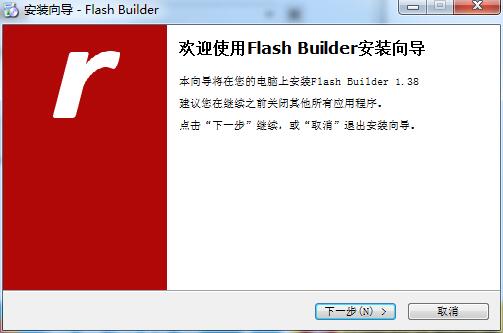
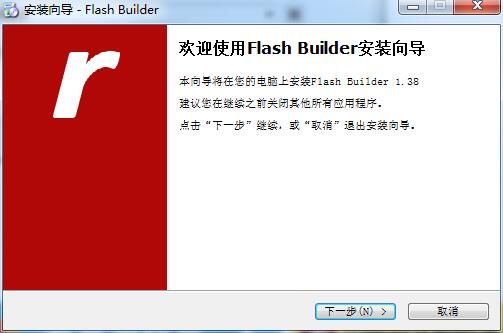
Double-click to open, enter the installation wizard, click Next
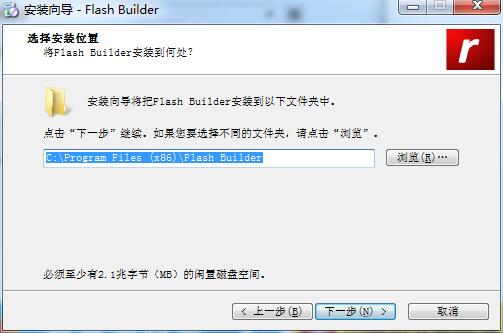
Select the installation location, the default is C drive, click Next
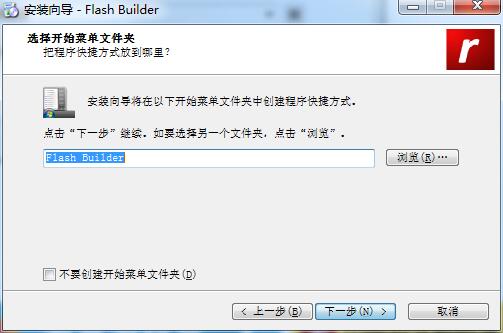
Select the Start Menu folder and click Next
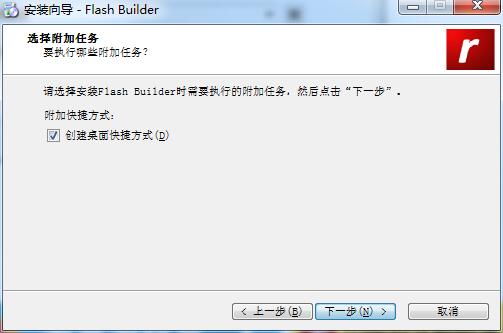
Select additional tasks and click Next
The official version of Flash Builder is being installed, please wait patiently.
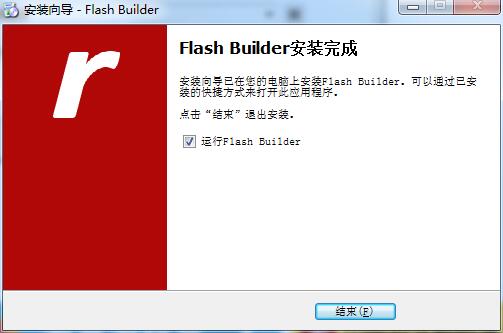
The installation is complete, click Finish to exit the installation wizard
How to use Flash Builder
1. First download and install the software.
2. After the installation is complete, open the software and click Browse to import the flash file you want to convert.
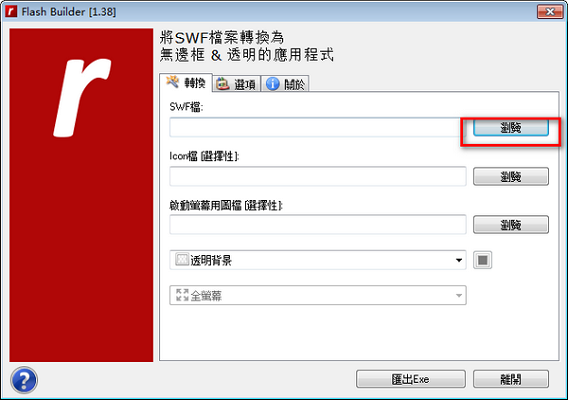
3. After setting the transparency and background, click Export exe.
Flash Builder update log
1. Fixed other bugs;
2. Optimized software compatibility.
Huajun editor recommends:
Huajun Software Park also has popular software with the same functions as this software, such as:PDF to Word,Quick PDF converter,Beidou PDF Converter,PDF365,WinScan2PDFWait, you can collect it if you need it!




Useful
Useful
Useful