




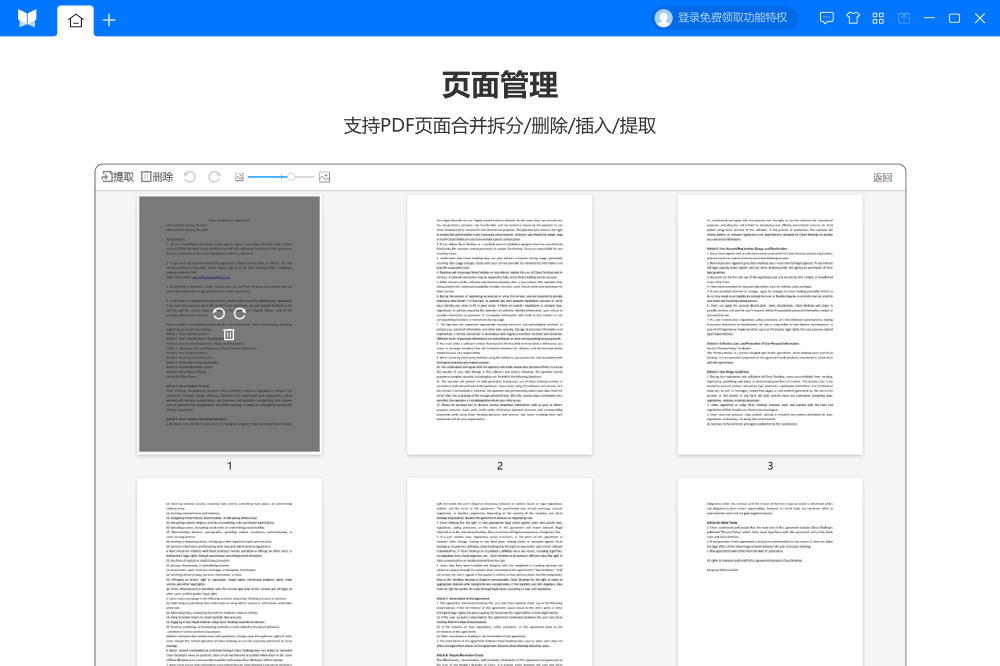
Features of Yueshu PDF Converter software
【Powerful PDF file conversion】
Supports PDF to Word, PDF to PPT, PDF to Excel, PDF to picture, Word to PDF, Excel to PDF, PPT to PDF, picture to PDF, etc.
【Rich PDF editing functions】
Supports functions such as PDF splitting and merging, PDF compression, PDF encryption and decryption, PDF adding watermark, PDF watermark removal, PDF extraction/deletion of pages, etc.
All functions are very simple to operate. Using the latest hyper-threading technology, the conversion efficiency is particularly high. All functions support one-click batch conversion operations of multiple PDF files.
Yueshu PDF Converter FAQ
Conversion failed
Reason:
The original PDF file may be damaged or incomplete.
The converter does not support certain features or formats in PDF, such as complex tables, layers, password protection, or special encodings.
There are insufficient system resources during the conversion process, such as too much memory or CPU resources being occupied by other programs.
Solution:
Use professional software such as Yueshu PDF Reader to open the original PDF file and check whether it can be viewed normally. If the file is damaged, it needs to be obtained again from the source.
Try updating Yueshu PDF Converter to the latest version, or change to other more powerful PDF conversion software.
Close unnecessary background programs to free up system resources, or try converting files in batches.
Yueshu PDF Converter update log:
1. The pace of optimization never stops!
2. More little surprises are waiting for you to discover~
Huajun editor recommends:
Believe me, as long as you use Yueshu PDF Converter, you can uninstall other file conversion software and it will definitely meet all your needs. The editor has also carefully prepared for youPDF to Word,Quick PDF converter,Beidou PDF Converter,PDF365,PDF cat PDF to PPT




Useful
Useful
Useful