




All-round pdf converter software FAQ
Q: How to switch files to PDF?
All-round pdf converter software installation steps
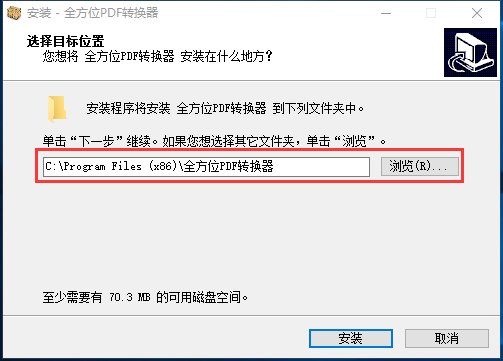
1. Double-click to open the downloaded .exe file. Users can choose the appropriate installation location according to their needs.
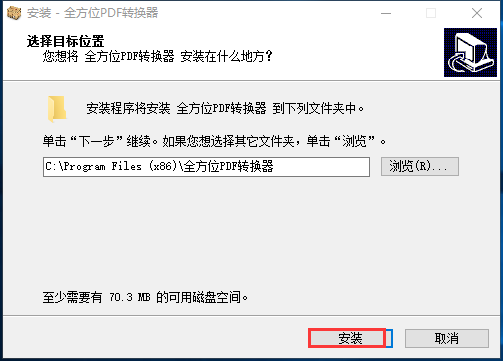
2. Click to install. The installation will not take long, just wait patiently.
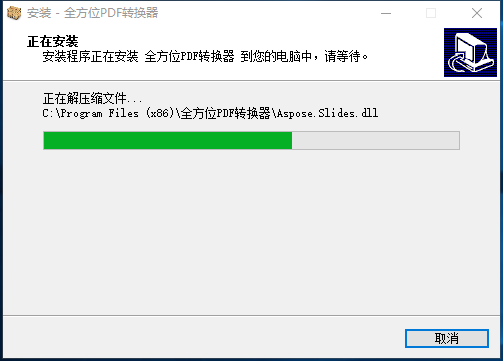
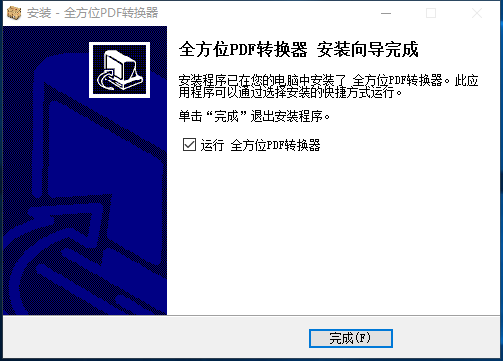
3. Installation completed
Comprehensive PDF converter software usage tips
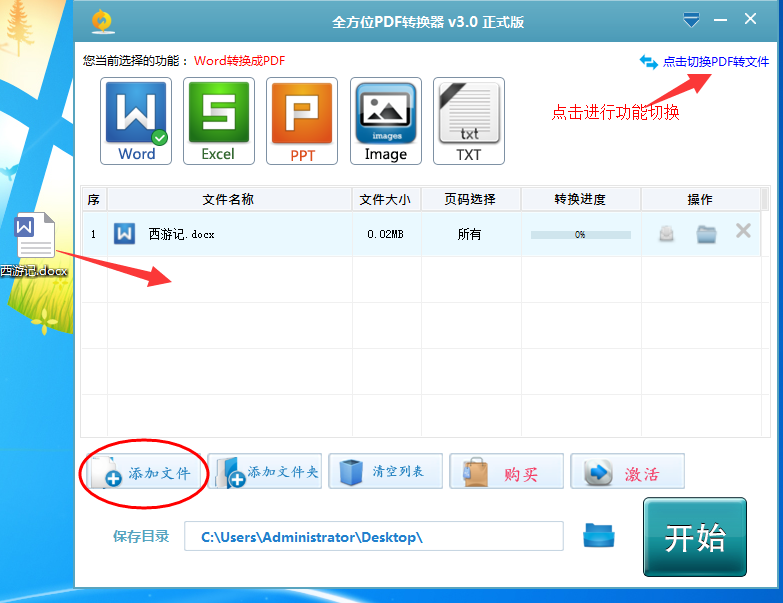
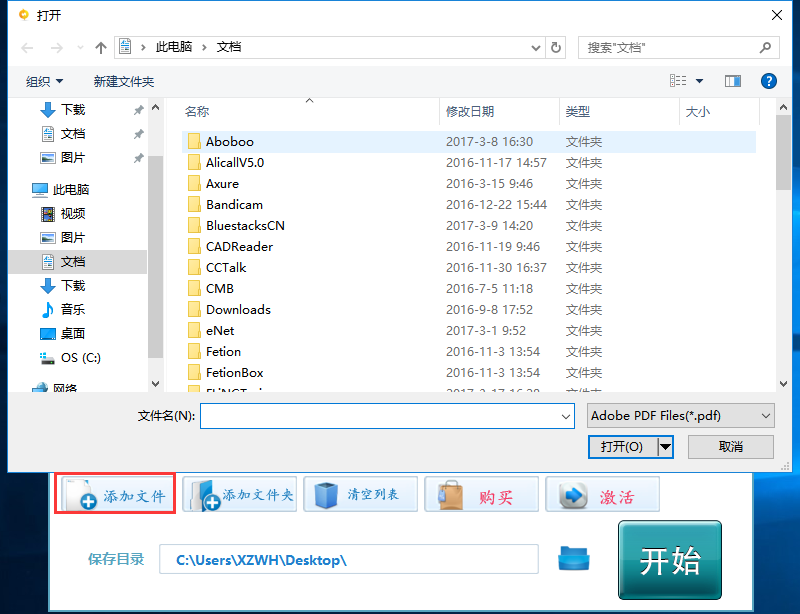
1. Double-click to open the installed software. The user needs to open the text that needs to be converted.
2. Select the converted text format you need
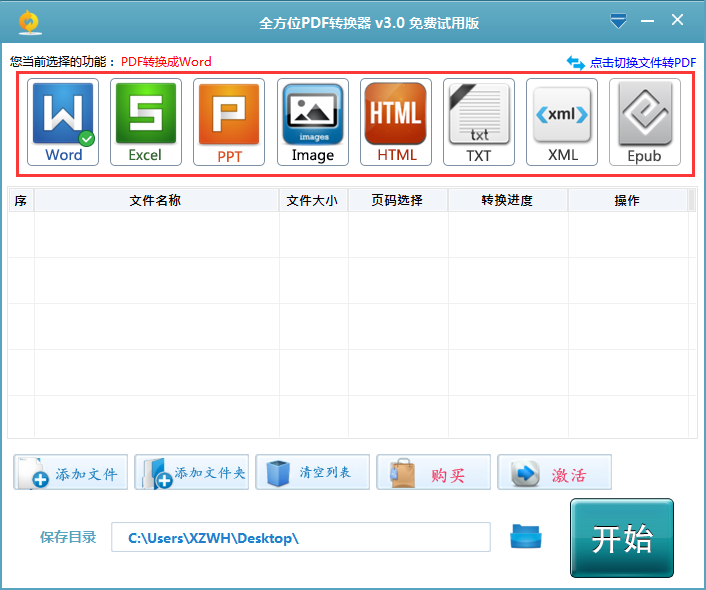
3. Click Start to complete

All-round pdf converter software update log
1.Support QQ, WeChat, and mobile phone for login and use
2. You can use it on any computer through your account (no restrictions on computers)
3. Optimize conversion efficiency and improve conversion accuracy
Huajun editor recommends:
The all-round PDF converter software takes up little memory, has stable performance, is free of any bundles, is green and safe, and is truly a conscientious software! This site also hasPDF to Word,Quick PDF converter,Beidou PDF Converter,PDF365,PDF cat PDF to PPT, available for you to download!




Useful
Useful
Useful