



Introduction to the batch generation function of Png icon pixels
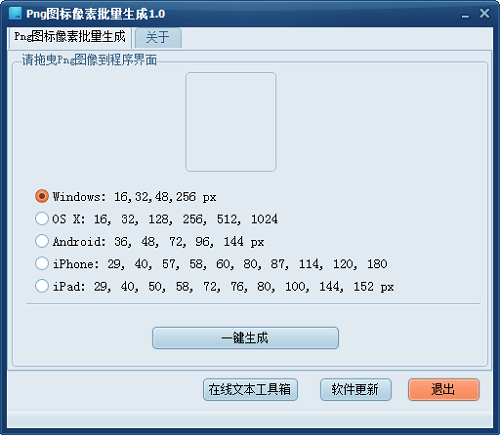
Support windows 16*16, 32*32, 48*48, 256*256
Support os X 16*16 32*32 128*128 256*256 512*512 1024*1024
Support Android 36*36 48*48 72*72 96*96 144*144
Support IPHONE 29*29 40*40 57*57 58*58 60*60 80*80 87*87 114*114 120*120 180*180
Support ipad 29*29 40*40 50*50 58*58 72*72 76*76 80*80 100*100 144*144 152*152
Png icon pixel batch generation and installation method
Download the Chinese version software package for batch generation of Png icon pixels from the Huajun Software Park download website
Extract to the current folder
Double-click to open the application in the folder
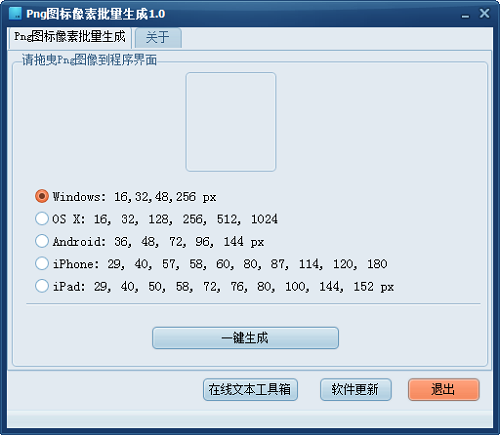
This software is green software and can be used without installation.
How to use Png icon pixel batch generation
1. Download and open the software, drag the PNG image file into the software.
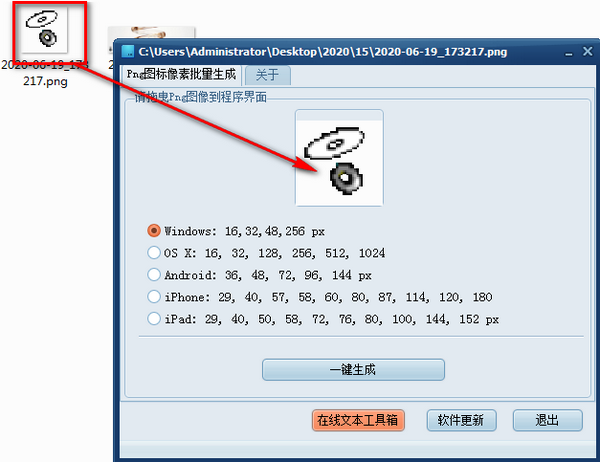
2. Select the size you want to generate and click one-click to generate.
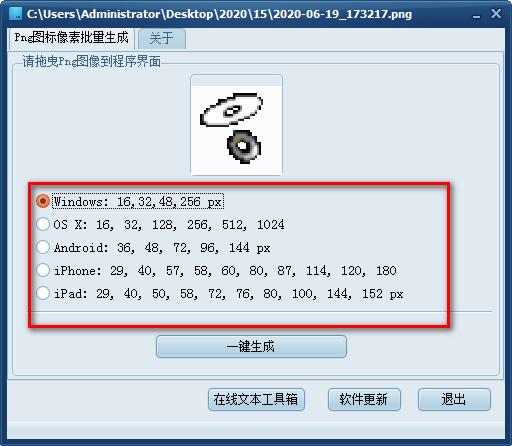
3. After the generation is completed, pictures will be generated in batches in the folder where the pictures are located.

Png icon pixel batch generation update log
The developer of GG said that there are really no bugs this time~
Huajun editor recommends:
After so many years of updates and optimizations, Png icon pixel batch generation has become more user-friendly and more technological. It is highly recommended to everyone and welcome to download. Those who are interested can also downloadFirefox desktop icon download,Scientific drawing software | OriginLabOriginPro,Magic ICO,MicroAngelo,Axialis AX Cursors.




Useful
Useful
Useful