





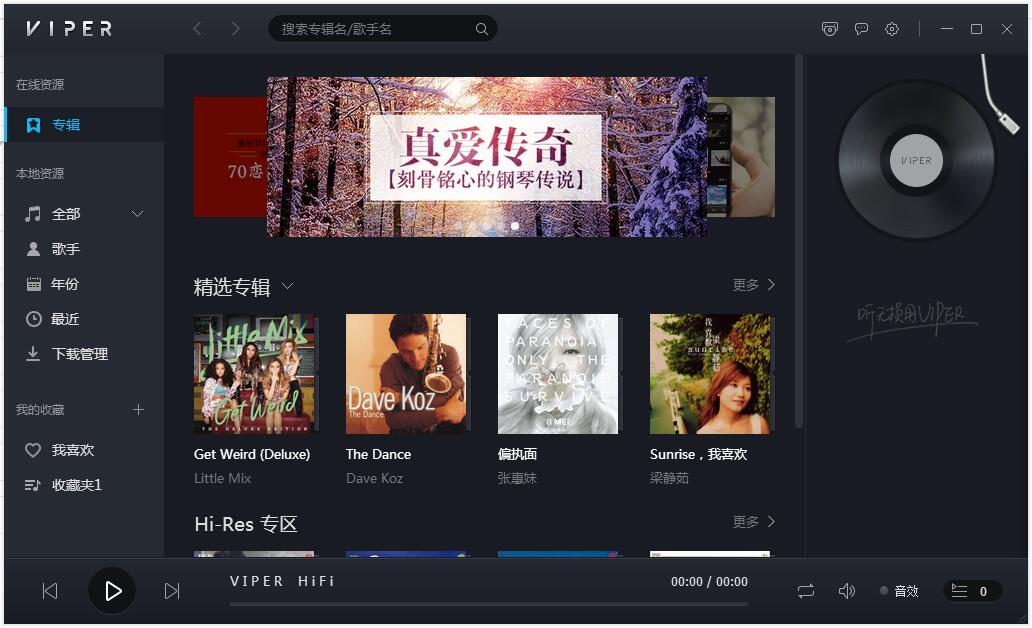
VIPER HiFi software features
1. Ten million-level music library, million+HiFi albums, 200,000+Hi-Res/DSD master-level audio sources
2. Support Hi-Res or above audio decoding and playback, and support online DSD source code output and playback
3. Selected HiFi discs/Hi-Res playlists/HiFi popular science magazines recommended
VIPER HiFi software advantages
1. Supports DSD source code output, and ordinary mobile phones can also play DSD hard decoding;
2. Hi-Res high-definition music format source code output, which can support the playback of 384K/24B music;
3. Comprehensive format support, supporting almost all mainstream formats on the marketaudio format ;
4. Support HWA (LHDC) protocol, any mobile phone connection supports LHDCBluetoothYou can enjoy high-quality Bluetooth music with headphones;
5. Supports playback of all songs, albums (sorted by track number), artists, styles, folders, custom lists, etc.;
6. Supports WIFI song transfer, copying songs has become easy from now on;
7. Support CUE automatic track display;
8. Support cover and lyrics display;
9. Support breakpoint memory;
10. Support seamless playback of songs;
11. Support playback gain;
12. Support folder skipping.
VIPER HiFi installation steps
1. Download the VIPER HiFi PC version installation package from Huajun Software Park. After unzipping, double-click the exe program to enter the installation interface and click Custom Installation

2. Click "Change Directory" to select the installation path, and click Install Now
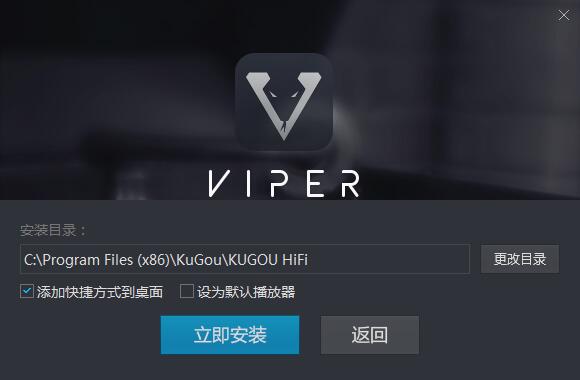
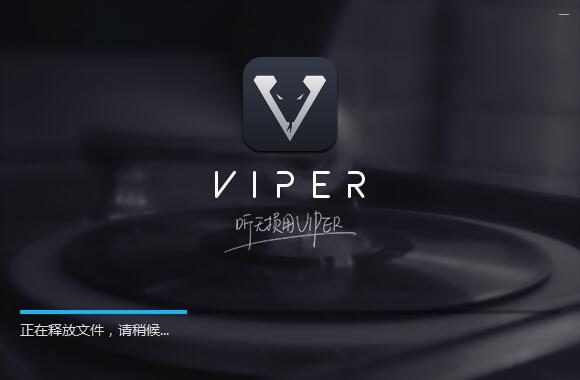
3. The software is being installed, please wait patiently.
4. VIPER HiFi installation is complete, click to experience it now

VIPER HiFi update log
1. Sweep the bug out and carry it out to the end
2. The most stable version ever
Huajun editor recommends:
VIPER HiFi is a software that is completely fool-proof and super simple to operate. I also recommend it.oveplayer,Pitcher,Qianqianjingting Chinese version,Wav Player,Listen to FM computer versionDownload and use related software.




Useful
Useful
Useful