




Rainbow Pomodoro Installation Steps
1. Download the Rainbow Pomodoro official version installation package from Huajun Software Park. After unzipping, double-click the exe program to enter the installation wizard and click Next
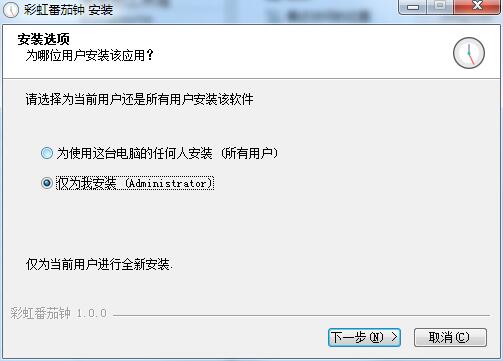
2. Click "Browse" to select the installation folder. Generally, it is installed on the C drive of the computer by default. It is recommended to install on the D drive. Click Install.
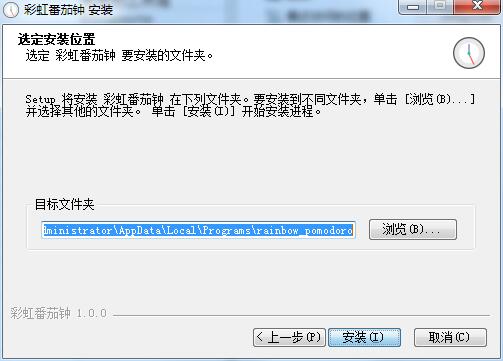
3. The software is being installed, please wait patiently.
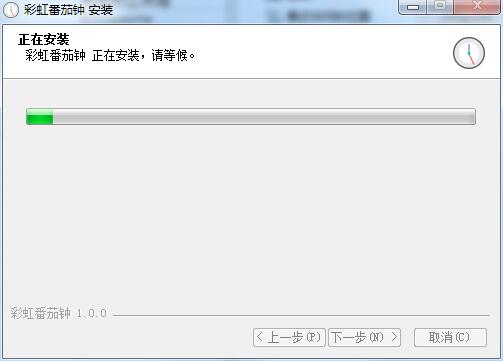
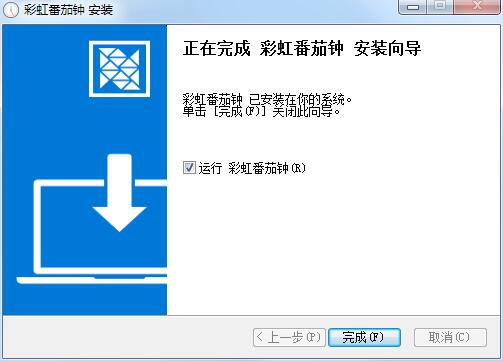
4. The installation of Rainbow Pomodoro is completed, click Finish to exit the installation wizard
Rainbow Pomodoro Update Log
Supports "Project Management" and "Regular Habits" functions
Supports "Today Analysis" and "Historical Analysis" functions
Supports the "White Noise Playback" function
Supports viewing the "Plan Calendar" and "Historical Calendar" functions
Huajun editor recommends:
Rainbow Pomodoro has always been the most commonly used software by most netizens. Huajun Software Park also hasJiujiu desktop calendar,Desktop timer (Metro Timer),desktop clock,SnapTimer,Calendar Maker (Photo Calendar Maker)It is also a software that is very popular among netizens. You can download it from Huajun Software Park!












Useful
Useful
Useful