





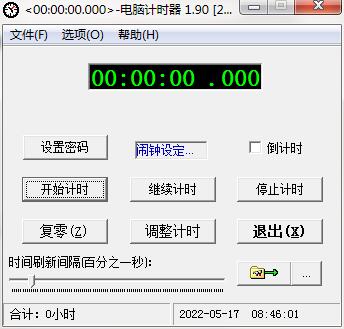
Introduction to computer timer software
Have you ever had this experience: when you are working on the computer or playing games, you forget something you want to do at a certain time, which later causes unnecessary trouble or disturbance? Put the computer on for a while (and do not fully turn on the energy-saving mode), and prepare to use it again for a while, but you forget it, and when you think about it, the computer has been working for a long time. It is really unfair... A computer timer can be used to help you solve these problems.
Computer timer software functions
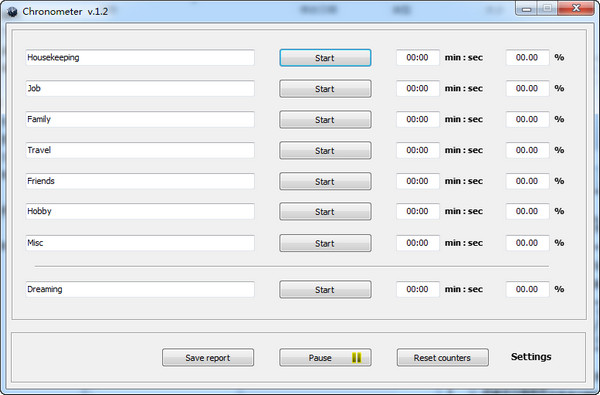
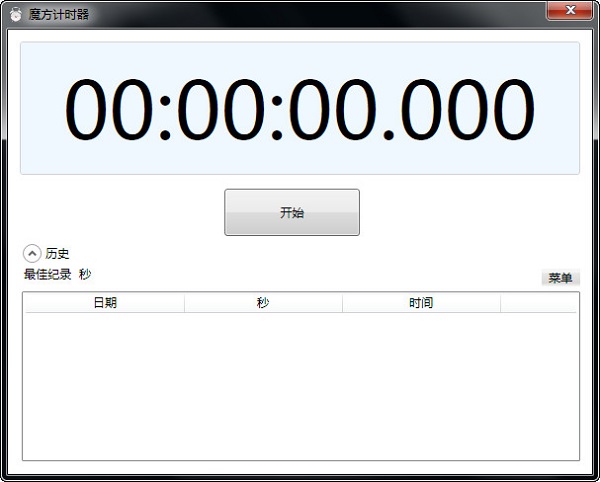
The operation interface is simple and easy to use, with basic timing control functions.
Start timing, stop timing, continue timing, reset to zero, and adjust timing. After setting the password, these control operations can be protected by the password.
You can freely choose which control functions are protected by the password. For example, only "stop timing" and "reset to zero" are not allowed to be changed by others at will. Then you can select only these two items when setting the "password activation range".
When the alarm time is set, the alarm will start ringing when the timer reaches the alarm time. The ringing has multiple parameters for flexible settings: ringing time length/always ringing until "Alarm Stop" is clicked, the ringing sound uses the "beep" sound of the machine speaker/playing music files (Wav, Mid, MP3).
Computer timer installation steps
1. Download the installation package of the official version of Computer Timer in Huajun Software Park
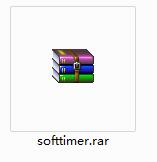
2. After downloading, unzip the compressed package into a folder named after this software
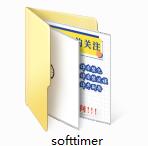
3. Open the folder and double-click the "exe" program

4. The computer timer is green software and can be used without installation.
FAQ
Abnormal timing function
Problem description:
The timer start, stop or reset functions do not work properly.
Possible reasons:
The software interface is stuck or the operation is delayed.
Timer logic error or program vulnerability.
Solution:
Try restarting the timer software or computer to see if the problem is resolved.
Check the software settings to ensure that the timer function is not disabled or conflicting.
If the problem persists, contact the software developer or technical support team for help.
Computer timer update log
1. Fixed other bugs;
2. Optimized software compatibility.
Huajun editor recommends:
The computer timer is a very practical and simple tool. Interested users can download and use it from the Huajun Software Park. In addition, there are many similar software of the same type available for download, such as:Desktop timer (Metro Timer),desktop clock,SnapTimer,bero countdown software,Calendar Maker (Photo Calendar Maker)Wait.








Useful
Useful
Useful