





Introduction to GeoGebra CAS Calculator Software
Solving equations, expanding and factoring, taking derivatives and integrals
Easily plot curves of functions, solve equations, find special points of functions, save and share your results. Millions of people around the world use GeoGebra to learn math and science. Join us!
GeoGebra CAS calculator software features
1. Score calculation
2. Trigonometric functions: Sin, Cos, Tan
3. Statistical functions
4. Exponential functions and logarithmic functions
5. The Exam scientific calculator is customized, allowing students to use GeoGebra instead of a scientific calculator. CAS, 3D and 2D graphics views have been deactivated.
6. The Exam Scientific calculator runs in full-screen mode and does not allow other information to be displayed on the screen.
7. Exam Scientific Calculator does not allow access to the Internet, GeoGebra Materials platform or file saved on your computer.
8. Leaving the GeoGebra window in any way will trigger an alarm, which teachers can easily discover and record in the "Exam Log".
GeoGebra CAS calculator software features
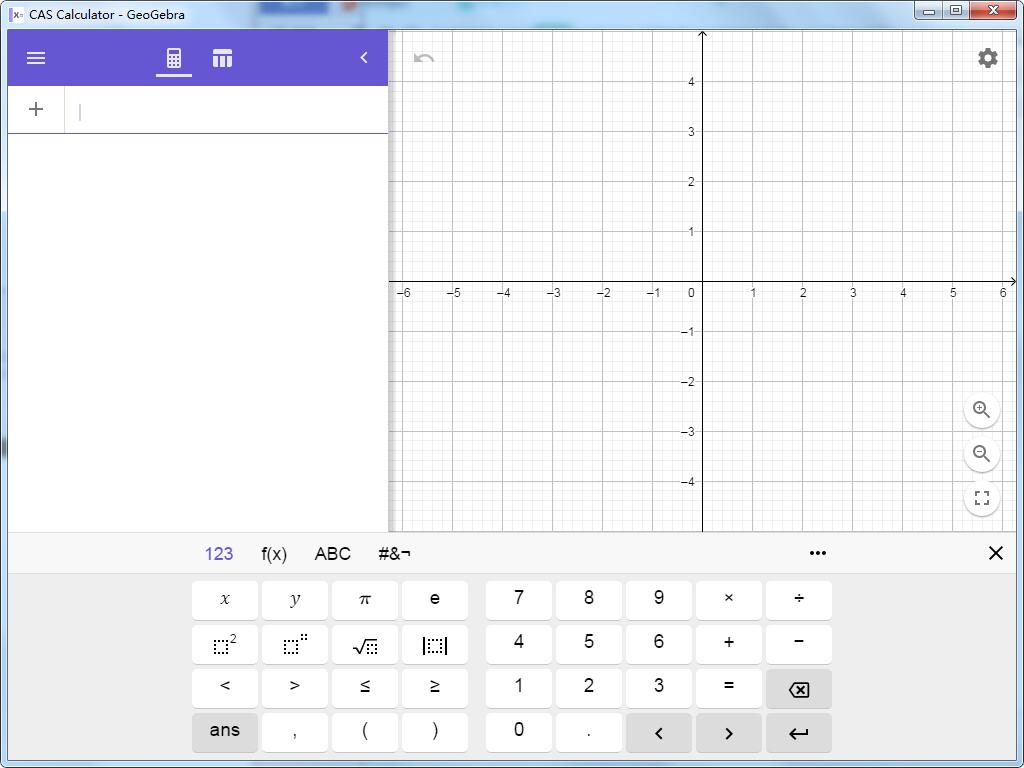
Draw function curves, polar curves and parametric curves
Use a powerful mathematical engine to solve equations (sets)
Experience mathematical transformations with sliders
Get the special points of the function: the intersection point of the function and the x-axis (zero value point), minimum value point, maximum value point, intersection point
Find derivatives and integrals
Use the best fit line for regression analysis
Search for free learning activities directly from the app
Save and share your results with friends and teachers
GeoGebra CAS calculator installation steps
1. Download the latest version of the GeoGebra CAS calculator installation package from Huajun Software Park
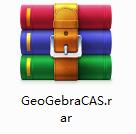
2. After downloading, unzip the compressed package into a folder named after this software
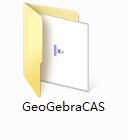
3. Open the folder and double-click the "exe" program

4.GeoGebra CAS calculator is green software and can be used without installation.
GeoGebra CAS Calculator Update Log
1.Fix several bugs;
2. Optimize detailed issues;
Huajun editor recommends:
It is one of the best among science tools. It has won unanimous praise from users for its comprehensive functions and simple operation. Come and download it and give it a try. The editor has also prepared for youJidao Junior High School Physics VR 3D Virtual Simulation Laboratory (Demo Version),ZX mathematical function grapher,GeoGebra 5.0.299.0,Gear parameter calculator,Enjoy Chemistry Assistant




Useful
Useful
Useful