



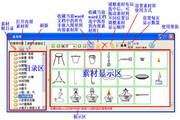
Enjoy the functions of Chemistry Assistant software
1. Enjoy Chemistry Assistant can quickly input chemical equations, molecular formulas, and commonly used formulas, and automatically set upper and lower subscripts and upper and lower case for numbers;
2. Enjoy Chemistry Assistant to quickly assemble chemical experimental instruments, devices, organic groups, and structural formulas;
3. Quickly input various subject symbols, graphics, chemical reaction conditions, electron shells, valences, isotopes, etc.;
4. Customization of function images;
5. Enjoy Chemistry Assistant can quickly set various common document formats, quickly operate graphics, and quickly organize documents to remove redundant content, such as: clearing spaces, blank lines, and blank paragraphs, generating document directories based on outlines, saving documents in pages, clearing hyperlinks, quickly setting document layouts, test paper-related settings, and quick test paper organization tools.
6. It also has very powerful extension functions: collect all graphics in word documents with one click; add subject entries with one click, build a self-built subject entry library; organize high-quality materials, etc. It greatly simplifies the user's operation process, making it convenient and easy to use!
Lexiang Chemistry Assistant Installation Tutorial
1. Double-click the installation file to enter the installation interface and click Next
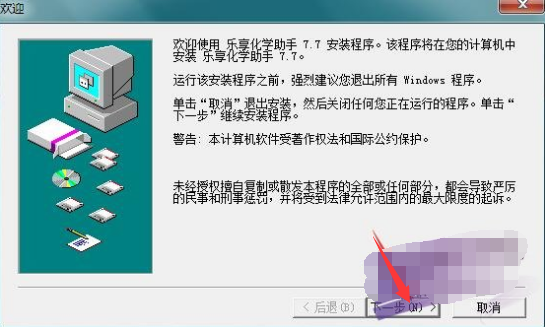
2. Read the software installation instructions and click Next
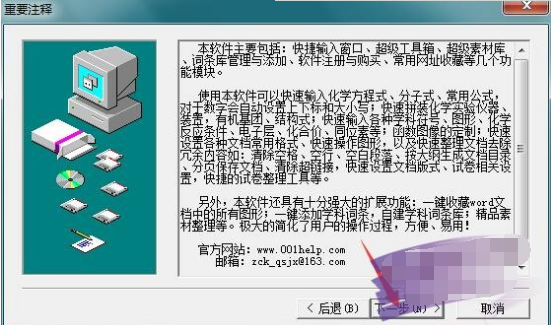
3. Read the installation agreement and click Yes
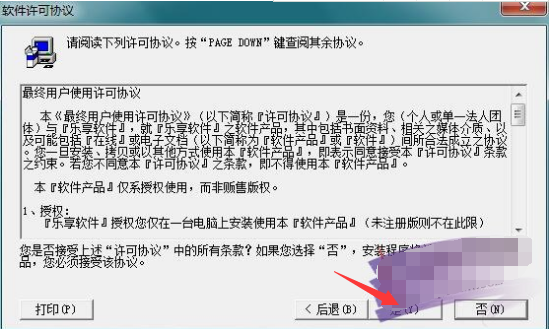
4. Set the installation directory. The default is "D: Enjoy Chemical Assistant". If you want to modify it, click to browse.
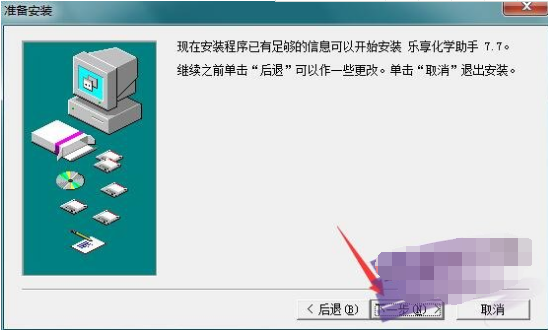
5. Click Next to start the installation
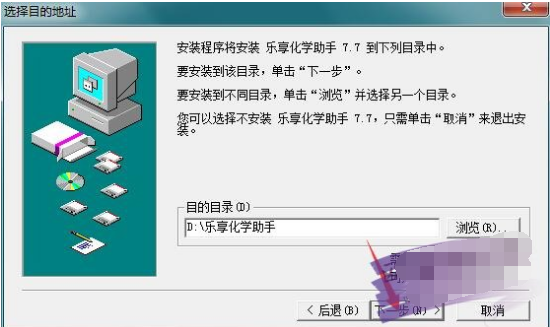
Lexiang Chemistry Assistant tutorial
How to customize function images
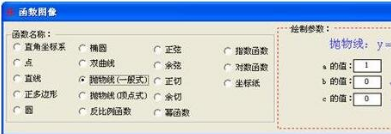
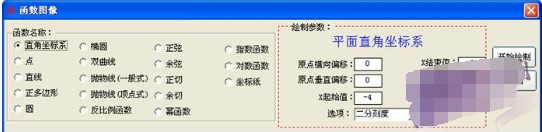
Open the Super Toolbox and click the Draw Function Image button in the formatting toolbar to bring up the main window for drawing function images.

Click the function name, and the drawing parameters on the right will change accordingly. You can use the default parameter values, or modify the parameter values to draw the function graph you need.
How to quickly enter formulas
Method 1: Use the shortcut input window and operate as follows in the input area:
When entering "half", you can enter [1/2]
When entering "root number 2", it can be entered as [2] or [22]
When entering "nth root number a", you can enter it as [na]
Enter" ", it can be input as [x2+y2/a2]. It supports nesting of multi-level fractions and radicals. For example: input [[3a]/[[b]+c]] and output it to word as
Method 2: Use the extremely fast entry matching function in the Super Toolbox:
Method three: Use the formatting toolbar in the super toolbox to operate




Useful
Useful
Useful