




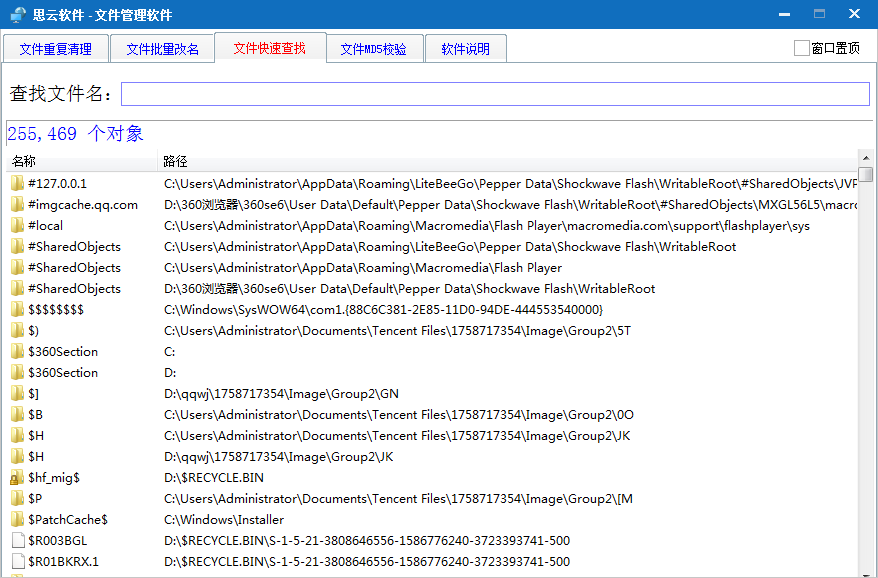
Introduction to Siyun file management tool software
Siyun File Management Tool is a file management software that has functions such as file deduplication, batch rename of files, quick file search, etc. It calls the fastest file search software for everything, and is more practical!
Siyun file management tool software functions
File deduplication and find duplicate files through MD5 comparison search. The files found can be safely deleted.
You can intelligently choose to keep long or short file names, long or short paths, new or old times, just like the junk file cleanup on Baidu Netdisk.
When there are too many downloaded files, you can use deduplication to find duplicate files and delete them to free up space.
Batch rename files and modify file names in batches by replacing them.
To remove part of the file name, leave the replacement text blank.
Quickly search files, calling the interface of the fastest file search software everything.
You can enter the search content and get the results immediately. No search button required.
The search function needs to be initialized every time you run the software.
Siyun file management tool software features
1. Drag the two icons to swap their positions. You can also right-click to cut, copy and paste to other pages.
2. Switch between different pages through the navigation bar. You can also double-click the left or right side to switch. You can also drag to switch pages like a mobile phone screen.
3. Generate a desktop floating window or an icon on the taskbar. The left click of these two icons corresponds to the icons on the software, and the right click represents some commonly used functions.
4. Set it to run automatically at boot. Win7 64-bit runs stably for a long time.
Siyun file management tool installation steps
1. Download the latest version of the Siyun file management tool software package at Huajun Soft Armor Park
2. Unzip the Siyun file management tool software and run the "EXE. file"
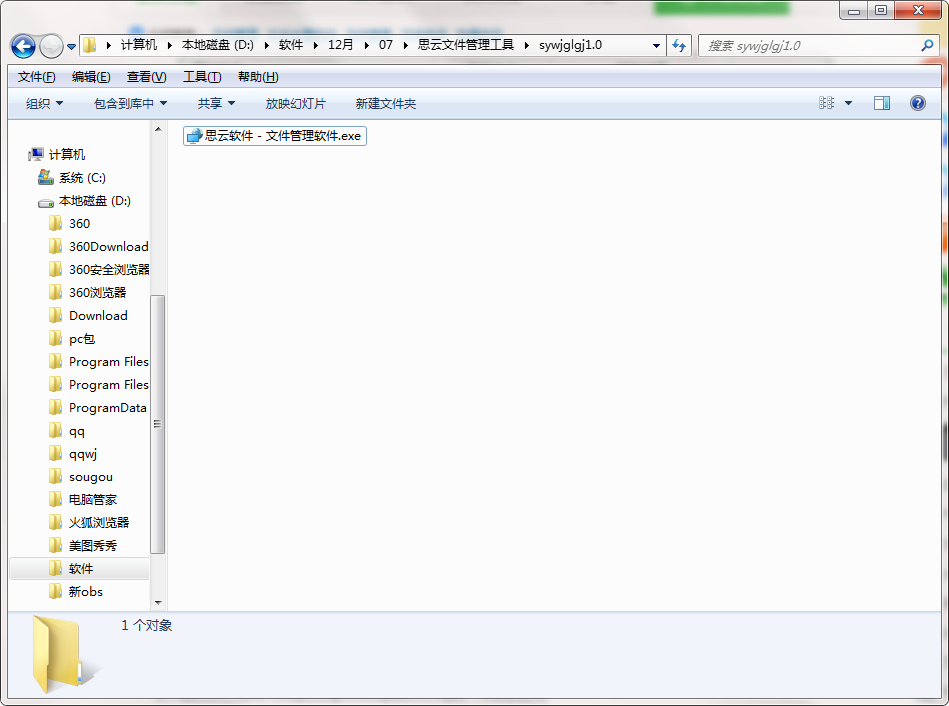
3. Double-click to open and enter the Siyun file management tool software interface
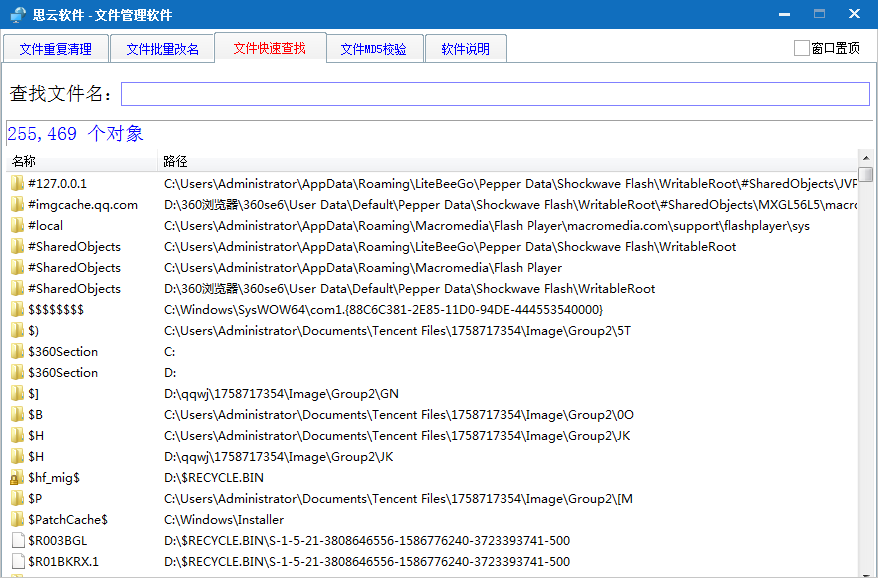
4. This software is a green version and can be used without installation.
Siyun file management tool update log
1: Brand new interface, refreshing, simple and efficient
2: Performance is getting better and better
Special instructions:
Hello, the software you are about to use is an auxiliary tool and may be intercepted and checked by major anti-virus software. This software may have risks, please pay attention to avoid it. If you want to continue using it, it is recommended to close various anti-virus software before use.
Attached is the software package decompression password: softwaredownload4.com
Huajun editor recommends:
Siyun file management tool is free software, download it if you need it! This site also hasLenovo Filez,EXCEL merge gadget,PocoMaker,Dianju AIP general document processing system,FileLocator Pro, available for you to download!




Useful
Useful
Useful