





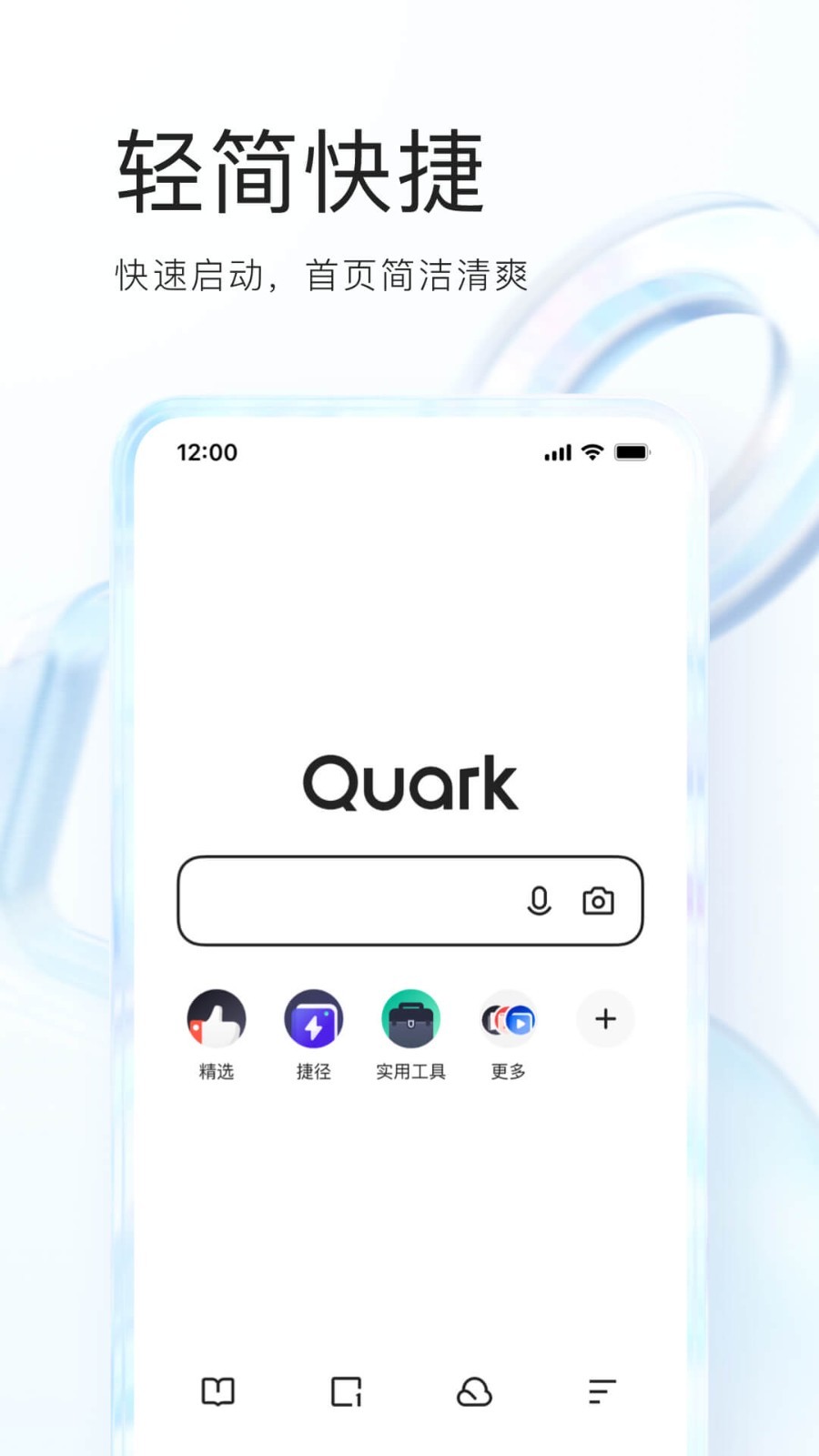
Quark Browser PC version software introduction
Quark Browser is an information acquisition tool with a light and fast core, a simple design style, and a focus on user browsing experience. Quark Browser is committed to using minimalist ideas to combat information redundancy and meet users' most essential needs for a browser. There are no extra add-ons when starting up, and there is no need to wait for instant startup. The browser itself strives to give users an immersive browsing experience in terms of automatic scaling of the bottom bar, hierarchical menu design, and navigation bar settings.
Highlights of Quark Browser PC version software
1. No ads and no harassment
There are no ads in the search, and web page ads can be tagged
2. Extremely fast, simple, efficient and pure
Millisecond startup, instant web page presentation, no information flow, no push, no interruption
3. AI voice global control
Real-time voice wake-up, intelligent voice search
4. Search directly to the pre-results
Efficient, real-time optimization, results are one step ahead
5. Accurate answers from al engine
Artificial intelligence core, giving you what you want most
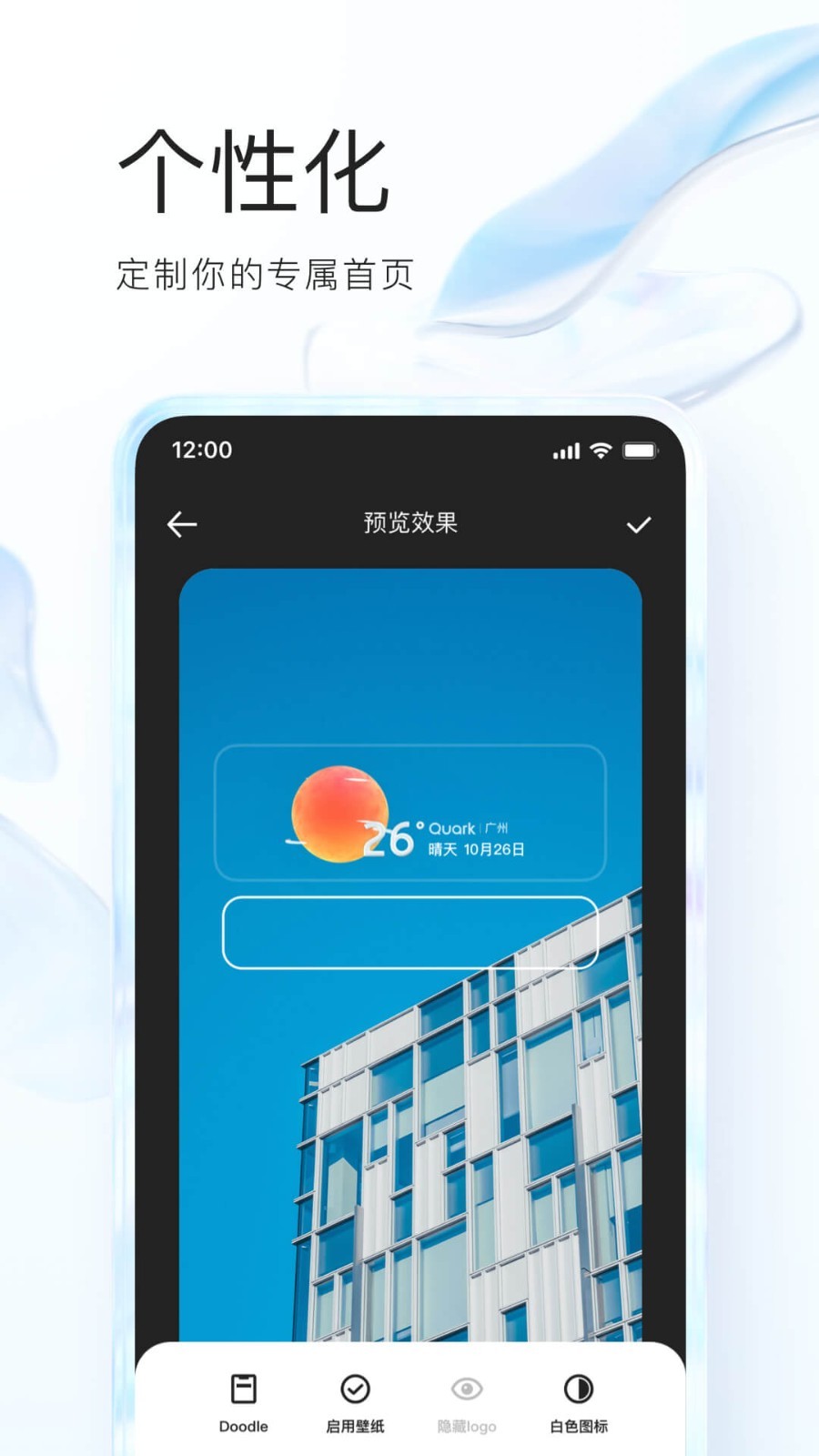
Quark Browser PC version software features
[Built-in multiple engines]With 5 search engines including Baidu and Bing, you can quickly find whatever you want;
【Privacy Mode】Incognito browsing does not record search and browsing history, and surfs the Internet in cool shadow mode;
【Night Mode】The page is adapted to low-brightness environments and protects your eyes;
【Tag bubble & automatic association】Search word bubbles facilitate return visits; association word recommendations double the efficiency.
【Minimalist design】The interface is full of design, simple, elegant and practical, and it is pleasing to the eye every time you open it;
【Super power saving】Save 50% of traffic, and you no longer have to worry about insufficient traffic;
【Extreme speed experience】Super-class core, the speed is increased by 50%, giving you an extremely fast, smooth and stable Internet experience;
FAQ
How to exit reading mode in Quark Browser?
Open the reading mode of Quark Browser software and click Automatic Reading below.
Then click Exit in the pop-up menu.
Finally, click OK to select the reason for exiting.
Installation steps
Special note: The installation package provided by Huajun Software Park contains the Android emulator and software APK files. For the computer version, you need to install the emulator first and then install the APK file.
1. First download the installation package from Huajun Software Park. The software package contains an Android emulator exe installation program and an APK file and unzip it. First click on the exe program to install the lightning simulator.

2. Double-click "Lightning simulator.exe" file to enter the installation interface. Users can click "Quick Installation" to select the system's default installation address for installation, or click "Custom Installation" to choose the installation path. Custom installation is recommended here.

3. WaitingLightning simulatorAfter the installation is complete, click "Try Now" to open the emulator.

4. Enter the main interface of the lightning simulator and clickRight column APK iconSelect the "Local APK Install" button.

5. In the pop-up window, click on the decompressed APK file, and then click to open.

6. After that, the software will enter the installation process. You need to wait for a moment. After the software installation is completed, it will appear in my software list. Click the icon and double-click to open it. 
Same type of software
360 Secure Browser is a browser that focuses on security, which allows users to browse the web without leaving traces of their visits. 360 Secure Browser can automatically block malicious URLs such as Trojans, fraud, online banking counterfeiting, etc. Moreover, 360 Security Browser is a browser launched by 360 Security Center based on the dual core of IE and Chrome, which is very easy to use.
Download address:http://softwaredownload4.com/soft/489947.htm
2.Sogou high-speed browser
The official latest version of Sogou High-speed Browser is a web browsing tool created by Sogou for users. The official version of Sogou Browser has China's first "true dual-core" engine and adopts a multi-level acceleration mechanism, which can greatly improve your Internet speed. In addition, Sogou High-speed Browser also brings you significant improvements in browsing speed, performance, stability, and compatibility, giving you an ultra-fast experience of opening web pages in seconds.
Download address:http://softwaredownload4.com/soft/555917.htm
3.Firefox
The official version of Firefox is a relatively free and open source browser tool. The latest version of Firefox has built-in a variety of special functions based on the usage habits of Chinese users, making users more comfortable and relaxed during use. And the Firefox browser also adopts a small and refined core, and allows users to add various extensions according to personal needs to complete more and more personalized functions.
Download address:http://softwaredownload4.com/soft/613629.htm
Quark Browser PC version update log
Working day and night just so you can be happier
are all gone!
Huajun editor recommends:
The computer version of Quark Browser has always been the most commonly used software by most netizens. Huajun Software Park also hasAmap 2021,Xiaoyuan.com Business Edition,video clip,Crazy Master Android Unlock Master (iMyFone LockWiper Android),liepinIt is also a software that is very popular among netizens. You can download it from Huajun Software Park!





















Your comment needs to be reviewed before it can be displayed