




DeepSeek-V3 full health versionCore Highlights
The DeepSeek-V3 model has a huge amount of pre-training data and can accurately understand various complex contexts. Whether it is daily conversation, professionalDocumentationWhether it is analysis or creative writing, the V3 model can quickly generate high-quality, logically clear responses. This feature enables DeepSeek-V3 to handle longtextExcellent performance in DROP, FRAMES and LongBench v2, etc.EvaluationThe average performance outperforms other models.
OptimizealgorithmArchitecture
By optimizing the algorithm architecture, DeepSeek-V3's computing speed has been greatly improved and its response time has been shortened, providing strong support for real-time interaction scenarios. This gives it a significant advantage when working with large amounts of text or tasks that require a fast response.
Outstanding performance
On knowledge tasks, the level of DeepSeek-V3 is close to the current best-performing model Claude-3.5-Sonnet-1022. In algorithmic code scenarios (such as Codeforces), it is far ahead of non-O1 models on the market, and its performance in engineering code scenarios (such as SWE-Bench Verified) is close to Claude-3.5-Sonnet-1022. In terms of Chinese proficiency, DeepSeek-V3 and Qwen 2.5-72B perform similarly on evaluation sets such as educational evaluation C-Eval and pronoun disambiguation, but are ahead in factual knowledge C-SimpleQA.
Wide applicability
As a general NLP model, DeepSeek-V3 is suitable for a wide range of application scenarios and can efficiently handle various text generation, summarization and dialogue tasks. Whether you are a content creator,mediaBoth institutions and corporate promotions can use it to significantly improve writing efficiency and ensure the quality and consistency of content.
Flexible calling method
Cornerstone Intelligent Computing provides a usage method compatible with the OpenAI interface. Users only need to simply create an API key to conveniently call the DeepSeek-V3 model through AI applications or third-party clients. In addition, Cornerstone Intelligent Computing also supports a variety of deployment methods, including one-click cloud deployment and privatized deployment, to meet the personalized needs of different users for data security and application scenarios.
DeepSeek-V3 full blood version usage tutorial
1. Register and obtain API key
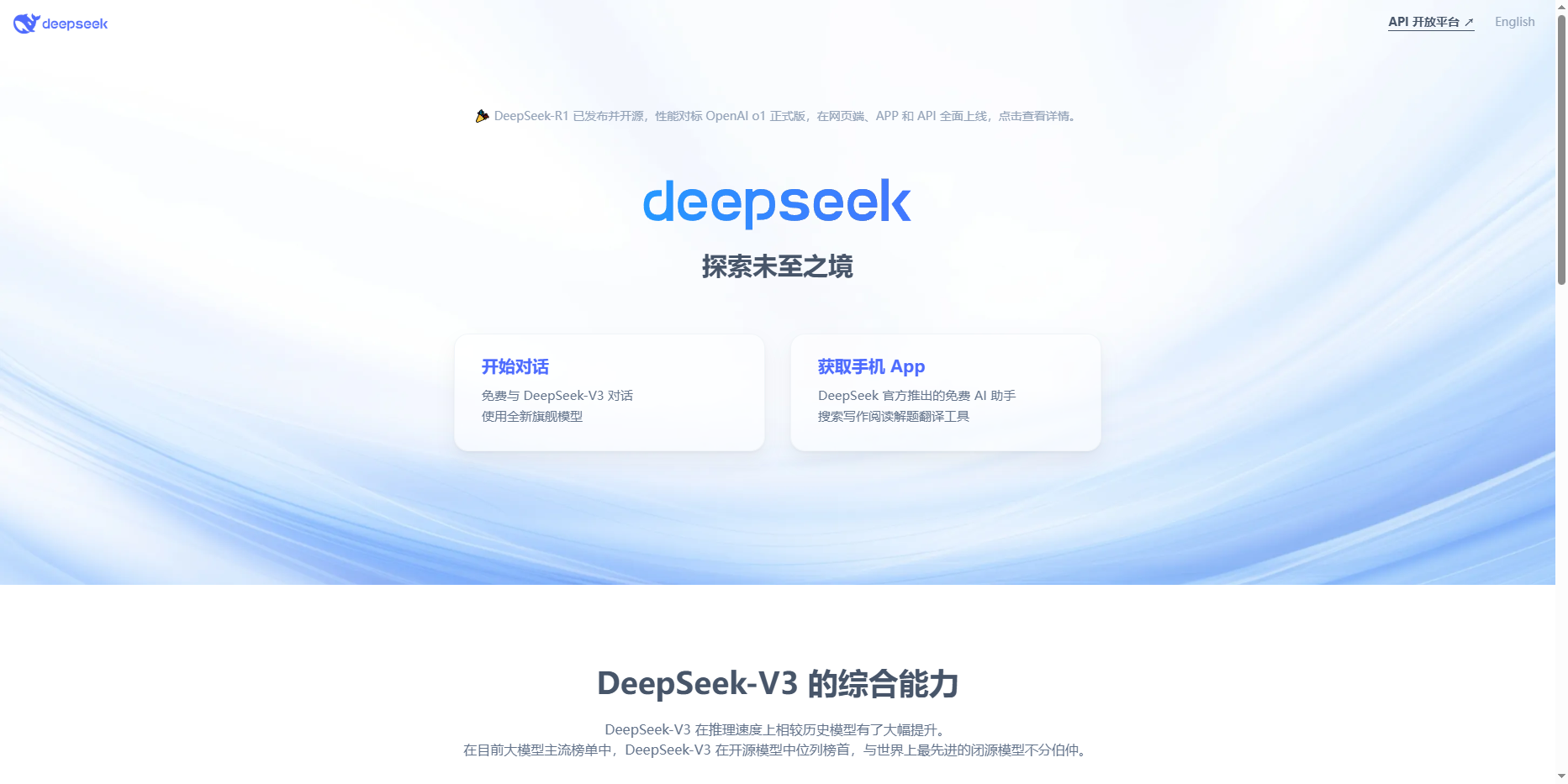
1. Visit DeepSeek official website chat.deepseek.com and click "APIOpen Platform" to register.
2. After successful registration, find "API Keys" in the left vertical column, click "Create API KEY", and name your API key for subsequent use.
2. Select deployment platform and services
You can choose platforms such as Silicon Flow, which provide the "field" for running DeepSeek's large models. After registering on a platform such as Silicon Flow, you can also create an API key and select the DeepSeek model you need, such as DeepSeek-V3.
3. Front-end user interface settings
1.Cherry Studio:
a. Search the Cherry Studio official website, download and install the software.
b. Click the gear icon in the lower left corner of the main interface to enter settings, enter your API key, and ensure the connection is successful.
c. Click the switch in the upper right corner and leave it in the "ON" state to start using it.
d. Enter information in the dialog box to communicate with the DeepSeek-V3 large model. You can also switch between different large models on the main interface.
2.Chatbox:
a. Download and install Chatbox.
b. After the first run, select "Use your own API Key or local model" and select your platform service provider, such as Silicon Flow.
c. Fill in the corresponding API key in "API Key", select the DeepSeek-V3 model, and click Save.
d. Converse with DeepSeek-V3 in the dialog box. You can switch models next to the send key, but it is limited to large models provided by the currently connected platform service provider.
4. Use of DeepSeek-V3 function
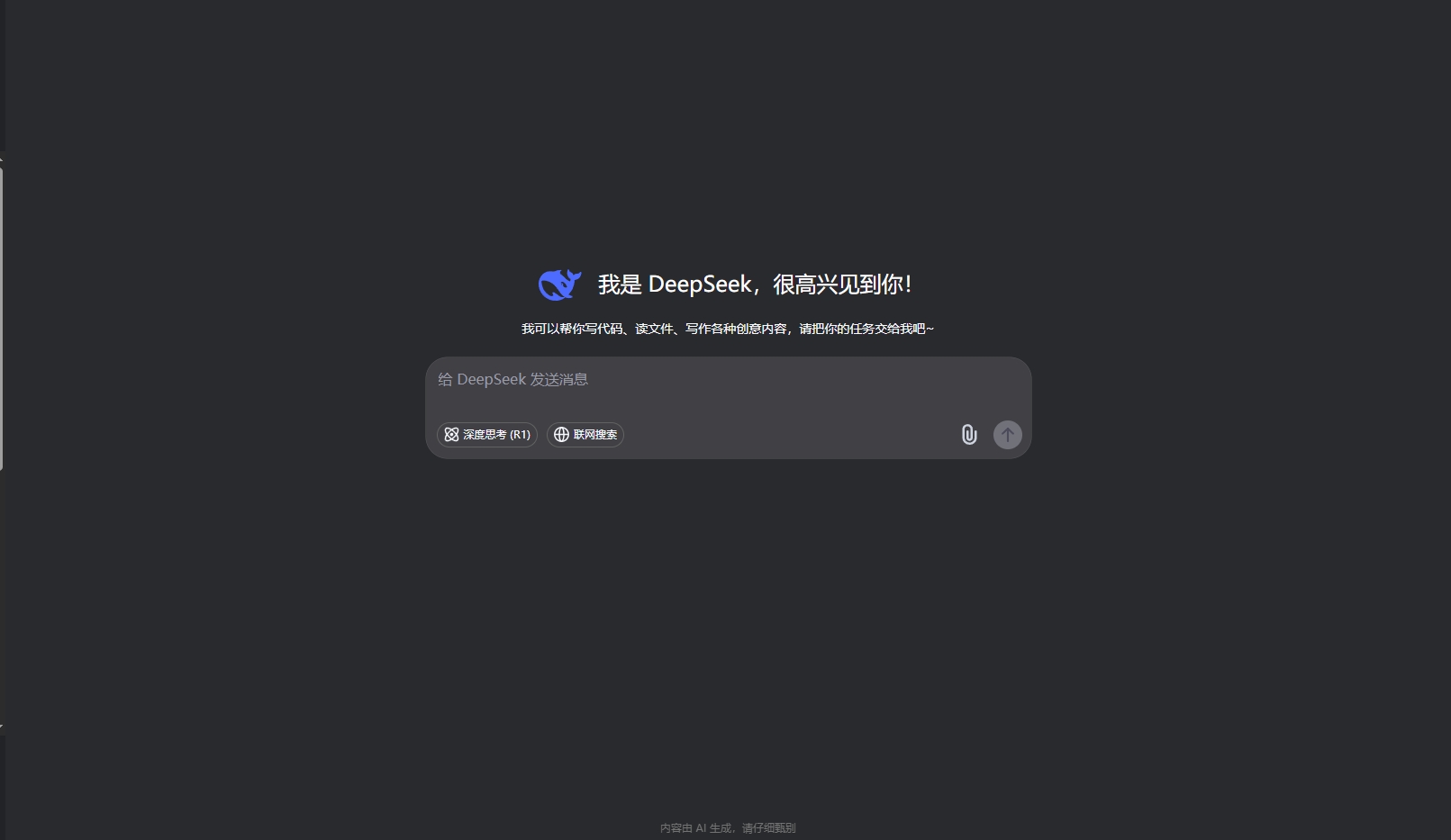
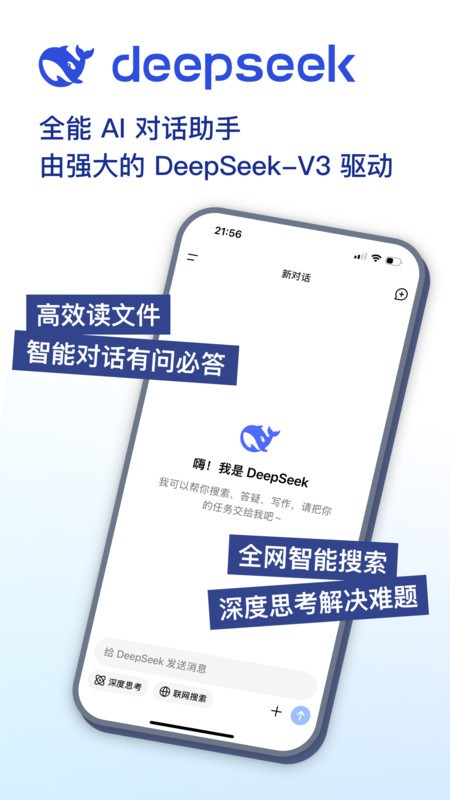
1. Deep thinking mode: light up the light bulb in the upper right corner of the dialogue interfaceicon, let AI display the chain of thinking to help you better understand its reasoning process.
2. Real-time Internet search: Check the "Internet" option below the input box to allow AI to obtain the latest information, such as stock prices,NewsWait.
3. Multi-scenario application: Whether it is workplace writing, content creation or data analysis, DeepSeek-V3 can generate high-quality responses or reports by entering corresponding instructions.
4. Cross-document processing: You can upload PDF,Exceland web page links, allowing DeepSeek-V3 to compare and analyze the information.
5. Precautions
1. The use of API keys and models may incur fees, which are subject to the regulations of each platform.
2. When using DeepSeek-V3, please ensure that your network connection is stable to obtain the best experience.
3. To ensure data security, you can set enterprise version encryption on the console to prevent commercial data leakage.
Through the above steps, you can start using the DeepSeek-V3 full-blooded version. Whether it is personal learning or enterprise applications, DeepSeek-V3 can provide you with powerful AI support.
Frequently asked questions about DeepSeek-V3 full health version
1. How to obtain the full health version of DeepSeek-V3
You can learn about and download the DeepSeek-V3 full-blooded version by visiting DeepSeek’s official website or related cooperation platforms. The official website usually has the latest software version information and download links.
2. What are the main features of DeepSeek-V3 full health version?
DeepSeek-V3 full-blooded version has made a major breakthrough in the field of natural language processing, with huge pre-training data and accurate complex context understanding capabilities. Whether it is daily conversations, professional document analysis, or creative writing, the V3 model can quickly generate high-quality, logically clear responses. At the same time, it also optimizes the algorithm architecture, greatly improves the computing speed, and provides strong support for real-time interactive scenarios.
3. What application scenarios does DeepSeek-V3 full-blooded version support?
As a general NLP model, DeepSeek-V3 is suitable for a wide range of application scenarios and can efficiently handle various text generation, summary and dialogue tasks. For example, it can be used in intelligent customer service, content creation, knowledge Q&A, data analysis and other fields.
4. What should I do if the DeepSeek-V3 full-blooded version cannot log in or crashes?
When encountering problems such as the DeepSeek-V3 full-blooded version being unable to log in or crashing, you can try the following solutions:
1. Check network connection: Make sure your network connection is stable and try to use the networkacceleratorand other tools to optimize network connections.
2. Clean cache and data: Try to clean DeepSeek’s cache and data to free upstoragespace and improve software performance.
3. Update software version: Make sure you are using the latest version of DeepSeek client, as older versions may have compatibility issues or known bugs.
4. Restart the device: Try to restart your device to release resources and reset the network environment.
5. Contact official customer service: If none of the above methods can solve the problem, you can contact DeepSeek’s official customer service for help.
5. How to evaluate the performance of DeepSeek-V3 full health version
You can evaluate the performance of DeepSeek-V3 full-blooded version in a variety of ways, including but not limited to:
1. Language understanding and generation ability: Test DeepSeek's understanding of text content and the quality and logic of generated responses.
2. Reasoning and problem-solving abilities: Evaluate DeepSeek's performance in logical reasoning, mathematical problems, pattern recognition, etc.
3. Knowledge and information retrieval ability: Test DeepSeek’s knowledge in history, science, geography, literature and other fields.
4. Creativity: Examine DeepSeek’s capabilities in creative writing, design thinking, and solving innovative problems.
DeepSeek-V3 full health version FAQs
Q1: What is the "full health version" DeepSeek-V3?
A1: The full-blooded version refers to the DeepSeek-V3 model with complete parameters (671B), which supports complex natural language processing tasks (such as long text analysis, code generation, knowledge reasoning, etc.), and its performance is close to the international top model Claude-3.5-Sonnet-1022. In contrast, there is the "residual blood version" with reduced parameters (such as the locally deployed 14B quantized version), the latter's capabilities are significantly reduced due to hardware limitations.
Q2: How to tell whether the DeepSeek currently being used is a full-health version?
A2: You can test the model’s ability to answer unpopular knowledge. For example, ask: **“A Chinese character with a left-right structure, with ‘wood’ on the left and ‘begging’ on the right. What is this character?”**
Full version (such as API or Tencent Cloud deployment): can answer correctly "
Installation steps
Special note: The installation package provided by Huajun Software Park contains the Android emulator and software APK files. For the computer version, you need to install the emulator first and then install the APK file.
1. First download the installation package from Huajun Software Park. The software package contains an Android emulator exe installation program and an APK file and unzip it. First click on the exe program to install the lightning simulator.
2. Double-click "Lightning simulator.exe" file to enter the installation interface. Users can click "Quick Installation" to select the system's default installation address for installation, or click "Custom Installation" to choose the installation path. Custom installation is recommended here.
3. WaitingLightning simulatorAfter the installation is complete, click "Try Now" to open the emulator.
4. Enter the main interface of the lightning simulator and clickRight column APK iconSelect the "Local APK Install" button.
5. In the pop-up window, click on the decompressed APK file, and then click to open.
6. After that, the software will enter the installation process. You need to wait for a moment. After the software installation is completed, it will appear in my software list. Click the icon and double-click to open it.






DeepSeek-V3 update log:
1. Sweep the bug out and carry it out to the end
2. The most stable version ever
Huajun editor recommends:
DeepSeek-V3 software feels really good! The editor specially tested it for this purpose, and it works really well.Xiaoyuan.com Business Edition,video clip,Educational qualification inquiry,Crazy Master Android Unlock Master (iMyFone LockWiper Android),liepinThese are all very good software tested by the editor, come and choose the one that suits you!







Useful
Useful
Useful