





 You may like




DeepSeek official versionHow to use
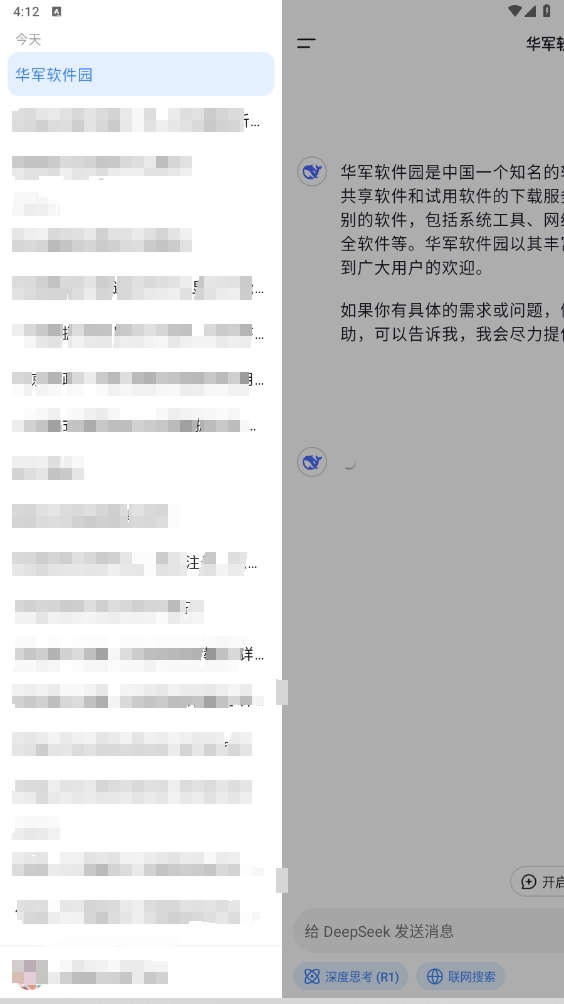
1. After downloading and installing the DeepSeek app, open the app and useMobile phone number,WeChator Apple ID to log in.
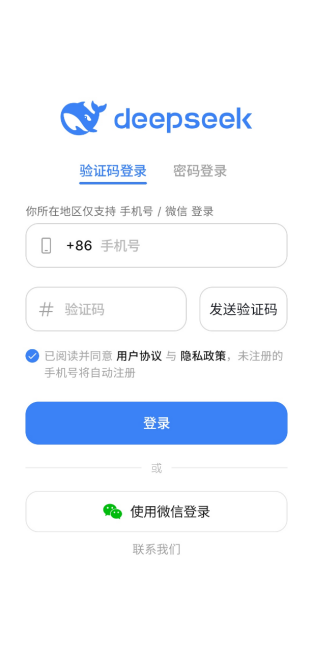
2. After logging in, click belowdialogueEnter what you want to know in the box and click "Search" button.
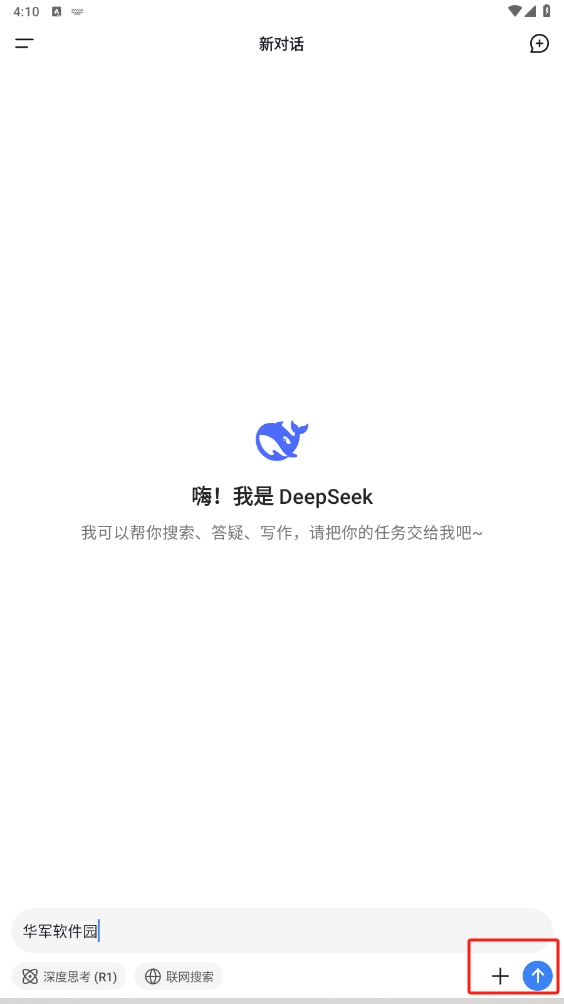
3. You will see basic information about what you searched for.
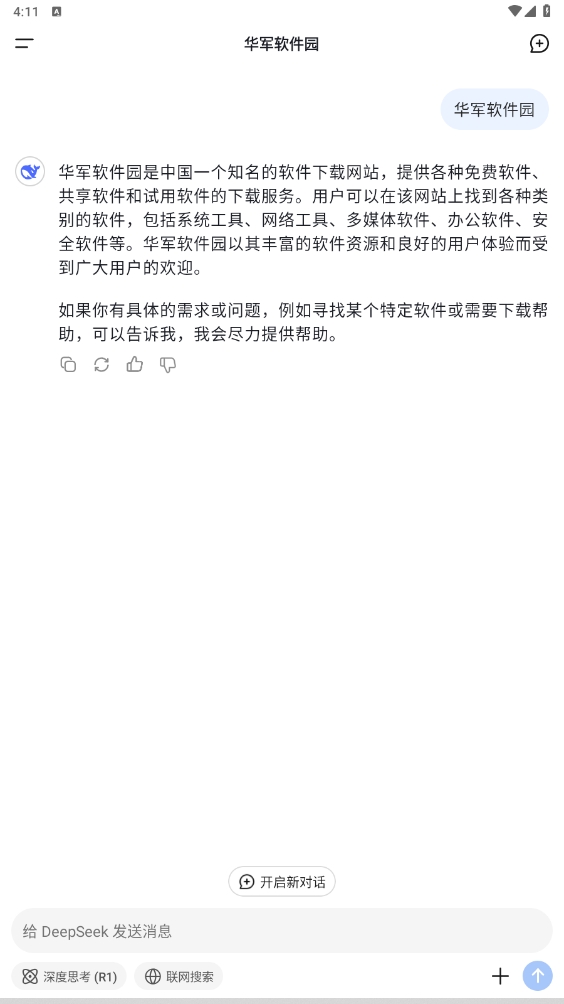
4. If you checked "In-depth thinking" and "NetworkingSearch" option and you will be able to view more detailed content.
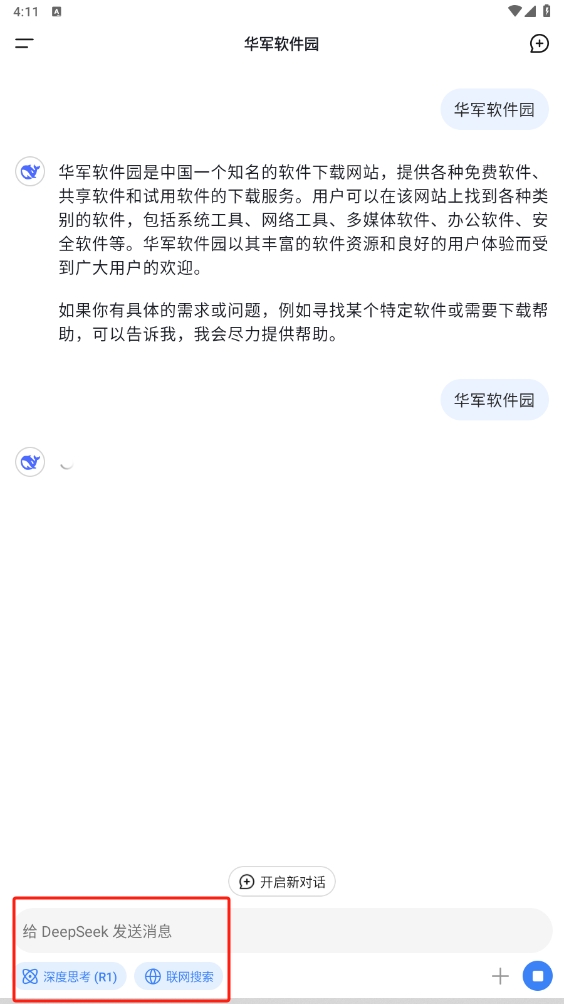
5. Click on the upper left cornermenubutton.
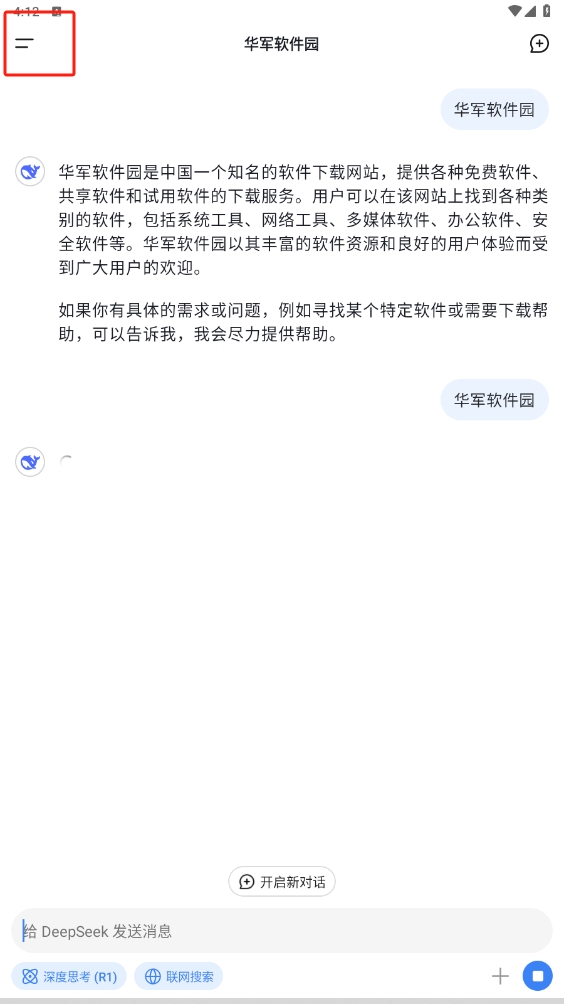
6. You will see historySearchrecord.
DeepSeek official versionSoftware features
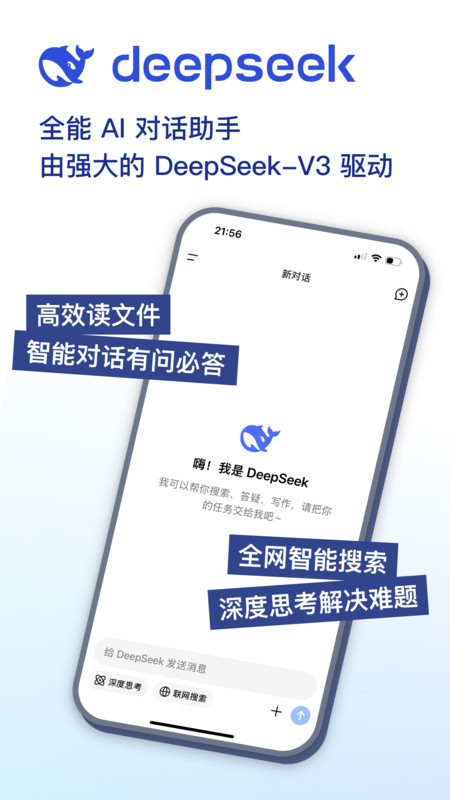
Smart search
Precise search: Use technology to provide fast and accurate search results, coveringweb page,pictures,videoand many other contents.
Personalized recommendations: Intelligently recommend relevant content based on the user’s historical search records and preferences.
voice assistant
Voice recognition: supportVoiceInput, users can search, set reminders and other operations through voice.
Natural language processing: Able to understand and process complex voice commands to provide a more natural interactive experience.
DeepSeek official versionIntelligent recommendations
Content recommendation: Recommend news,Article, videos and other content.
Personalized services: Provide customized services and functions based on users’ usage habits.
Multi-language support
Multi-language translation: supports multiple languages in real timeTranslation, convenient for users to use in different language environments.
Cross-language search: Ability to identify and process search requests in multiple languages and provide cross-language search results.
Privacy protection
Data encryption: Use advanced encryption technology to ensure that usersdatasecurity and privacy.
Privacy Mode: Provides a privacy mode so users can use the app without leaving search history.

DeepSeek official software features
Simple and easy to use: The interface design is simple and intuitive, allowing users to get started easily.
Custom settings: Support users to customize interface layout and function settings to meet personalized needs.
Cross-platform support
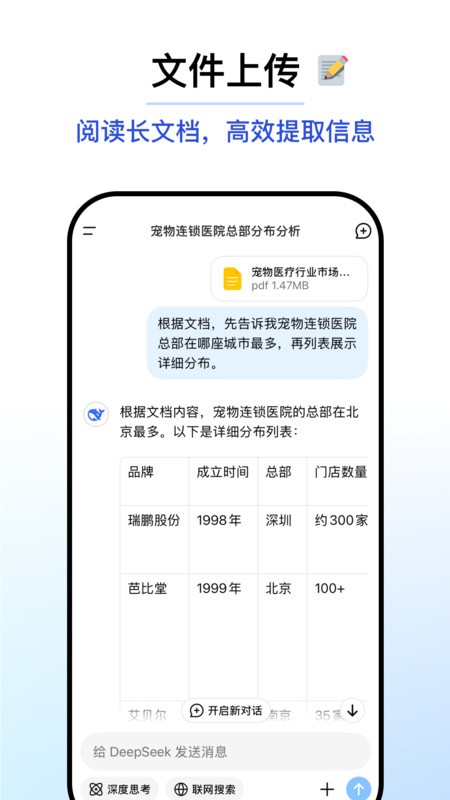
Multi-device synchronization: supports mobile phones, tablets,computerUse it synchronously on multiple devices, and the data is updated in real time.
Cloud storage: Provides cloud storage services so that users can access theirdataand settings.
DeepSeek official genuine software smart reminder
scheduleManagement: Supports functions such as setting reminders and scheduling to help users manage time efficiently.
Smart notification: Smart push is important based on the user’s usage habitsNotificationand reminders.
social integration
SocialSharing: Supports sharing search results, recommended content, etc. to major social platforms.
Social login: Supports login through social accounts, simplifying the registration and login process.
DeepSeek official genuine software continues to be updated
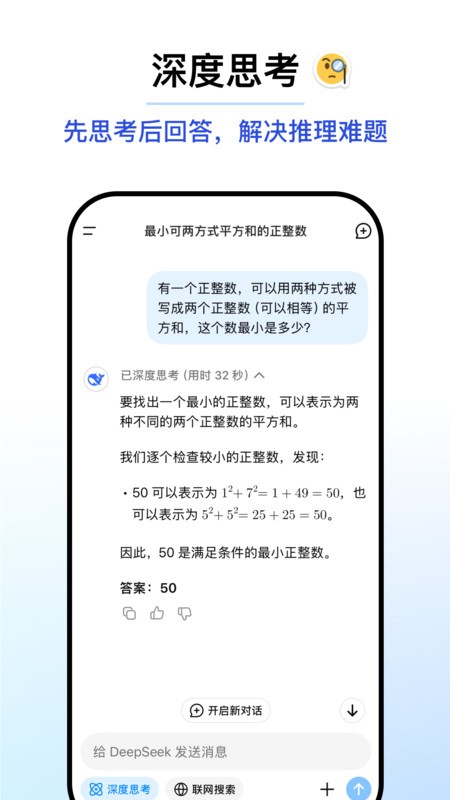
Regular updates: The development team regularly updates the app to add new features and optimize user experience.
User feedback: Pay attention to user feedback and continuously improve the application to meet user needs.
DeepSeek official genuine software update log
Fix some known issues
Huajun editor recommends:
It is one of the best in life services. With its comprehensive functions and simple operation, it has won unanimous praise from users. Come and download it and give it a try. The editor has also prepared for youa village,Settlement Consultant,Blacklight Talent Network,WeChat reading,T3 travel































Useful
Useful
Useful