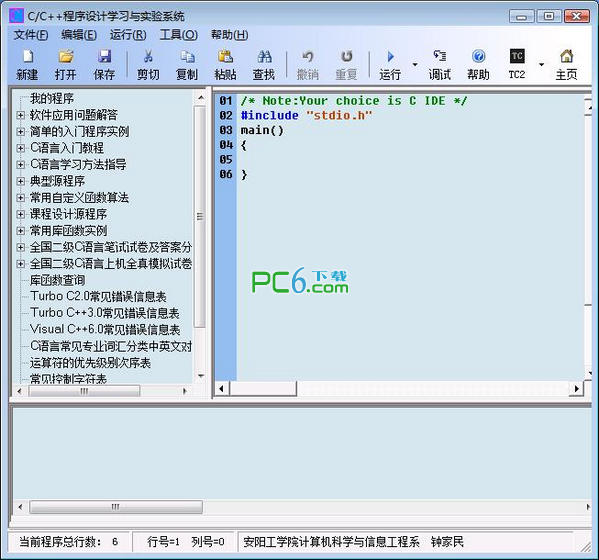
Originally named "Turbo C/C++ for Windows Integrated Experiment and Learning Environment", it has been renamed "C/C++ Programming Learning and Experiment System" and now fully supports WINDOWS 7, which supports 32-bit and 64-bit. It is a simple and easy-to-use C/C++ learning and experiment software tailored by university teachers engaged in front-line teaching according to the characteristics of C/C++ beginners. The software integrates the three most commonly used compilers in C/C++ language teaching in colleges and universities: Visual C++ 6.0, Turbo C++3.0 and Turbo C 2.0, providing a simple and easy-to-use software experimental environment for C/C++ experimental teaching in colleges and universities (the software has no usage date limit and can be used indefinitely). The "C/C++ Introductory Tutorial (with simultaneous experiments in each chapter)" accompanying the software incorporates the author's many years of teaching and learning experience, programming suggestions, programming insights, etc. At the same time, in order to facilitate C language learning, C language learning guidance, introductory program examples, typical source programs, typical function algorithms, course design guidance, course design source programs, Visual C++6.0 Chinese and English compilation error message synchronous display function (and equipped with more than 60 synchronous syntax error program examples, modification methods, etc.), Turbo C2.0 A large number of learning resources such as simultaneous display of Chinese and English compilation error messages, common compilation error messages in Turbo C++3.0, Chinese and English comparison of C language professional vocabulary, 15 sets of National Computer Grade Examination Level 2 C language real test papers and answers from 2004 to 2011, and 10 sets of computer simulation test questions with detailed answers and analysis. In addition, the "Programming Diary" function allows you to record your C language learning process, and the "Data Management" function makes it no longer difficult to find a large number of downloaded materials.
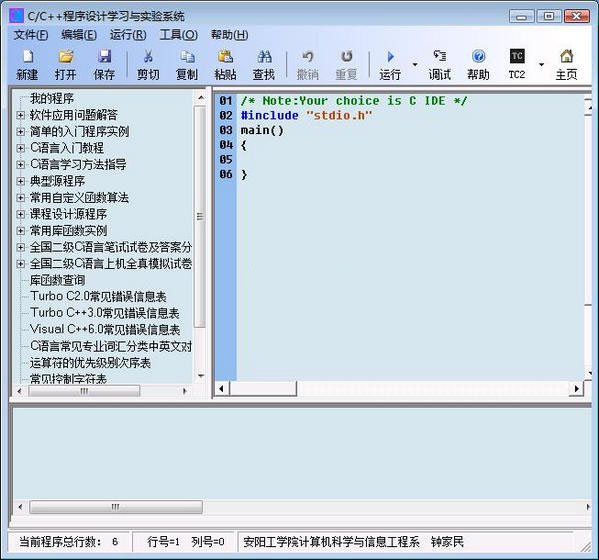
How to use
1 Improved the course design process.
2 Enhanced compatibility for 64-bit WIN8/WIN8.1
3 Simplified the registration method.
4 Fixed some minor bugs.
5 Solve the problem that the U disk version software cannot correctly recognize some U disks















Useful
Useful
Useful