




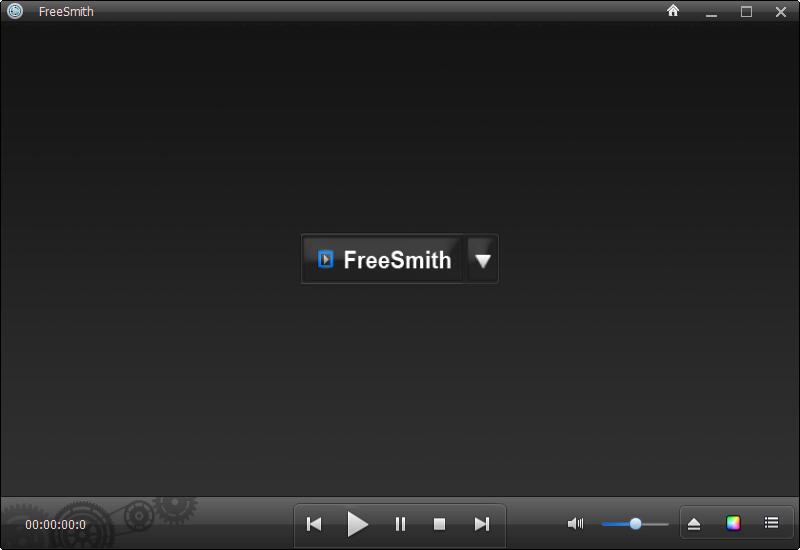
FreeSmith software introduction
FreeSmith Video Player is a free media player that handles various media formats, including Blu-ray Disc standard video files - usually without the need for additional codecs.
FreeSmith function introduction
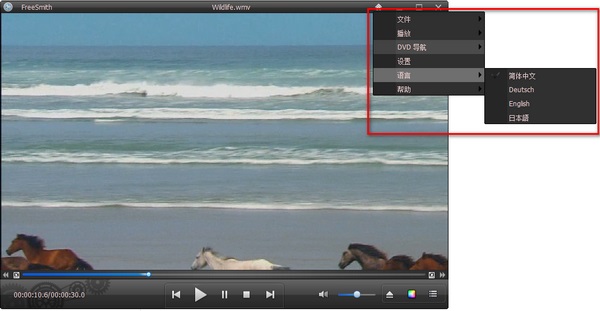
FreeSmith does not require the installation of additional audio and video codecs. You can capture the video being played and adjust the best viewing quality of the video, such as adjusting saturation, brightness, color, playback speed, screen size, sharpness, rotation, audio subtitle synchronization adjustment, etc. Supports multiple languages.
FreeSmith software features
1. There is no need to install additional codec packages, which is similar to the strategy of other popular video players (such as VLC media player). All you have to do is install the app, open it and start playing videos.
2.FreeSmith supports most audio and video formats, such as 3G2, 3GP, 0223, AMV, ASF, AVI, AVS, DAT, DIVX, DV, DVR, DVR- MS, F4V, FLV, IVR, M1V, M2TS, M2V, M4V, MKV, MOV, MP4, MPE, MPEG, MPG, MPV, MTS, OGM, QT, RM, RMVB, SMV, SWF...etc. and DVD and Blu-ray (blu-ray) playback.
FreeSmith installation steps
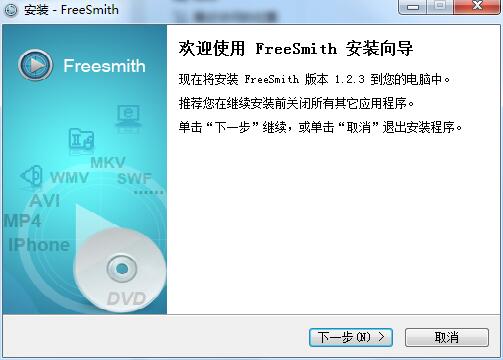
1. Download the FreeSmith computer version installation package from Huajun Software Park. After unzipping, double-click the exe program to enter the installation wizard and click Next
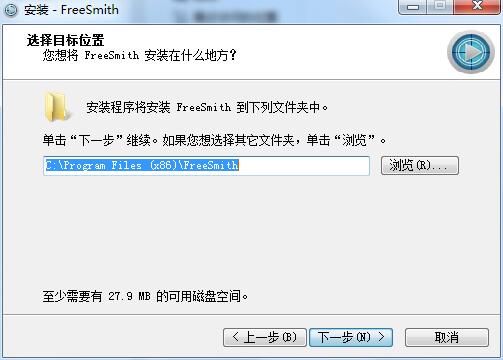
2. Click "Browse" to select the installation folder. Generally, it is installed on the C drive of the computer by default. It is recommended to install on the D drive. Click Next.
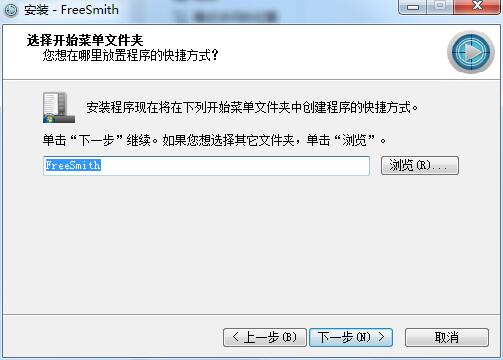
3. Click "Browse" to select the start menu folder and click Next
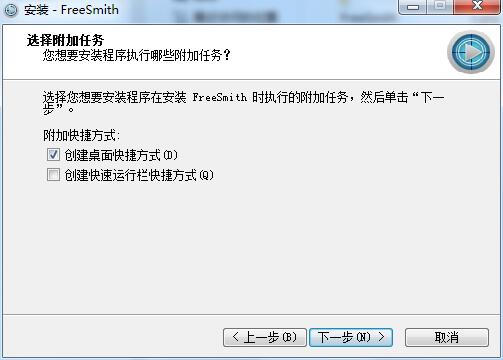
4. Select additional tasks, check Create desktop shortcut, and click Next
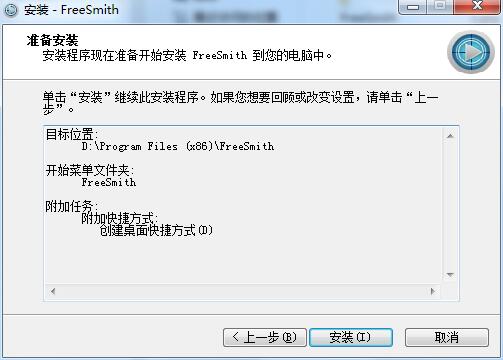
5. The installation program is ready, click Install
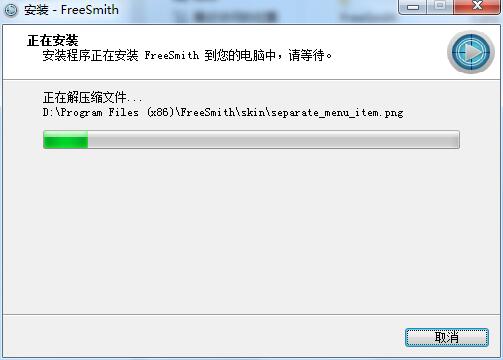
6.FreeSmith is being installed, please wait patiently.
FreeSmith update log
1.Fix several bugs;
2. Optimize detailed issues;
Huajun editor recommends:
The editor of Huajun Software Park has compiled and collected software that you may like, such as:Windows Media Player,zero degree player,swf play wizard,All-in-one audio and video format decoder,Taijie videoYou can download it from this site.




Useful
Useful
Useful