





Features of Chenhe Family Accounting Software
1. The software interface is simple and clear, and you can operate it according to the guidance
2. Automatic database backup and encryption
3. Provide powerful chart analysis function of income and expenditure data to make income and expenditure accounts clear and clear
4. During use, the machine is not connected to the network, the data is encrypted, and it is very safe during use.
5. Accounting can simultaneously display various statistics, management, and control of revenue and expenditure, and the effect is obvious
Chenhe family accounting software installation steps
1. Download the computer version installation package of Chenhe Family Accounting Software from Huajun Software Park. After unzipping, double-click the exe program to enter the installation wizard and click Next

2. Read the license agreement, click "I accept", and click Next
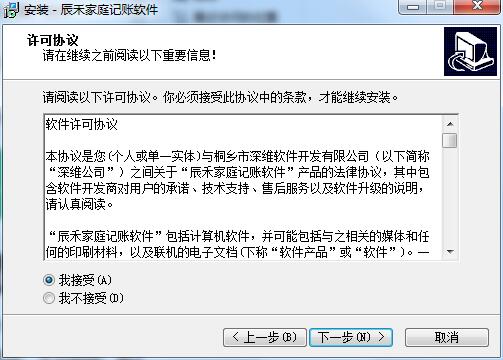
3. Click "Browse" to select the installation folder. By default, it will be installed on the D drive of your computer. Click Next.
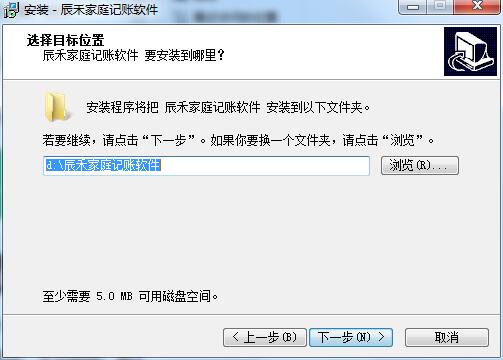
4. Click "Browse" to select the Start Menu folder and click Next
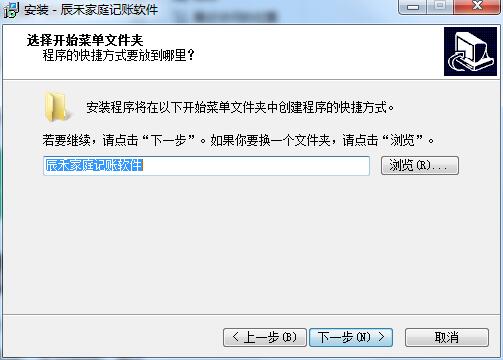
5. Select additional tasks, check Create desktop shortcut, and click Next

6. The installation program is ready, click Install
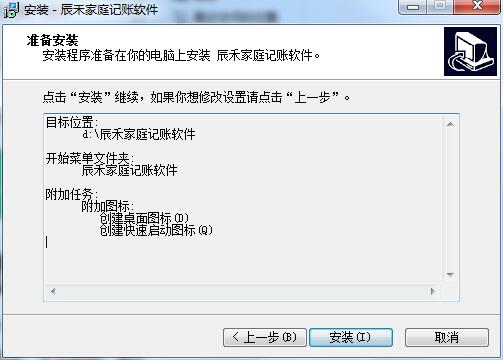
7. Chenhe family accounting software is being installed, please wait patiently.
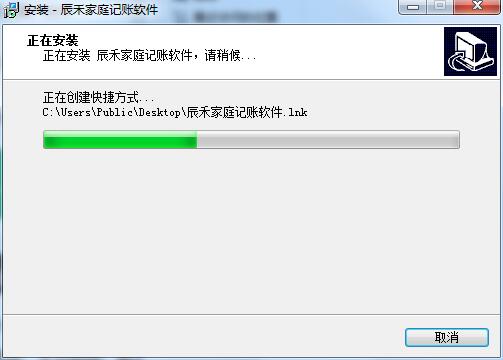
8. Read the following important information before installation and click Next

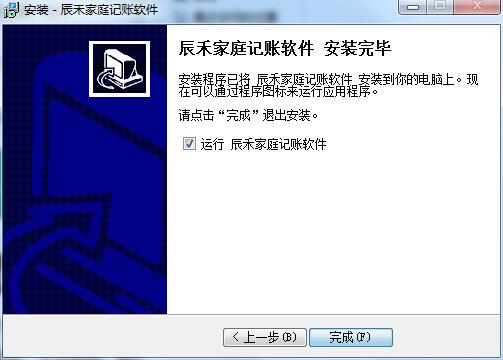
9. The installation of Chenhe Family Accounting Software is completed. Click Finish to exit the installation wizard.
Chenhe family accounting software update log:
1. Fixed BUG, the new version has a better experience
2. Some pages have been changed
Huajun editor recommends:
Chenhe family accounting software is a good software. If you are interested, please download it and use it. I believe you will like it.memo,L-Vision,Thinking schedule and notes,Meijie Desktop Notes,Rapid PDF CountIt is also a good software and is recommended for students to download and use.




Useful
Useful
Useful