



FLV video player official version
The official version of FLV Video Player is a playback tool for FLV and F4V format video files. FLV video player not only supports playing FLV files, but also supports F4V files, and has functions such as full screen, zoom, and volume control. FLV video player can also help users quickly search for real addresses of music, videos, files, etc. Huajun Software Park provides FLV video player download service. To download other versions of FLV video player, please go to Huajun Software Park!

FLV video player software features
Support zoom, full screen playback, volume control
Quickly open and display Flash video files, FLV video formats (*.flv files) and f4v video formats (*.f4v files)
Contains all necessary video codecs and audio codecs
No need to install any additional software, this small software can help you view your Flash videos easily
FLV video player software features
①flv. Supports flv files with video encoding as H.264 and audio encoding as AAC or MP3.
②Supports lazy loading of videos and segmented loading and playback.
③Supports both live broadcast and recording
④ Occupies extremely low resources, uses hardware acceleration, has better performance, and supports high definition.
⑤Written in pure JavaScript, no need to rely on Flash.
FLV video player installation steps
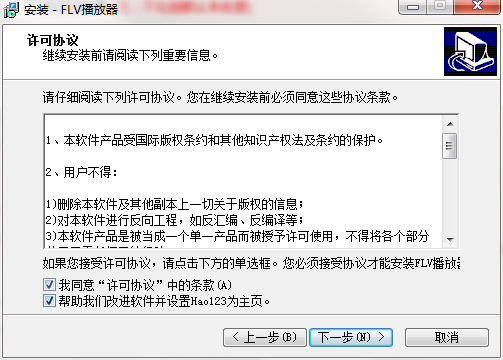
1. Download the FLV video player from Huajun Software Park and unzip it to the current folder. Click on the flvplayer.exe application to enter the installation wizard interface, then click Next. Then we come to the license agreement interface, check I accept, and then click Next.
2. At this time we enter the installation interface, we need to click to install.

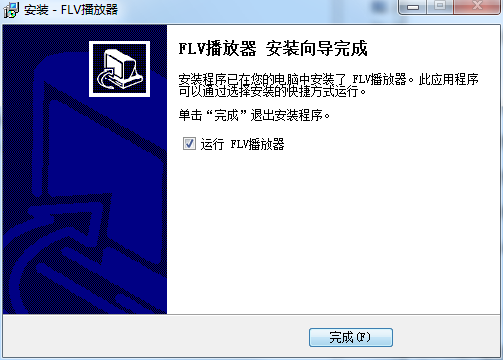
3. The FLV video player installation is completed, click Finish.
How to use FLV video player
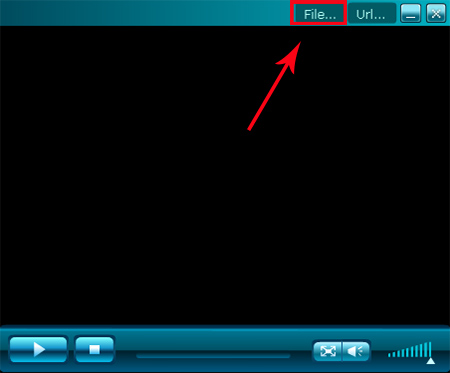
First, open flv video player.exe, open and click "FILE..."
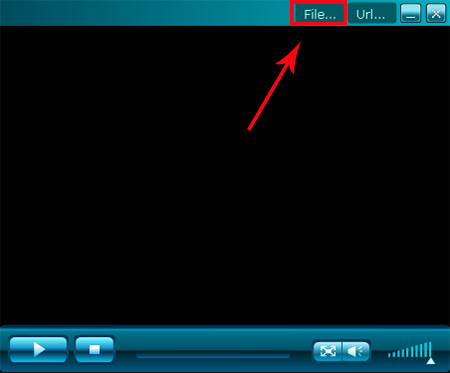
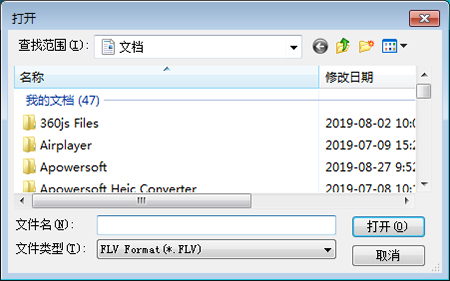
menu to open the window shown, select the FLV file on your computer in this window to play it
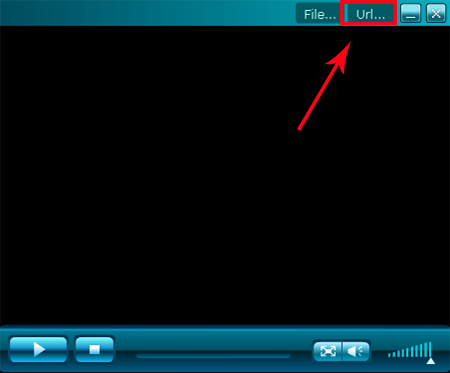
Click on the "URL..." menu to open it
shown in the window, enter the remote URL address in the input box of this window to play online
FLV video player FAQ
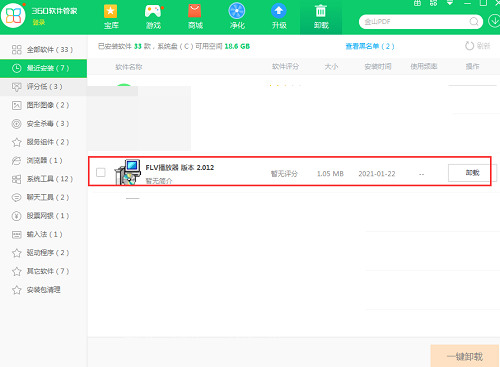
Q: How to uninstall FLV video player?
Answer: Method 1: Install and open the computer manager software, select the software management option, click the uninstall option, find the FLV video player in the list, and click uninstall

Method 2: Install and open360 software manager, find FLV video player in the list of uninstall options, and click to uninstall.
Comparison of similar software
MP4 video playerIs a playback tool for playing video files. MP4 is a popular high-definition video format on the Internet. It is also loved by people for its high definition, and almost all tools can support the playback of MP4 files. But MP4 players can not only play MP4 files, but also support the playback of various other video formats.
WMV playerIt is a free multimedia video player that comes with its own video and audio decoders, so there is no need to install third-party decoders. WMV player can play all video formats, such as AVI, DAT, MPEG, DivX, XviD, WMV, ASF. MP4, FLV, MP3, etc., also support full-screen high-definition playback. The WMV player also has the characteristics of consuming less resources, low CPU usage, smooth playback of high-definition videos, and very stable playback. It is an indispensable tool for watching videos.
Huajun editor recommends:
FLV video player not only supports playing FLV files, but also supports F4V files, and has functions such as full screen, zoom, and volume control. FLV video player software is a software with excellent performance, which is obvious to all. Come download and use it now!




Useful
Useful
Useful