




- Green versionView
- Green versionView
- Green versionView
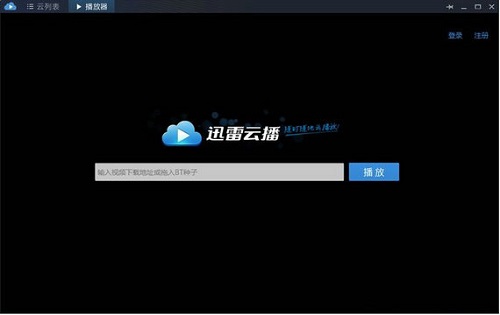
Features of Xunlei Cloud Broadcasting Software
1. Rich video library and smooth online on-demand service
2. Compatible with local playback of mainstream film and television media format files
3. Automatically download video subtitles online
4. Video recommendations after playing the video (see if you like it)
5. Automatically record the file location when the player was last closed
6. Automatically prompt for video updates
7. When playing a video, configure the player to display it at the front of the screen.
8. Automatically add similar files to playlist settings
9. Automatically shut down after playback is completed
10. Supports multiple recording and clearing method settings for playback records
Thunder cloud broadcast installation steps
1. Download the installation package of the official version of Thunder Cloud Broadcast in Huajun Software Park

2. After downloading, unzip the compressed package into a folder named after this software

3. Open the folder and double-click the "exe" program
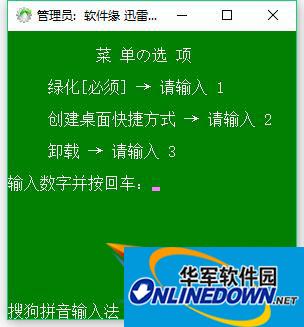
4. Thunder Cloud Broadcast is a green software and can be used without installation.
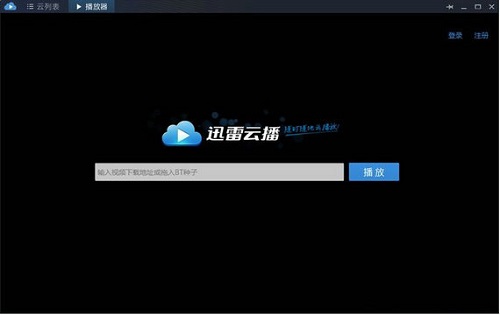
How to use Thunder Cloud Broadcast
1. Find the download address or BT seed of the video you want to watch online.
2. Copy the download address directly into the cloud broadcast address box and click the "Play" button.
3. The seed file is first saved to the local disk, and then the upload operation is completed before it can be played.
Thunder cloud broadcast FAQ
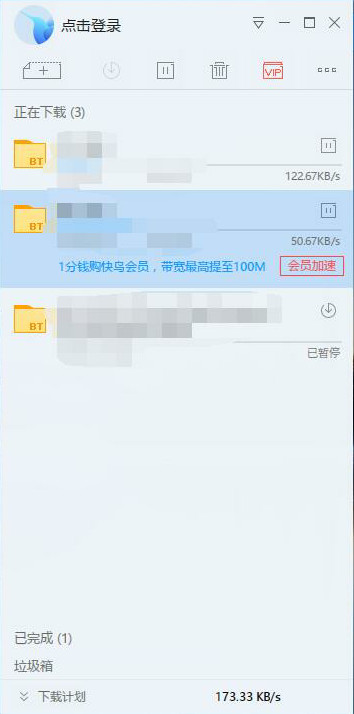
Why does the expressway appear with the prompt “High-speed status reached”?
This prompt will appear when the accelerated download reaches the bandwidth limit speed and cannot continue to accelerate.
Will high-speed traffic be deducted repeatedly for the same file?
No, within a natural month, if you have used the express channel to download this resource (including unfinished downloads) and the traffic has been successfully deducted, then within this natural month, if you use this account to download this resource again, your traffic will not be deducted. If you change your account or download this resource after the next calendar month, your traffic will be deducted again.
What is Thunder Cloud Broadcast?
Xunlei Cloud Broadcast is Xunlei’s new video online viewing function:
Submit the BT seed or download link of the video file, and it can be downloaded by Xunlei Cloud and transcoded into a standard format, thereby achieving fast and stable playback. It supports iPad, iPhone, Android and other mobile devices, so there is no need to download the video locally and then convert the format;
My network is fine, but the playback speed is not as fast as the download speed?
Downloading and playback cannot be compared with speed. Downloading is a concurrent download by multiple threads at the same time, while Xunlei Cloudcast is only a single-thread download; therefore, the speed of Xunlei Cloudcast will be slower than the download speed.
What formats of video does Xunlei Cloudcast support for online playback?
Currently, the backend supports the following 16 mainstream formats for online automatic cloud transcoding:
rmvb, rm, wmv, mp4, avi, mkv, ts, asf, mpg, mov, 3gp, mpeg, m4v, vob, flv, xv;
Thunder cloud broadcast update log
The developer of GG said that there are really no bugs this time~
Huajun editor recommends:
After continuous official improvements, Xunlei Cloudcast can meet all your needs. Come download and experience it. Of course, this site has also carefully prepared for youP2psearcher,Shuijingzhu,National specification downloader,BitComet 2011,GetRight


















Useful
Useful
Useful