





- Green versionView
- Green versionView
- Green versionView
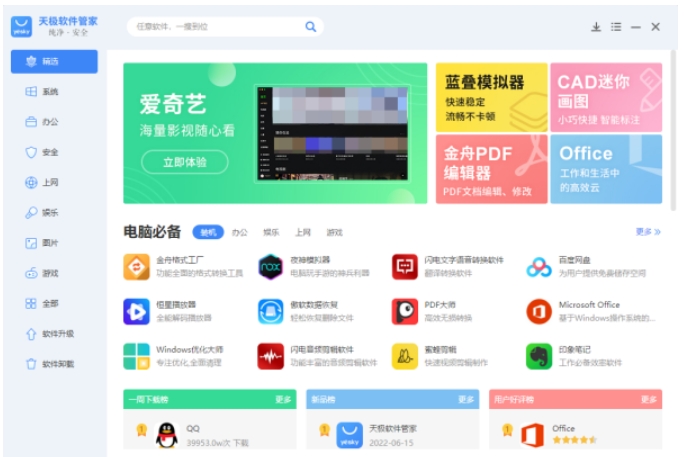
Tianji Highlights
Pure and unbundled: Exclusively launches the "green modified version" of the software, completely removing advertising plug-ins;
Intelligent recommendation: AI selection engine based on user scenarios, with a matching degree of over 90%;
Enterprise services: Provide software batch purchase authorization and SAAS deployment solutions;
Developer ecology: There is a special area for independent software authors to help small and medium-sized developers monetize.
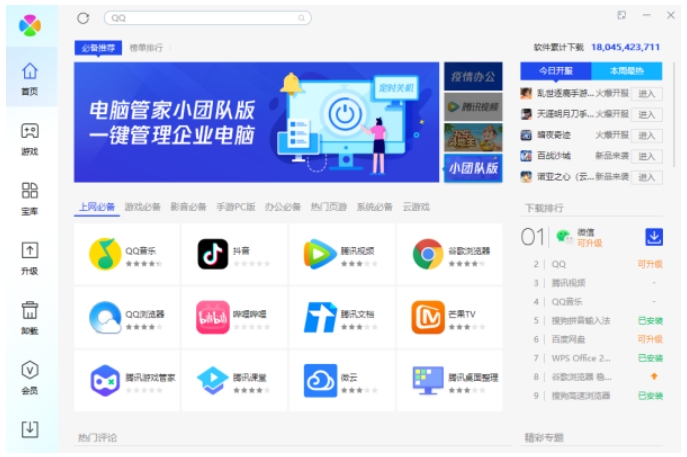
Features of Tianji
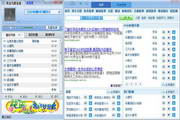
Simple interface and easy operation
The interface design is high-end and elegant, with no pop-up ads and a pure user experience.
Functions are clearly classified, allowing users to quickly locate the software or functions they need.
Intelligent recommendation and personalized service
Intelligently recommend related software based on user usage habits and preferences.
Provide personalized setting options, such as setting the installation location as desired, to meet the diverse needs of users.
Multi-platform compatibility
It is perfectly adapted to mainstream operating systems such as Win10 and provides good software management solutions.
Supports background real-time monitoring of software source file security to ensure system security.
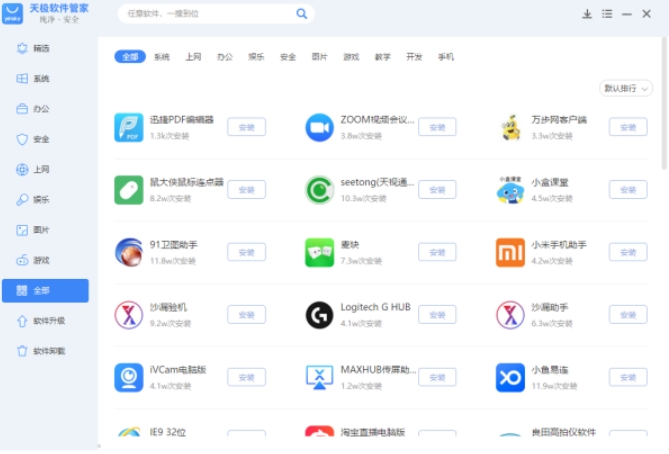
Tianji function
Software download and installation
Provides one-click download function for all categories of software, covering office software, security software, entertainment software, etc.
The software is rich in resources and has been strictly reviewed to ensure that it is virus-free and unbundled, so users can download it with confidence.
Software upgrade and optimization
Detect updated versions of installed software in real time and provide one-click upgrade functionality.
Provide software upgrade and optimization reminders to ensure that users always use the latest and most secure software versions.
Software Uninstallation and Cleanup
Supports one-click uninstallation of installed software, clears residual files, and frees up hard drive space.
Provides residual file cleaning function to ensure complete uninstallation and avoid accumulation of system garbage.
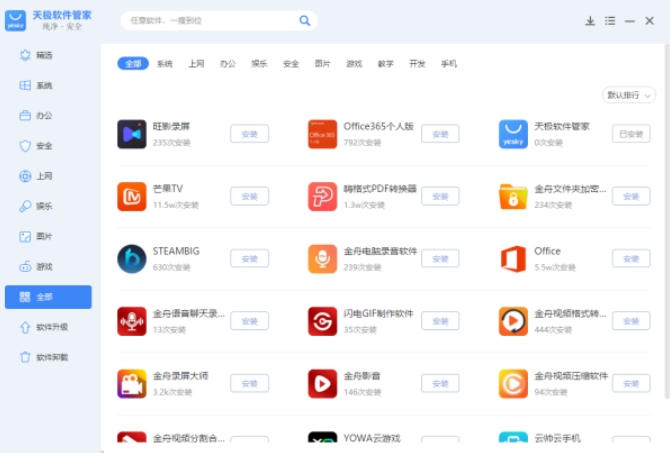
Tianji FAQ
Unable to completely uninstall software
Possible reasons:
The uninstaller did not completely remove registry keys or residual files.
The software is locked by the system (eg a background process is running).
Solution:
Use the official uninstall tool:
Through the control panel "Programs and Features" → find the software → right-click to uninstall.
If the uninstallation fails, download a special uninstall tool (such as "Tianji Software Uninstall Assistant") from Tianji.com.
Manually clean up residue:
Delete the software installation directory (such as C:Program Files[software name]).
Use the Registry Editor (regedit) to delete the remaining entries under HKEY_CURRENT_USERSoftware [Software Name] and HKEY_LOCAL_MACHINESOFTWARE [Software Name] (back up the registry before operation).
Tianji update log:
Developer GG said there are really no bugs this time~
Huajun editor recommends:
A very good Tianji, easy to use and powerful, don’t miss it if you need it. This site also providesThunder Express Edition,Shuijingzhu,National specification downloader,BitComet 2011,GetRightAvailable for you to download.


























Your comment needs to be reviewed before it can be displayed