




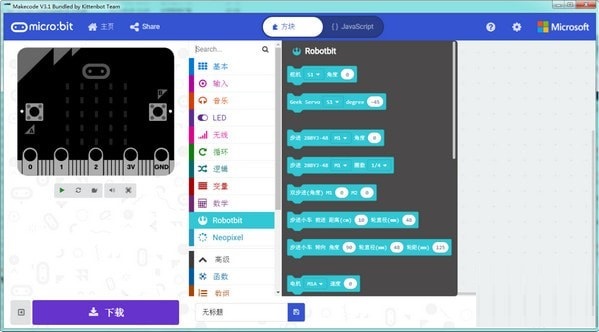
makecode software features
First: No network restrictions; (play anytime, anywhere)
Second: You can directly download hex to the microbit without popping up the download window and selecting the microbit every time;
Third: Built-in serial port debugging tool. Isn’t it uncomfortable to always rely on the 5x5 panel to debug code? Now there is serial port printing. (I like this very much)
makecode installation method
Download the latest version of makecode software package from Huajun Software Park, unzip it, and run the "exe. file"
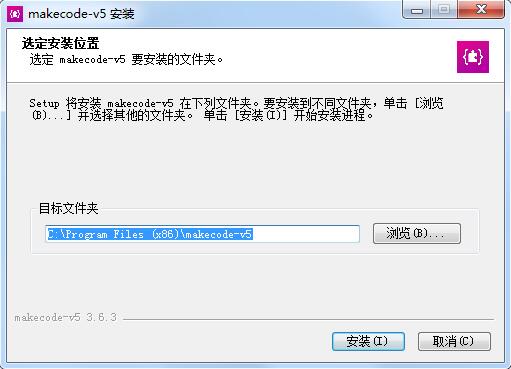
Double-click to open, enter the installation wizard, select the installation location, the default is C drive, click Install
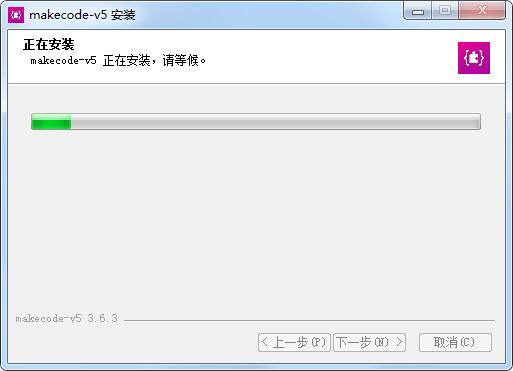
Makecode is being installed, please wait patiently.
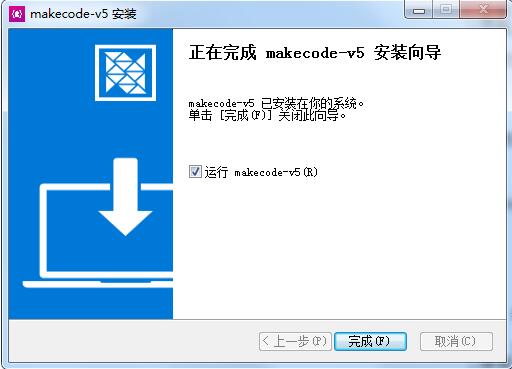
The installation is complete, click Finish to exit the installation wizard
How to use makecode
Makecode offline version steps:
Extract the downloaded compressed package to a non-Chinese path
Plug in the Microbit, and then double-click mbedwinSerial in the compressed package (this is a serial port driver. You must plug in the Microbit before double-clicking to install it, otherwise the installation will definitely fail. This driver can be installed or not. If it is not installed, the serial port cannot be used. There is no problem in downloading the program!)
Double-click the Makecode icon to use the offline version
makecode update log
1. Sweep the bug out and carry it out to the end
2. The most stable version ever
Huajun editor recommends:
Makecode is so easy to use. It is one of the best software among programming tools. I believe friends who have used it will say it is easy to use. If you don’t like it, we still have it.AlphaEbot action editing software,He Xiaoxiang programming client,Automated testing tool AutoRunner,Easy GUI,Little turtle LOGO language




Useful
Useful
Useful