




- Green versionView
- Green versionView
- Green versionView
- Green versionView
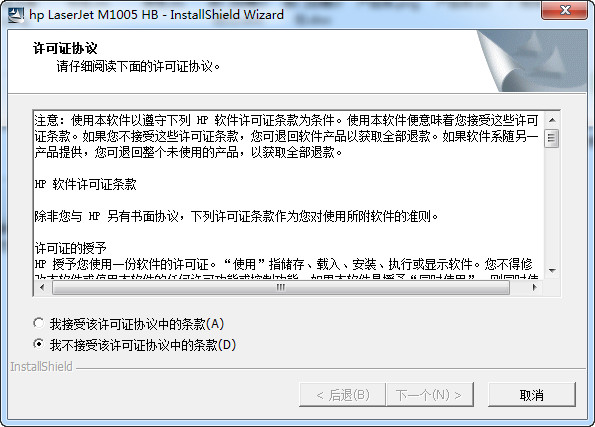
How to use hp laserjet m1005 printer driver:
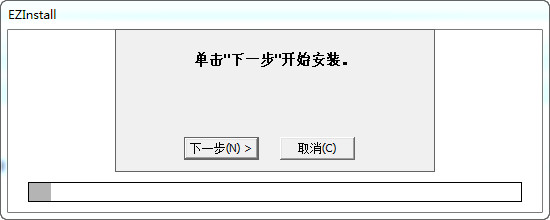
Click Next to start the installation
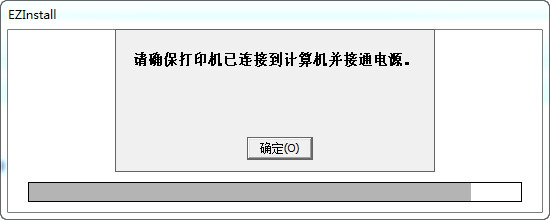
Make sure the printer is connected to the computer and powered on
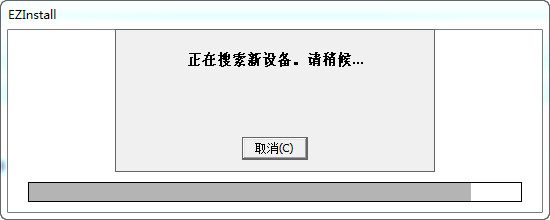
After the program searches for the printer device, it can be driven normally.
Basic parameters of hp laserjet m1005 printer:
Black and white printing speed up to 15 ppm(letter)/14 ppm(A4)
Print resolution HP Resolution Enhancement Technology (REt) and FastRes 1200 technology (up to 600 x 600 x 2 dpi)
Black and white print quality up to FastRes 1200 dpi (physical resolution 600 x 600)
Printing technology black and white laser
Print language Host based
Monthly print load up to 5,000 pages/month
Duplex printing Manual duplex printing
scan
Scan type Flatbed
copy
Black and white copy speed (engine speed) up to 15 ppm(letter)/14 ppm(A4)
Zoom 25% to 400%
media handling
Media types Paper (plain, laser), envelopes, transparencies, labels, and cards and postcards
Media sizes A4, A5, B5, C5, C6, DL, postcard
Paper handling 150-sheet tray, 10-sheet priority input slot; 100-sheet downward output tray
storage
Standard memory 32 MB
Large memory 32 MB




Useful
Useful
Useful